07 Driver support
07
229
City Safety™ - symbols and
messages
In conjunction with automatic braking by the
City Safety™ (p. 223) system, one or more
symbols may illuminate in the combined
instrument panel and a text message may be
shown. A text message can be acknowledged
by briefly pressing the OK button on the
direction indicator stalk.
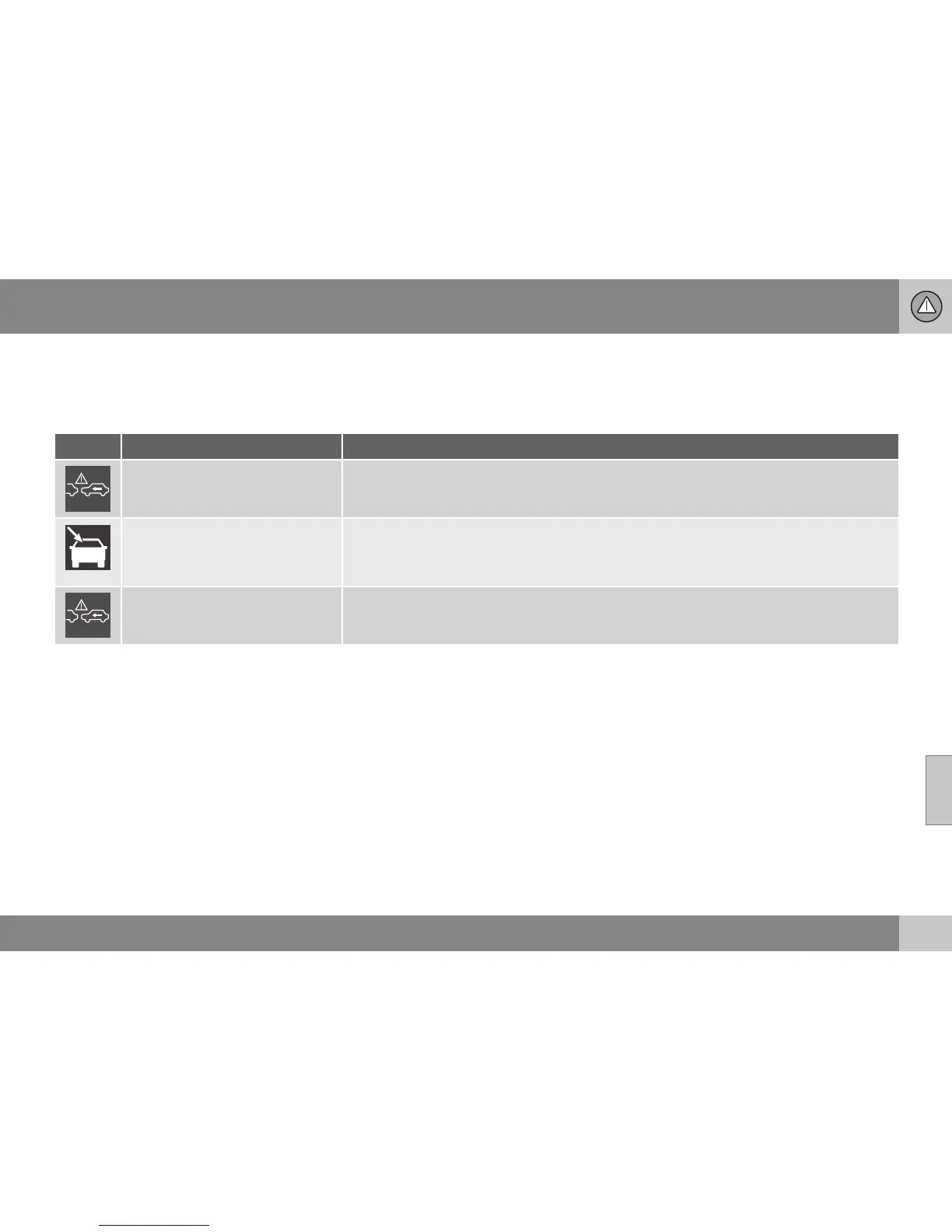
Symbol Message Meaning/Action
Auto braking by City Safety
City Safety™ is braking or has automatically braked.
Windscreen sensors blocked
See manual
The laser sensor is temporarily non-operational because something is blocking it.
•
Remove the object blocking the sensor and/or clean the windscreen in front of the sensor.
Read about laser sensor limitations (p. 225).
City Safety Service required
City Safety™ is not operational.
•
Visit a workshop if the message remains - an authorised Volvo workshop is recommended.
Related information
•
City Safety™ (p. 223)
•
City Safety™ - limitations (p. 225)
•
City Safety™ - function (p. 223)
•
City Safety™ - operation (p. 224)
•
City Safety™ - laser sensor (p. 227)


 To Next Page