07 Driver support
07
* Option/accessory, for more information, see Introduction.
253
Related information
•
Park assist camera - settings (p. 253)
•
Park assist camera - limitations (p. 254)
•
Park Assist* (p. 247)
Park assist camera - settings
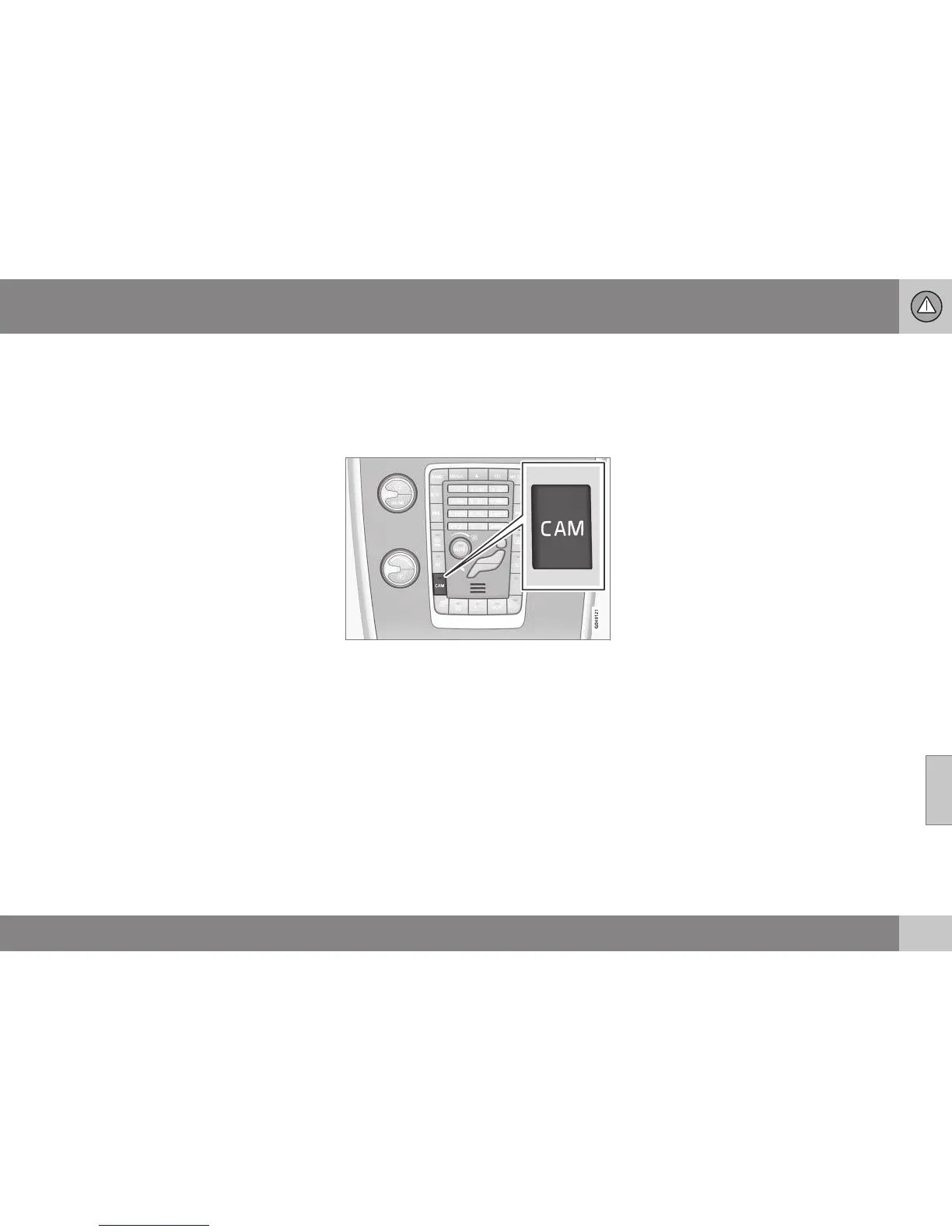
Activate switched-off camera
If the camera function is switched off when
reverse gear is selected, it is activated in the
following way:
•
Press CAM - the screen shows the cur-
rent camera view.
Change setting
The default setting is that the camera is acti-
vated when reverse gear is selected.
The settings for the parking camera can be
changed when the screen shows a camera
view:
1. Press OK/MENU when a camera view is
shown - the screenchanges to a menu
with various options.
2. Turn to reach the desired option with
TUNE.
3. Highlight the option by pressing OK/
MENU once and go back out with EXIT.
Miscellaneous
If the car has several cameras* installed, the
active camera view on the screen can be
changed:
•
Press CAM or turn TUNE.
Related information
•
Park assist camera* (p. 251)
•
Park Assist* (p. 247)


 To Next Page