www.vonets.com VAP11G User Manual
- 7 -
Sales Tel
Sales TelSales Tel
Sales Tel:
::
:+86
+86+86
+86-
--
-755
755755
755-
--
-26642519
2664251926642519
26642519、
、、
、26645879
2664587926645879
26645879
E
EE
E-
--
-mai
maimai
mail:sales@vonets.com
l:sales@vonets.com l:sales@vonets.com
l:sales@vonets.com
Technical
TechnicalTechnical
Technical
support: +86
support: +86support: +86
support: +86-
--
-755
755755
755-
--
-26645879
2664587926645879
26645879-
--
-807
807 807
807
E
EE
E-
--
-mail: support@vonets.com
mail: support@vonets.commail: support@vonets.com
mail: support@vonets.com
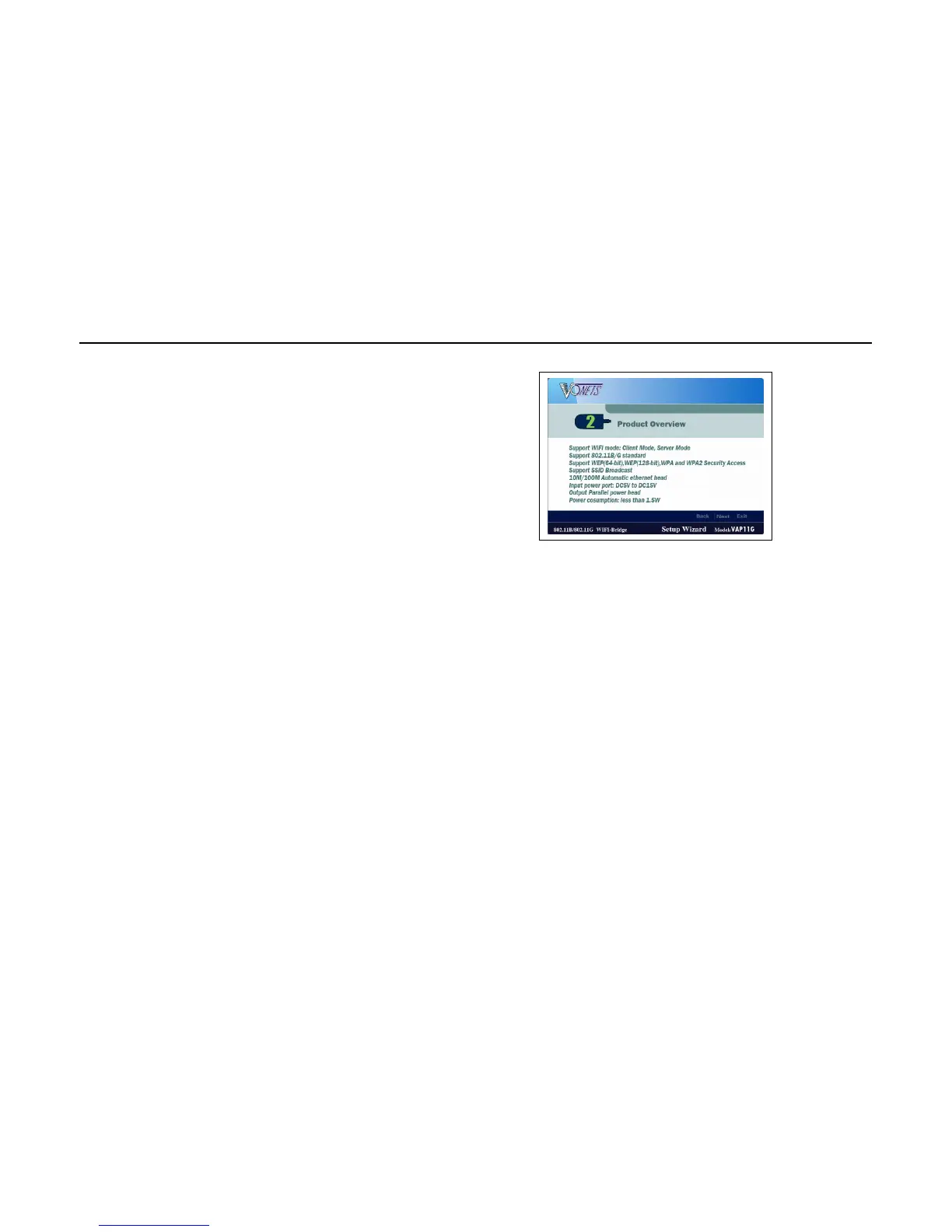
3. After reading the Product Overview on screen 2, click Next.
4. Double check the physical connection according to the instruction on screen 3, 4 and 5.
Please always click Next to continue.


 To Next Page