CrossFire
™
HD 1400
6 7
Low Battery Icon
The low battery icon displays once
the battery reaches 25% life and
stays on until there is no power.
Focus
Adjust the eyecup/diopter until the image is sharp. Make
note of this diopter setting in case you need to set it again.
Diopter Focus
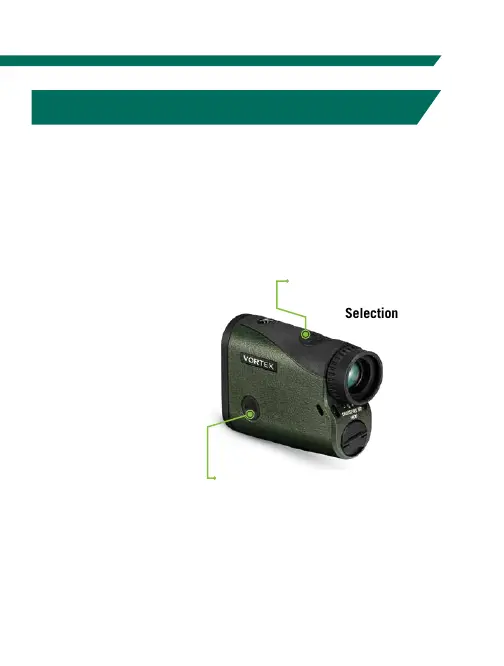
MODE SELECTION
The Crossfire
™
HD 1400 is factory set to the angle
compensating HCD range mode, Normal target mode,
brightness level 3, default auto-shutoff at 20 seconds,
and displayed in yards.
To change modes:
After the Crossfire
™
HD 1400 is
powered up,
activate the Mode/
Display Selection
by pressing and
holding the “Menu”
button for at least
two seconds.
Use the “Menu”
button to activate
the Mode Selection
displays. Use the “Measure” button to toggle through each
Mode Selection option. You may exit Mode Selection at any
time and save your settings by pressing and holding the
“Menu” button for at least two seconds.
Use the Measure button to
toggle through each Mode
Selection option.
Use the “Menu” button to activate
the Mode/Display Selection displays.



 To Next Page