DIAMON DBACK
™
HD 2000
12 13
LOS Mode
The Line of Sight (LOS) Mode is intended for rifle shooters
using a slope correcting ballistic drop data card, or ballistic
solvers and shooting at distances beyond 500 yards with
slopes greater than 15 degrees.
The range number displayed in LOS Mode is the actual line
of sight range with no ballistic correction for slope. Most
commonly used ballistic solvers can provide independent
slope correction for bullet drop data and require actual line
of sight range input. Using LOS range when calculating
bullet wind drifts under these steep slope/long-range
conditions will provide a higher degree of accuracy than
using the HCD range.
To use, simply input the LOS range number into the
ballistic solver and use the LOS range when referencing
ballistic drop cards with slope correction.
When in LOS mode,
an additional number
is displayed above the
range number. This
number is slope incline
shown in degrees.
Incline Angle
LOS Range
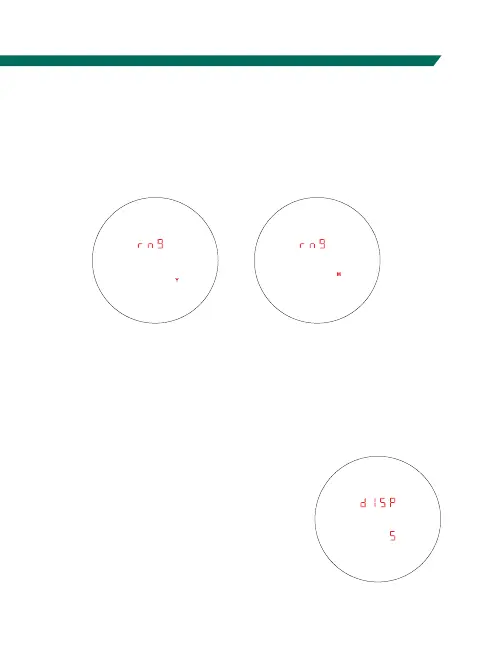
Range Unit Selection
Press the “Measure” button to toggle between the Yards
and Meters display. Press the “Menu” button to save your
desired choice and move to the Brightness Selection screen.
Brightness Selection
Choose Between Five Brightness Settings
The Diamondback
™
HD 2000
provides five brightness settings.
Press the “Measure” button to toggle
through the brightness settings.
Press and hold the “Menu” button
for at least two seconds to save the
desired setting. The unit will return
to the power-up condition.



 To Next Page