DIAMON DBACK
™
HD 2000
14 15
TARGETING MODE EXPLANATIONS
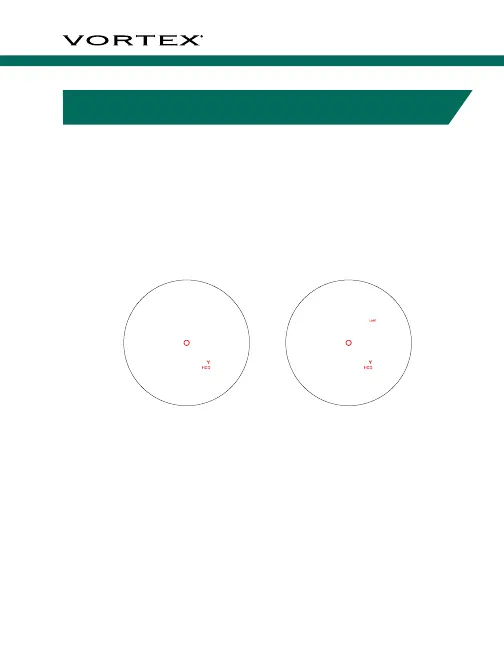
Choose Between Normal Mode or Last Mode
Press the “Measure” button to power the unit on. Press
and release the “Menu” button to toggle between Normal
and Last Mode. When in Last targeting mode, “Last” will
be in the upper right-hand corner of the display. When in
Normal targeting mode it will be blank.
Normal Mode
The Diamondback
™
HD 2000 comes preset to Normal
target mode. This is the standard mode providing the
target’s range with the strongest range result. Normal Mode
is the recommended target mode for most situations.
Last Mode
This mode displays the farthest
distance when panning and
scanning. It is ideal for ranging
a specific target behind a group
of objects, such as rocks, trees,
brush, etc.
RANGING
With the Diamondback
™
HD 2000
powered up, position the reticle
on the target object you wish to
range, then press and release
the “Measure” button to get the
distance measurement. If the laser
is not able to range due to the
reflectivity of the target object,
or being too close, you will see
a display similar to that shown
here. To range a new target, simply
re-aim and press the “Measure”
button again.
Range captured



 To Next Page