7
GETTING STARTED
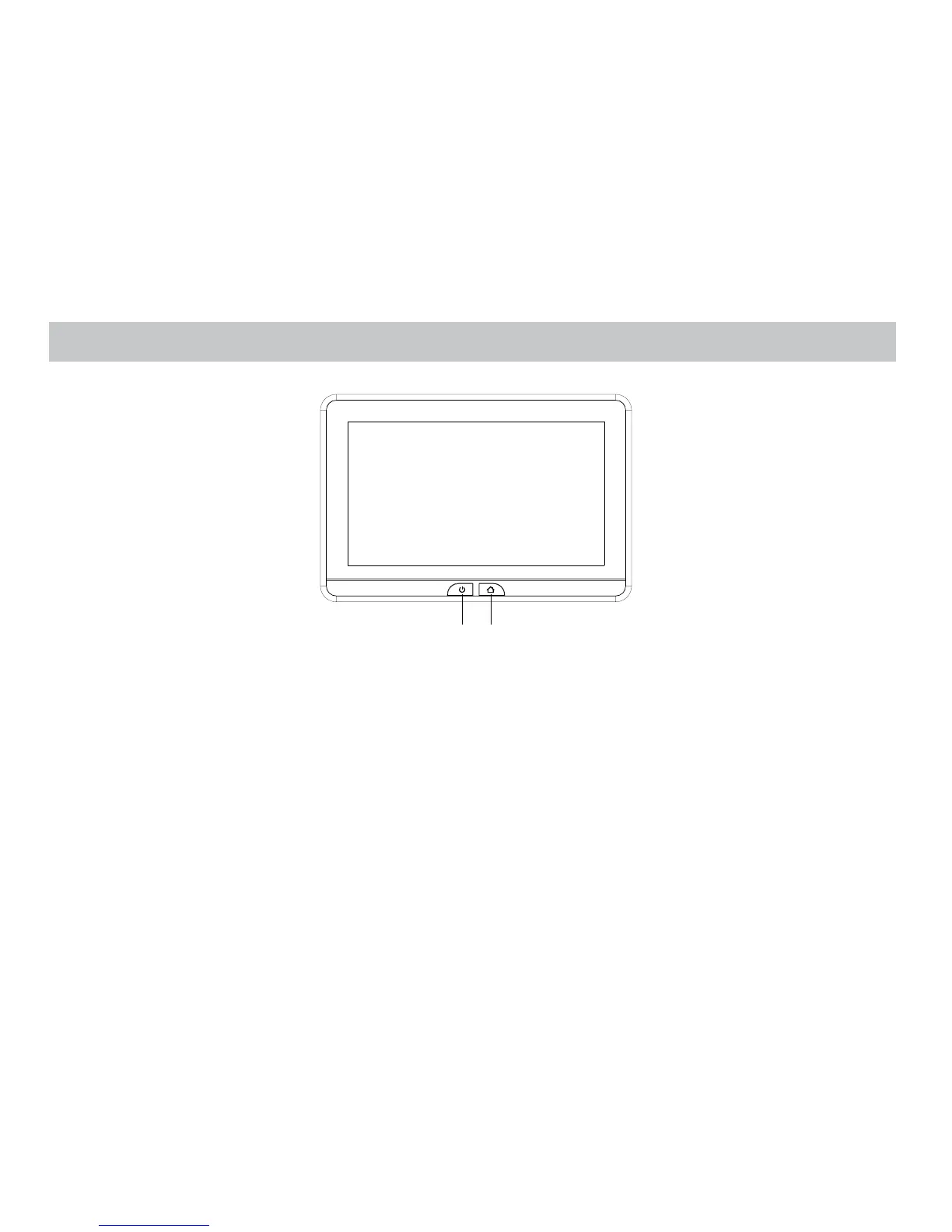
1. To start the system, the vehicle ignition key switch must be in ACC or engine ON position.
2. The Power Button and Home Button LED backlight will ashing RED and BLUE when the system is in ignitial position. Upon ignitial completed the
Power Button and Home Button LED backlight will turn RED stay in Standby position. It will take approximately 12 seconds to 15 seconds to complete
the system ignitial.
3. To turn ON the system press the Power Button and logo image will appear on the screen. After the logo image display, Home Main Menu will appear
on the screen.
Power Button
Home Button


 To Next Page