24 Trail Tech Voyager
User Interface » User Tab
User Tab:
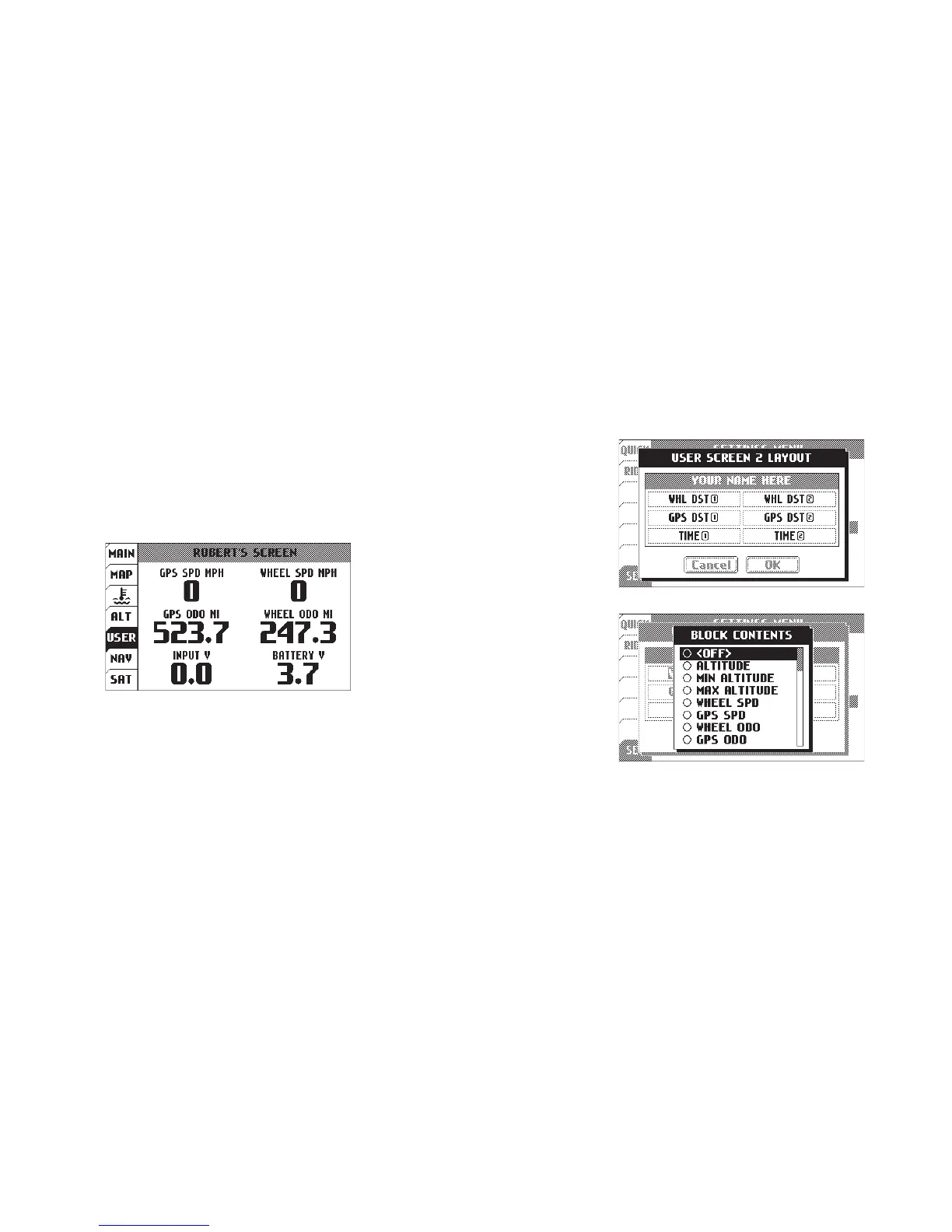
User Screen 1
The user screens are customizable.
Choose 1-6 items for display. Press
RIGHT from the user tab to see the
second user screen. Press MENU to
edit. For each screen, you can change
the screen name, and what and items
are displayed.
Data Blocks:
Display 1-6 data blocks. if you turn
off some blocks, Voyager will center
the remaining blocks on the screen for
better visibility.
User > User Screen Settings:
Edit the screen
title and choose
items to appear
on the screen.
You can have
1-6 blocks
displayed.
Choose from
the wide variety
of statistics
Voyager tracks
and is able to
display.


 To Next Page