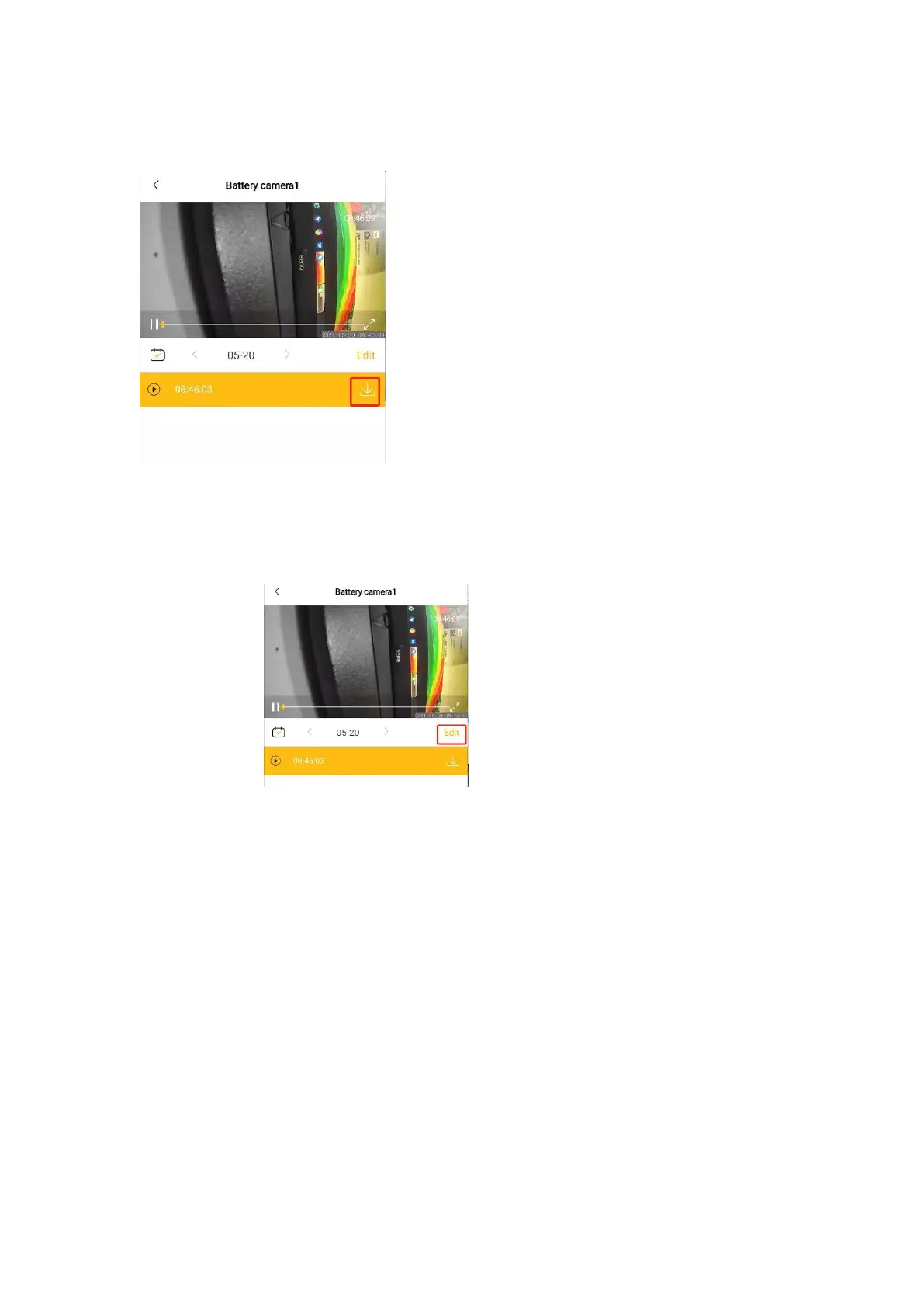
arrow on the right of the video to download, the downloaded video file will be
automatically saved to the phone album.
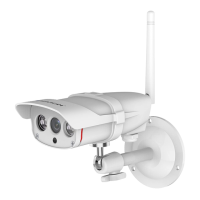
TF card video deletion: Click "Edit" at the bottom right of the video playback,select
the video files and delete them.
7. AI & Alarm
When an AI-enabled camera is added to the APP, there will be AI options. Click
"AI+" in the lower left corner of the camera image on the home page to enter the AI
function page.


 To Next Page