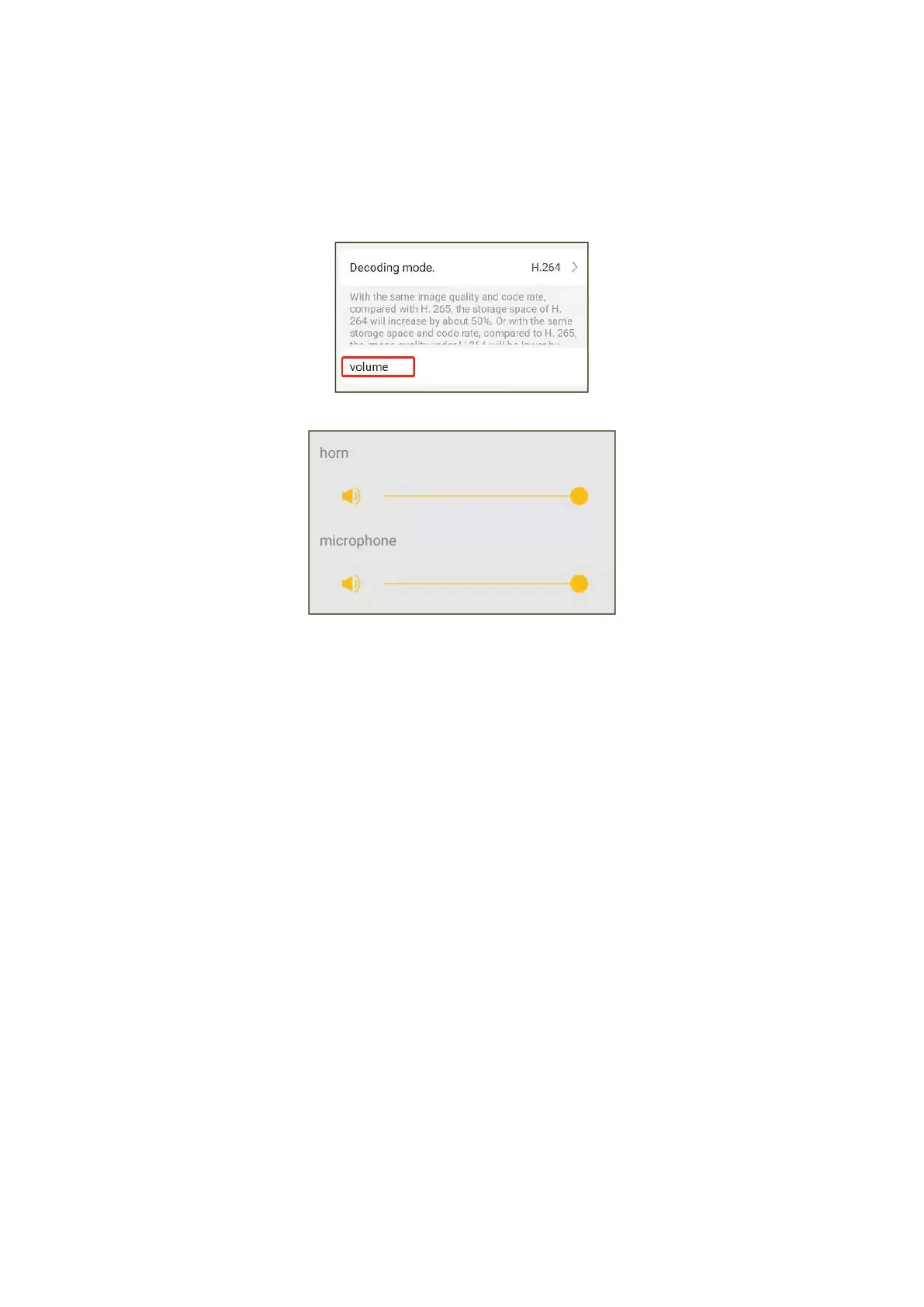
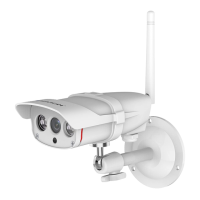
5.5 Camera volume adjustment
The camera's microphone and speaker volume can be adjusted here. Tap this option to
bring up the microphone and loudspeaker volume slider, slide the dot to adjust it.
6. TF Card Recording Settings
6.1 If you need to use TF card recording, please insert the TF card into the TF card
slot of the camera, click "Settings" of the camera → find the ‘TF card record setting’
option, and you can see the status of TF card.


 To Next Page