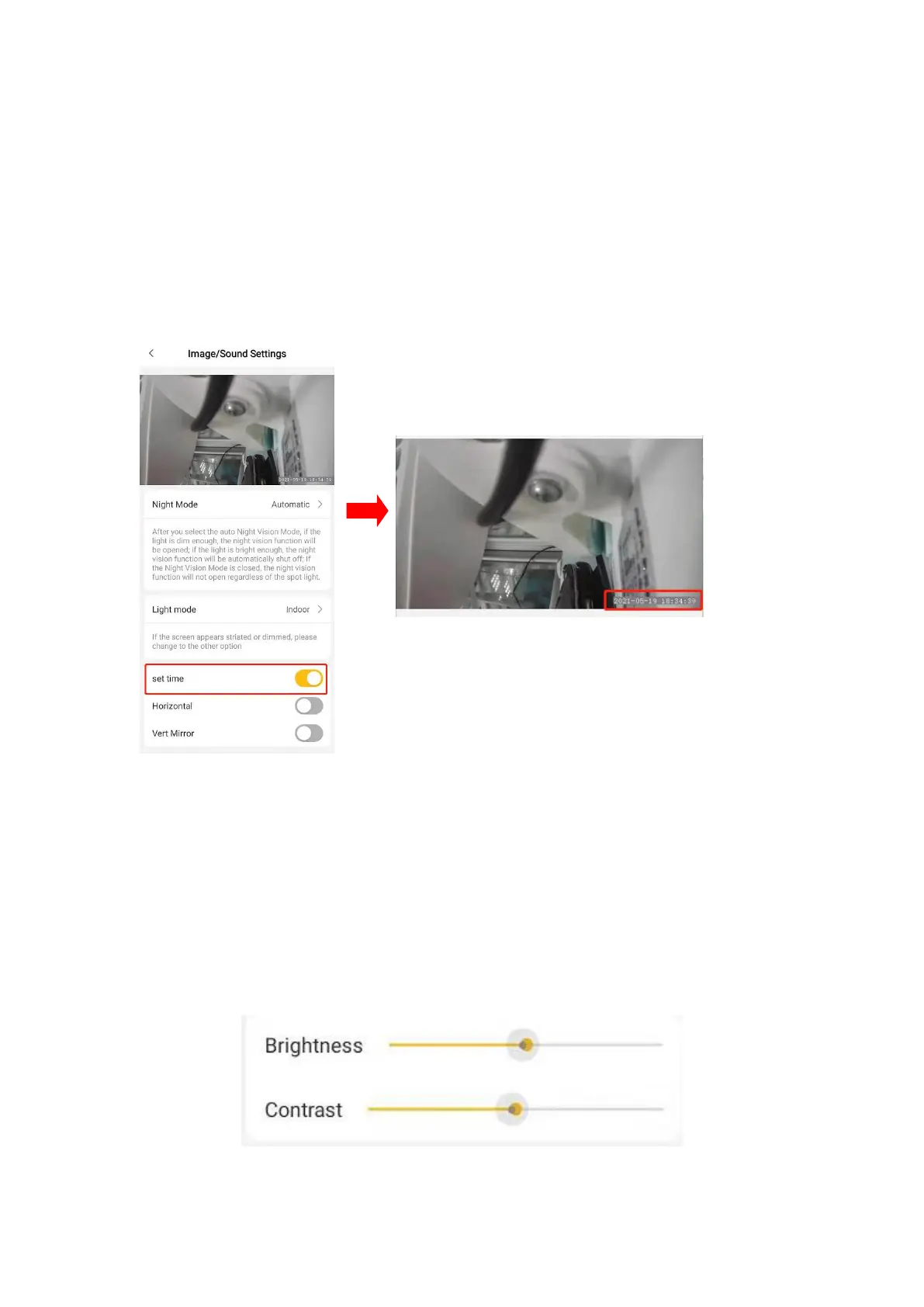
5.3 Display time on the video
Click “setting” icon, and go to “Image/Sound Settings” to find “set time” option and
turn it on.
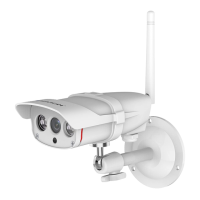
5.4 Brightness & contrast adjustment
Login the APP, click on “SETTINGS” icon, find “image/sound settings” option. To
adjust the brightness/contrast parameters, drag the dot on the brightness/contrast
slider.


 To Next Page