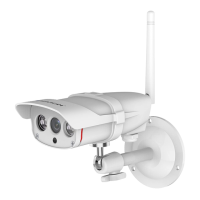
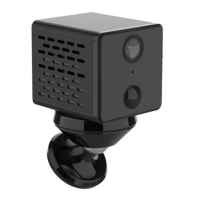
5. Image/Sound settings
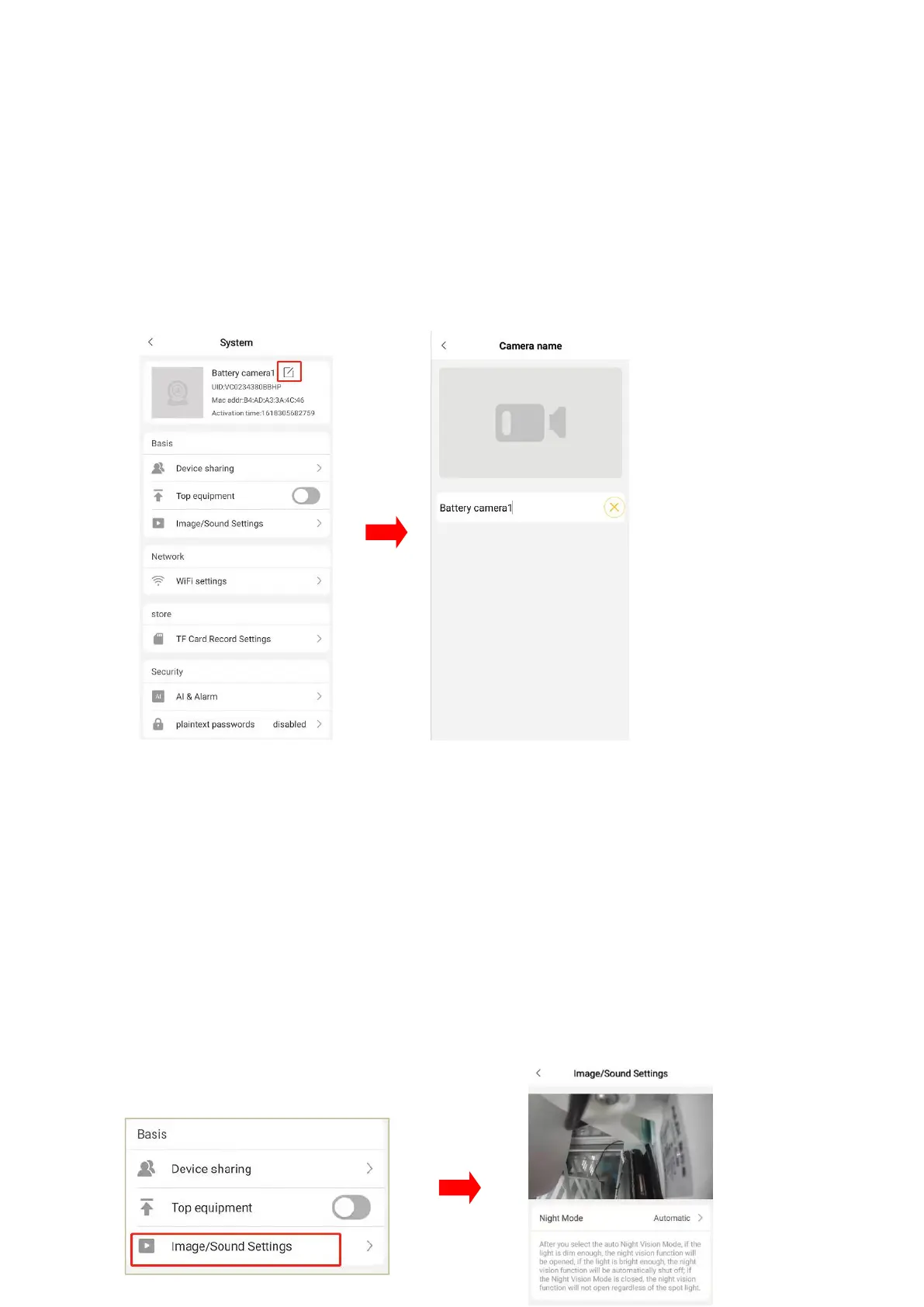
5.1 Change camera name
Click “settings” icon to camera settings interface, tap the icon beside camera’s name,
as shown below, then you can modify the name directly.
5.2 Night vision model
Click “image/sound settings”to enter the setting page.there are two night models
“automatic night vision" and " close" to choose from.
Automatic night vision: the camera automatically turns on/off the night vision mode
according to the light brightness level.
Off: Night Vision mode is not on.


 To Next Page