- 4 -
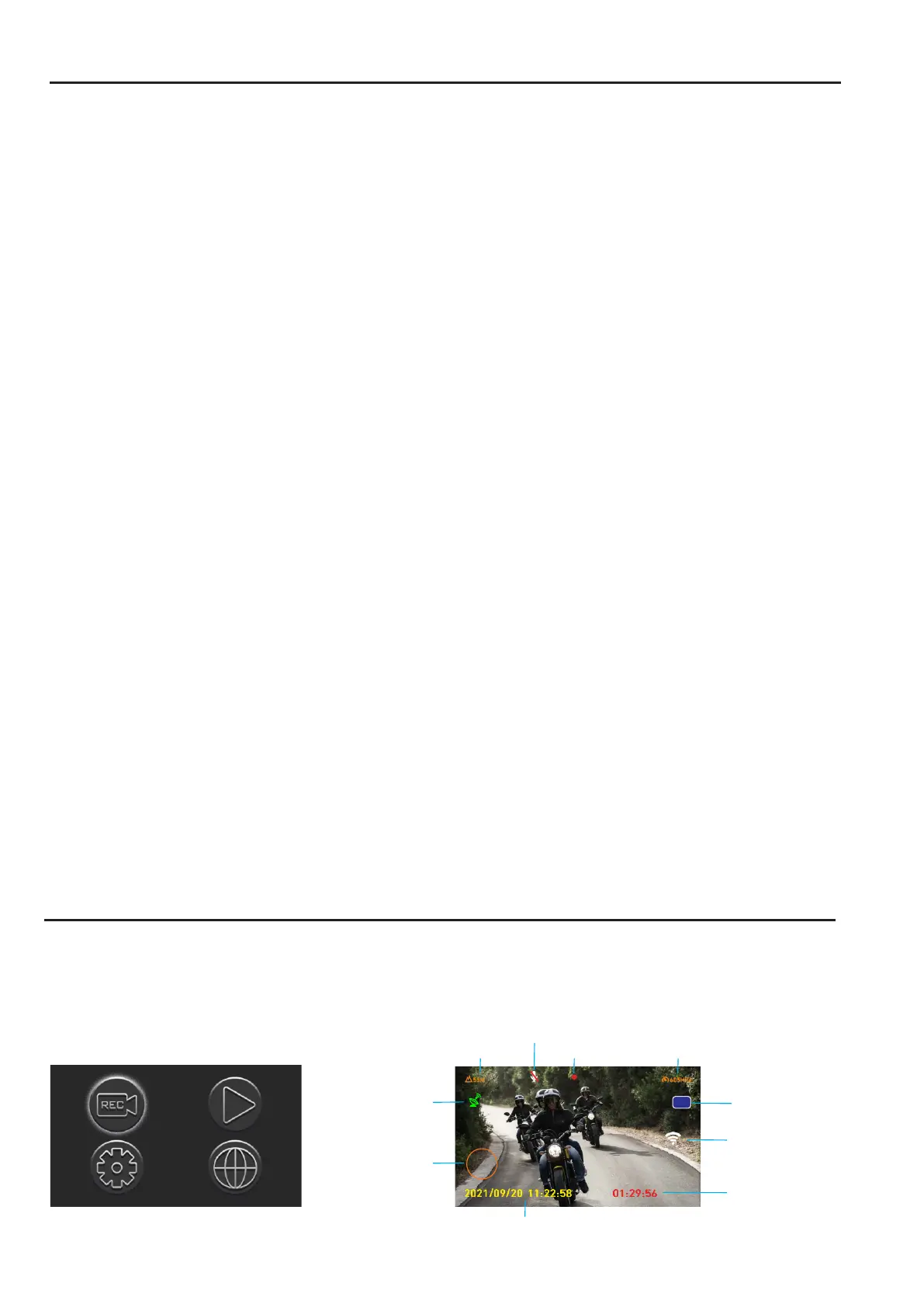
Video recording time
WiFi
Date & time information
Recording
Select the setting options and press the [OK] button to enter Video Mode.
Menu Setting Description
* Before setting up the system, press and hold the OK button for 3 seconds to go to the
Main Menu screen.
Atmospheric pressure
Altitude
Getting Started
Power On/Off: The dash cam turns on and off automatically with the ignition switch if it is
installed correctly.
Video Recording
1) Normal Video Mode: When the power is on and a TF card is inserted, both front and rear
cameras will record video automatically. The recording will stop when the power is turned off.
2) Emergency Video Mode:
• G-Sensor Event Recording: Automatically records when a collision is detected, with LED
flashing rapidly. Video files are named starting with ''GSR''.
• Manual Event Recording: Activated by pressing the emergency button on the wired remote
control while recording. LED flashes rapidly, and video files are named starting with ''KEY''.
Snapshots are captured from both sides of the vehicle.
Video Playback
1) Playback on monitor: Acess Main manu and select Playback mode to enter.
2) Playback on Mobile Device
• Wi-Fi: Connect to the dash cam through the Android/iOS app and play back videos.
• OTG: Insert the micro-SD card into a mobile device with an OTG card reader (that
supports OTG). Access the memory card to find the FRONT and REAR video file folders,
then select the video you want to play back.
3) Playback on the Computer: Insert the microSD card into a USB card reader and access
the memory card to find the FRONT and REAR video file folders. Then select the video you
want to play back.
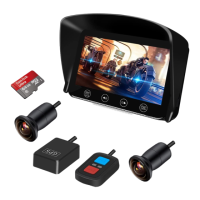
Insert a Memory Card: Insert a memory cardinto the card slot until it clicks. To remove
the memory card, push to eject the memory card out of the slot.
• Make sure to insert the memory card in the right direction.
• Do not remove or insert the memory card when the device is being powered on. This may damage the memory card.
• Please use a high-speed micro SD card with CLASS⑩.
• Please format cards before use and anytime a significant amount of data has been collected to ensure that the
device and SD cards are working properly together.
75
km/h
Speed
Rear camera
R
Microphone
GPS


 To Next Page