Main
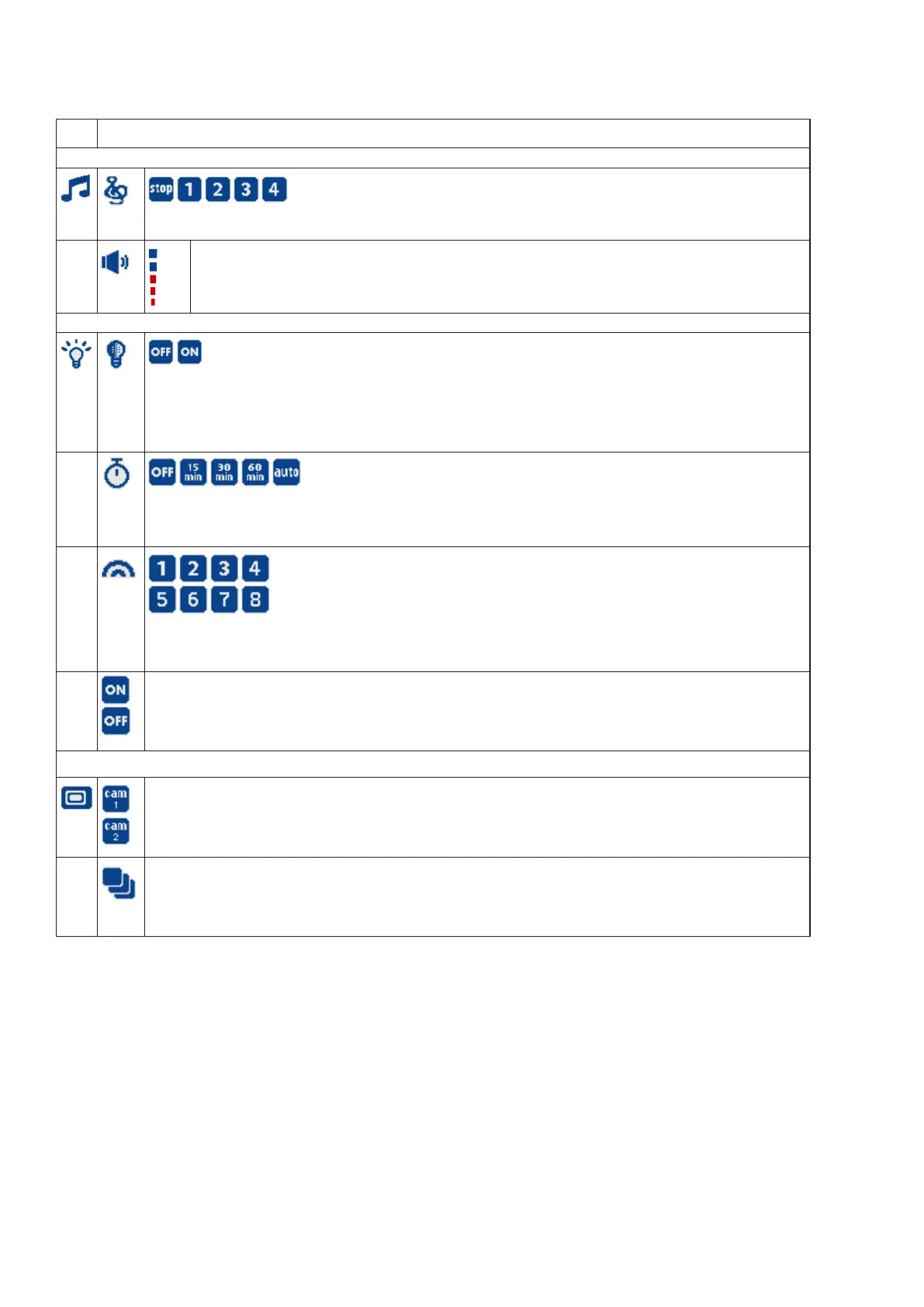
menu
Sub-menu
Lullaby
• Select one of the four melodies to play, or stop a lullaby.
Lullaby volume
• Adjust the baby unit’s speaker volume when playing the lullaby.
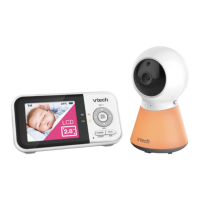
Night Light
Adaptive night light
• Turn on/off the night light’s ability to automatically adjust its brightness based on surrounding lighting
conditions.
Night light timer
• Set the timer to turn the night light off.
Night light colour
• Select one of the eight night light colours.
Night light On/Off
• Turn on/off the night light.
Monitoring Mode (For BM3350N-2 only)
Single-cam mode
• View the video from your selected baby unit’s camera.
Patrol mode
• Monitor your baby in PATROL mode, where the screen will cycle through display videos streamed
from all the linked baby unit cameras
(For BM3350N-2 only).
Main menu icons


 To Next Page