11
EXPAND THE LEARNING
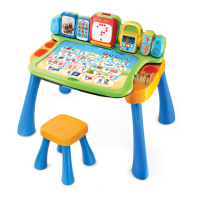
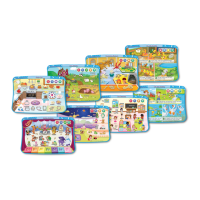
Purchase additional expansion packs for even more learning fun! Each
expansion pack includes eight pages that focus on developing key skills in a
single subject matter.
Expansion Pack Subject Age
Get Ready for Preschool Multi-Curriculum
2 - 4 Years
(Pre-K)
Nursery Rhymes Language Arts
Numbers & Shapes Math
Animals, Bugs & Critters Science
Get Ready for Kindergarten Multi-Curriculum
3 - 5 Years
(Pre-K - K)
Get Ready to Read Language Arts
Making Math Easy Math
When I Grow Up Social Studies
TROUBLESHOOTING
Problem Possible solution(s)
The main unit does not
turn ON.
Reload the batteries to reset the Touch & Learn
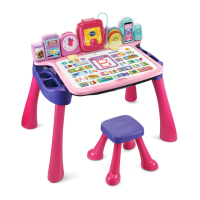
Activity Desk™ Deluxe . Please refer to the
Battery Installation section for instructions.
Batteries may be exhausted. Please replace with
a new set of batteries.
The activity card
inserted is not
recognized.
Make sure that only one activity card is inserted
into the slot.
Make sure the activity card is the only object in
the slot, and that it is fully inserted. It should be
firmly placed in the recessed ACTIVITY PAGE
AREA.
If the activity card belongs to an expansion
pack, make sure the expansion pack cartridge is
inserted.
The main unit is ON but
the ACTIVITY PAGE
AREA has no response.
Make sure the MODE SWITCH is set to Activity
Mode.






 To Next Page