3
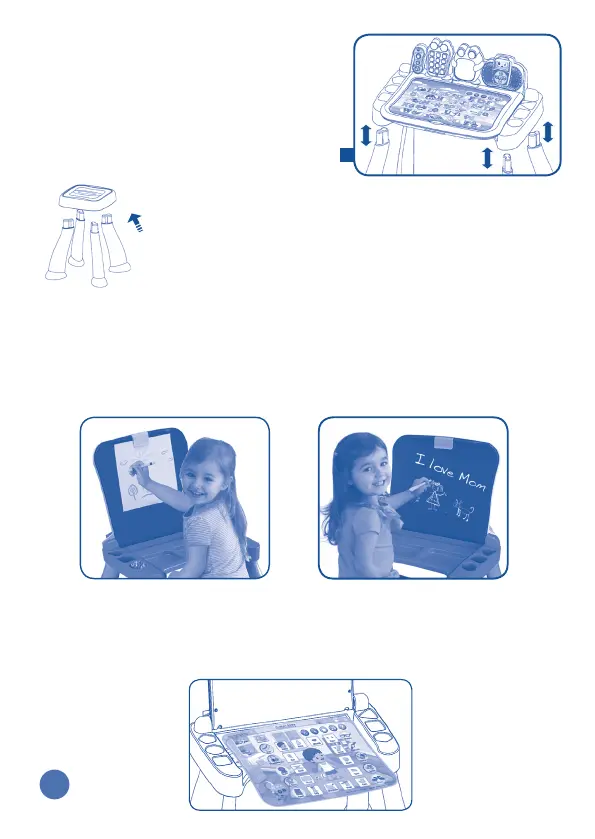
2. Fully insert the four legs into the slots on
the bottom of the base.
For the Stool
Fully insert the four legs into the slots on the bottom of
the seat until they click into place.
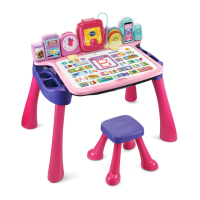
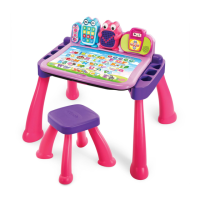
Easily Transforms from an Activity Desk to an Art
Station and Chalkboard
To use the Activity Desk as an Art Station, flip up the touch panel and use
the clip to hold paper on the chalkboard surface. You can also draw directly
on the Chalkboard surface using chalk.
Use a cloth to erase the chalk and wipe away any remaining chalk dust on
the desk or activity cards.
Activity Card Holder
Flip up the touch panel to store your activity cards in the ACTIVITY CARD
HOLDER.
Art Station Chalkboard
2






 To Next Page