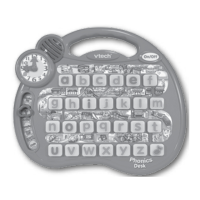
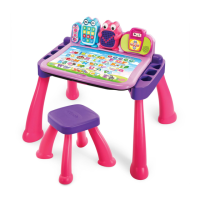
FEATURES ACTION
POWER BUTTON Press the POWER BUTTON to turn the unit
ON. Press the button again to turn the unit
OFF.
HELP BUTTON Press the HELP BUTTON to replay instructions,
or ask for a hint. You can also touch the Help
icon on the activity card if you need help.
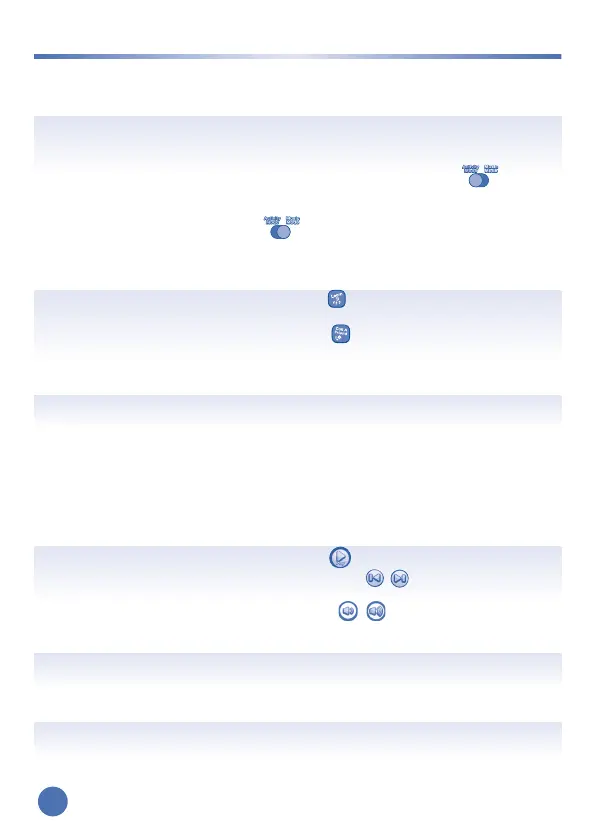
MODE SWITCH Slide the SWITCH to the left to select
Activity Mode. In this mode all features will
be accessible. Slide the SWITCH to the right
to select Music Mode. In this mode the
ACTIVITY PAGE AREA will be deactivated
so you can use the desktop for reading or
listening to music.
TOY TELEPHONE MODE Press the button to learn numbers in
Learn It Mode.
Press the button to meet new friends in
Call A Friend Mode.
TOY TELEPHONE NUMBER Press the NUMBER BUTTONS to learn and
explore numbers.
LED DISPLAY Games, pictures or animations will be shown
here.
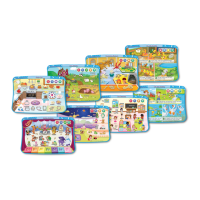
CARTRIDGE SLOT Each expansion pack (sold separately)
comes with a cartridge. To play an expansion
pack, insert the cartridge, then insert one of
the pack’s activity cards.
Note: The Ready, Set, Learn activity cards
that come with the desk do not require a
cartridge.
MUSIC PLAYER CONTROLS Press the button to Play/Stop the music,
and press the buttons to go to the
previous or next song.
VOLUME BUTTONS Press the buttons to decrease or
increase the volume. There are five volume
levels.
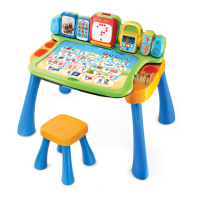
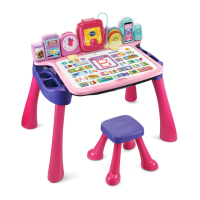
ACTIVITY CARD SLOT Insert one of the activity cards into this SLOT
to play.
ACTIVITY PAGE MODE ICONS Use your finger to touch any of the MODE
ICONS on the activity page to play.
ACTIVITY PAGE AREA Follow the game instructions and use your
finger to touch the objects on the activity
page to play.
5
BUTTONS
BUTTONS






 To Next Page