EasyManua.ls Logo

VTech IS8129-5 - Page 28

VTech IS8129-5
120 pages
Print Icon
To Next Page IconTo Next Page
To Previous Page IconTo Previous Page
Loading...
28
5
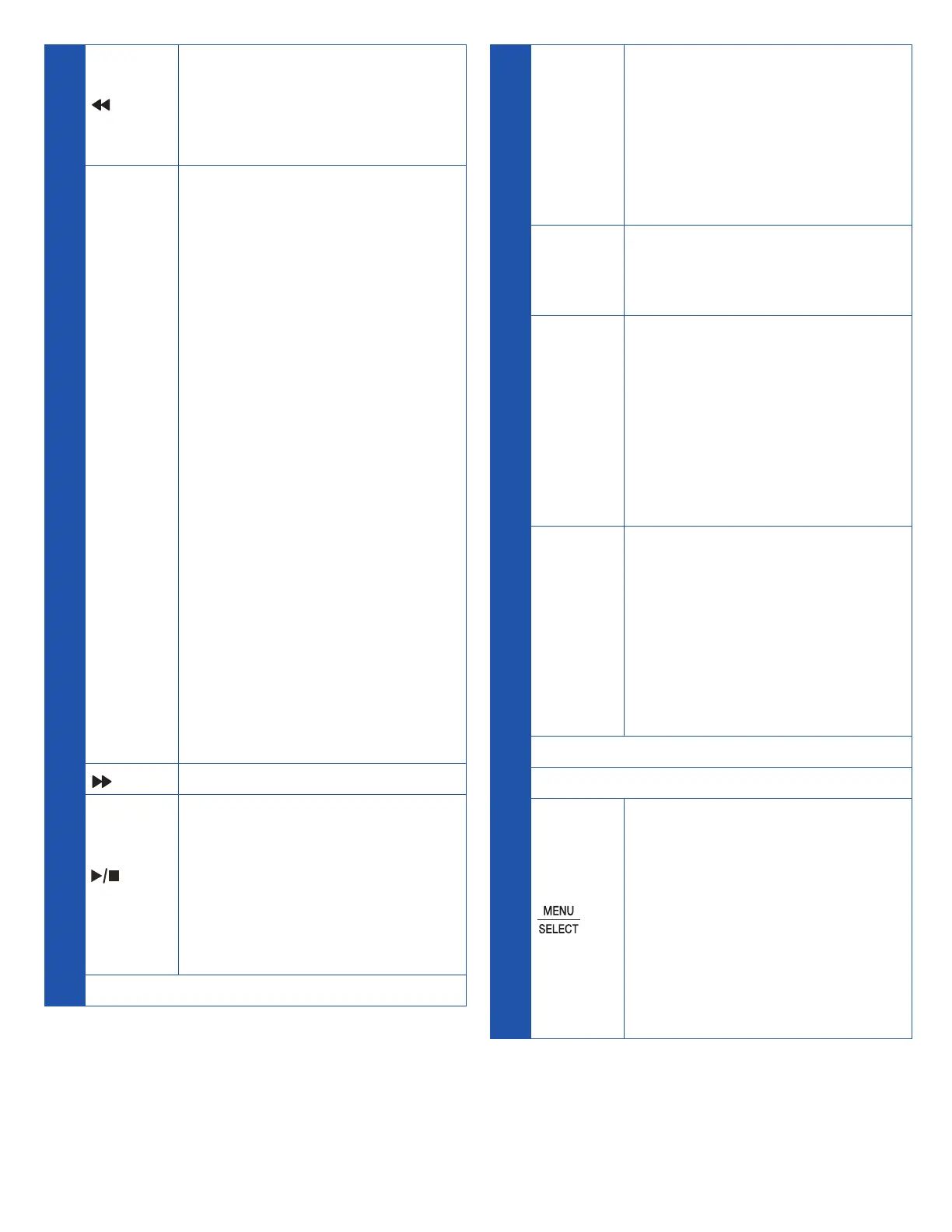
/REPEAT
• Press to repeat a
messsage.
• Press twice to play the
previous message.
X / DELETE
• Press to delete the
message currently
playing
• Press twice to delete
all old messages when
the telephone is not in
use.
• While reviewing the
redial list, phonebook,
caller ID log, allow list,
block list, or star name
list, press to delete an
individual entry.
• While entering names
or numbers, press
to delete a digit or a
character.
• While predialing,
press to delete a
digits.
/ SKIP
Press to skip a message.
/
PLAY/STOP
• Press to start or stop
message playback.
• During call screening,
press to temporarily
turn the call screening
on or off.
6 Antenna
7
MUTE
• During a call, press to
mute the microphone.
• While the telephone
base is ringing, press
to silence the ringer
temporarily.
ANS ON
Press to turn the built-in
answering system on or
off.
8
HOME
• Press to make or
answer a home call.
• Flashes quickly when
there is an incoming
home call.
• Flashes slowly when a
home call is on hold.
9
CELL
• Press to make or
answer a cell call.
• Flashes quickly when
there is an incoming
cell call.
• Flashes slowly when a
cell call is on hold.
10 Speaker
11 Charging Pole
12
• When the telephone
base is not in use,
press to show the
menu.
• While in the menu,
press to confirm
or save an entry or
setting.

Table of Contents