6
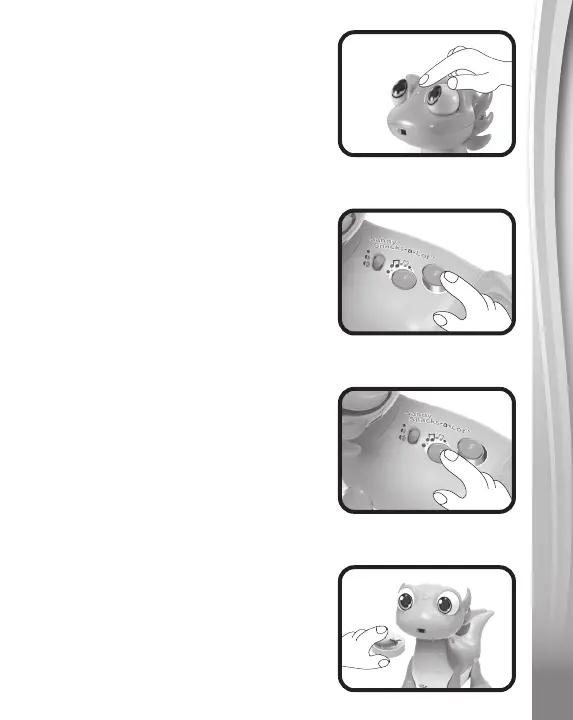
2. Head Sensor
Touch Sandy’s head as shown in the
picture to hear different fun sounds.
3. Learning Button
Press the Learning Button to hear
interactive phrases about colors and
various snacks.
4. Music Button
Press the Music Button to hear Sandy
sing fun songs.
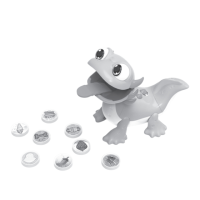
5. Mouth Sensor
The Mouth Sensor is located on
Sandy’s chin directly under her mouth.
Hold your hand or a snack piece in
front of the sensor and Sandy will
open her mouth.



 To Next Page