Step 3. Channel Scan
• Automatic Scan
If you choose Automatic Scan, you will be asked whether to erase all the existing channels
before scaninig.
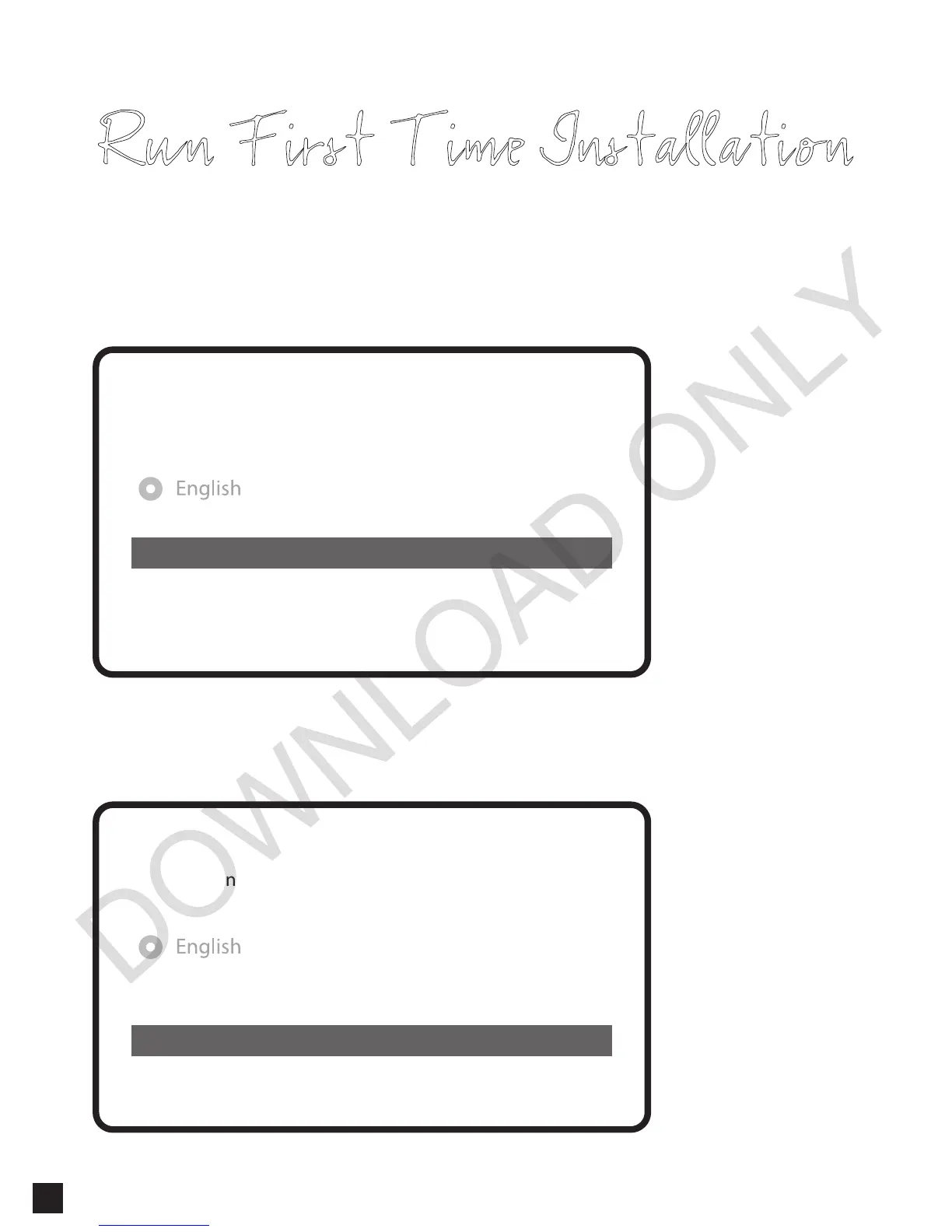
Run First Time Installation
Do you want to do a service scan?
Yes, do a manual scan now
No, scan later manually
Yes, do an automatic scan now
• Selecting Scan Mode - Automatic Scan / Manual Scan
Channel scanning is possible either in Automatic Scan mode or Manual Scan mode.
Do you want to do a service scan?
Yes, do a manual scan now
No, scan later manually
Yes, do an automatic scan now
10


 To Next Page