vwr.com I Instruction manual VWR Micro Star 21
37 / 87
Operation
3. 4. How to Operate a Rotor
The approved rotors are listed in the "List of Rotors" on page 12. Operate the centrifuge
only with rotors and accessories from this list.
3. 4. 1. How to install a rotor
1. Press the Open button control panel to open the lid of the centrifuge.
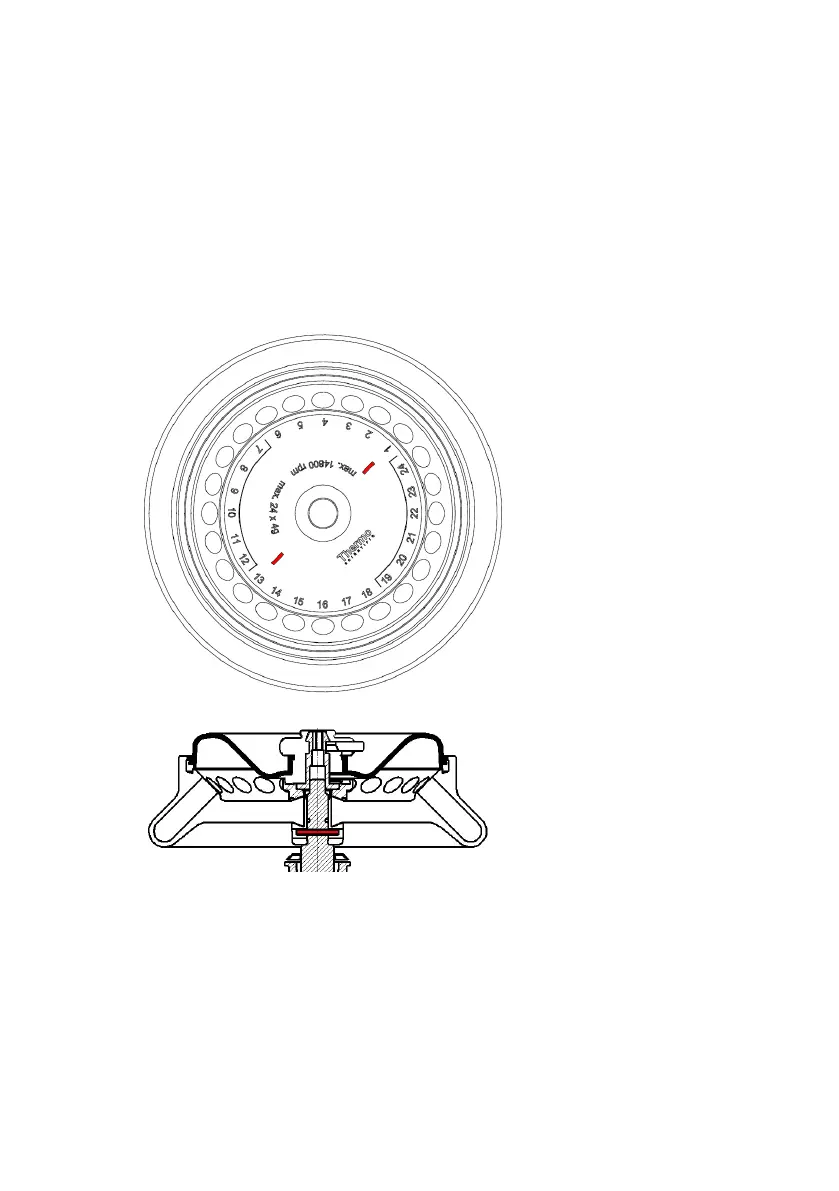
2. Hold the rotor over the centrifuge spindle. The two bars in the labeling on the upper
side of the rotor (a) must be aligned with the retaining pin (b) of the centrifuge spindle.
a.
b.
3. Let the rotor slide down slowly.
4. Insert the Allen wrench into the centrifuge spindle and tighten clockwise. Hold the rotor
with the other hand.
5. Make sure that the rotor is properly installed by lifting it slightly on the handle. If the rotor
can be pulled up, then it must be re-clamped to the drive shaft.
6. Make sure the rotor spins freely by turning it manually.












 To Next Page