EasyManua.ls Logo

VWR INCU-Line - User Manual

VWR INCU-Line
50 pages
Print Icon
To Next Page IconTo Next Page
Loading...
VWR
®
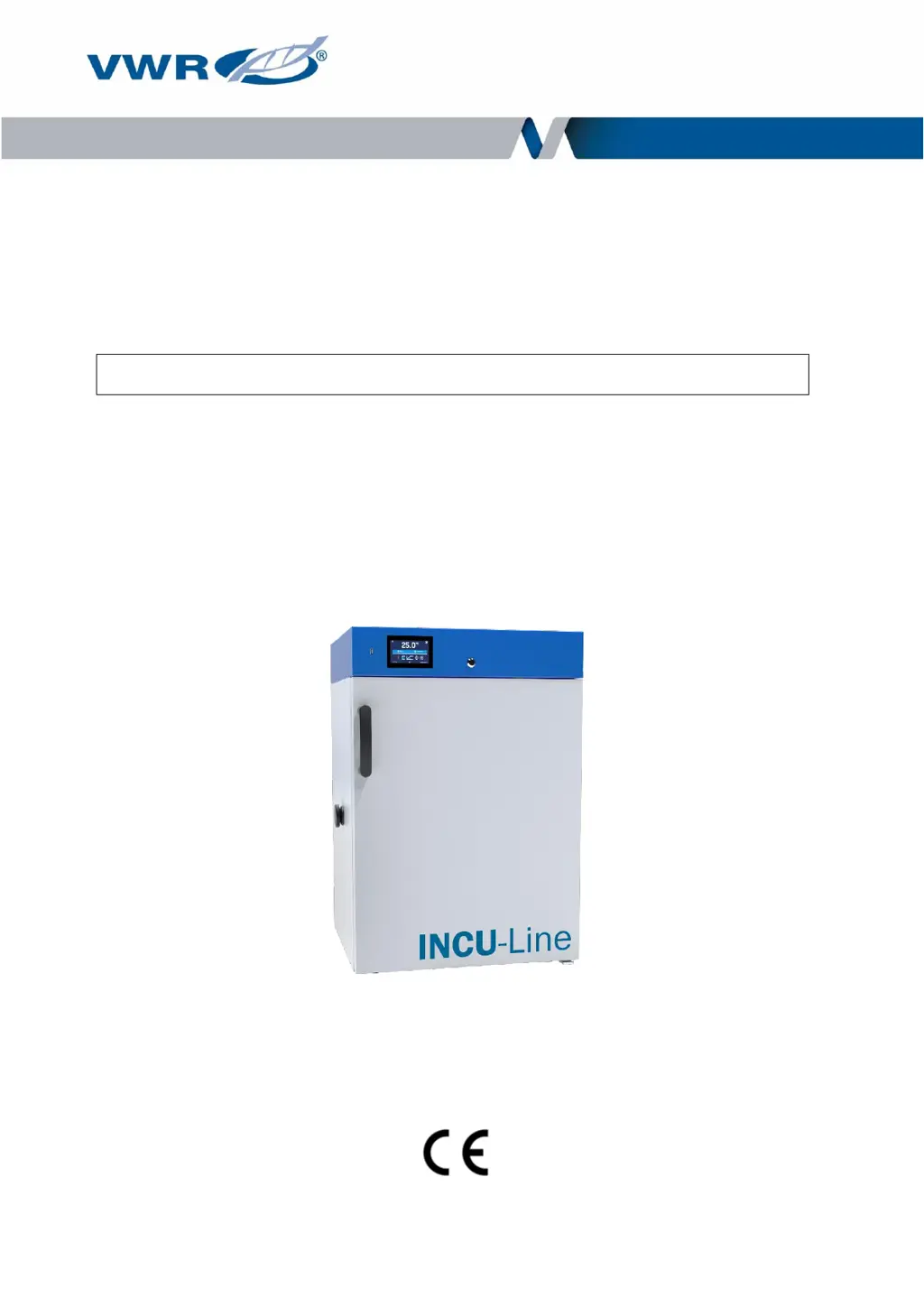
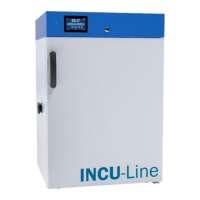
INCU-Line
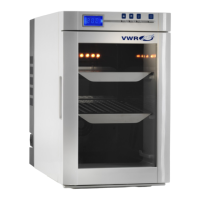
Cooled Incubators
Instruction Manual
European Catalogue Number(s):
IL 68R: 390-1341
IL 150R: 390-1342
IL 250R: 390-1343
Before using the equipment, please read carefully
this instruction manual!
Version 2.0
Issued 1.12.2019

Questions and Answers

  • S
    Sheryl SosaJul 29, 2025
    How to troubleshoot a VWR INCU-Line Accessories unit that is not working?
    • M
      Mrs. Cheryl Miller DDSJul 29, 2025
      If your VWR Accessories unit isn't working, start by measuring the voltage in the socket and replace the fuses if needed. Ensure the unit is properly plugged in. Check the circuit breaker on the back of the device and press it. If the issue persists, inspect the power cable and replace it if broken.
  • J
    Joanna BraunAug 6, 2025
    What to do if my VWR INCU-Line Accessories unit is not cooling down?
    • M
      Mark KingAug 6, 2025
      If your VWR Accessories unit isn't cooling down, first, check if the evaporator is dirty and clean it. Then, make sure that the unit is not exposed to direct sunlight or located near a radiator; if it is, change its location. Finally, ensure the door of the unit is closed properly and clean the gasket to ensure a proper seal.
  • J
    John RogersAug 12, 2025
    Why is my VWR INCU-Line Accessories unit not heating up?
    • D
      Douglas BarrAug 13, 2025
      If your VWR Accessories unit isn't heating up, start by checking if the door of the unit is closed properly. Clean the gasket to ensure a proper seal. Also, ensure that the installation site meets the necessary conditions. Adapt to the installation requirements on site.
  • P
    Paul DuffyAug 21, 2025
    How to reduce noise from a VWR Accessories unit that is working too loudly?
    • C
      corey95Aug 21, 2025
      If your VWR Accessories unit is working too loudly, check whether the unit is touching other objects like furniture and remove them. Also, verify that the doors are properly leveled. If the doors are correctly leveled and still are sagging, please contact service.

Summary

Equipment Disposal

EU Declaration of Conformity

Appendix 1

Intended Use and Safety Guidelines

Installation Restrictions and Prohibited Actions

Guidelines on where the unit must not be installed and actions that are forbidden.

User Responsibilities for Safe Operation

Crucial user responsibilities for proper sample placement, door usage, and electrical safety.

Package Contents

Initial Setup Procedures

Handling and Installation Guidelines

Advice on unit handling during transport and environmental conditions for installation.

Shelf Installation Guide

Step-by-step instructions for installing and adjusting shelves in the incubator.

Device Description

Component Identification

Identification of key device parts, ports, and control interfaces.

Device Operation and Control

USB Flash Drive and Data Management

Using USB for data transfer and managing data records and event logs.

Startup, Main Screen, and Status Indicators

Initial boot, main screen navigation, status icons, and alarm bar explanation.

Program Creation and Execution

Steps for creating, editing, running, and managing programs with segments and loops.

Parameter Adjustments and Data Monitoring

Quickly changing parameters, viewing statistics, and understanding data logging.

System Settings and Interface Configuration

Configuring language, screen dimming, sound, and date/time settings.

Alarm and Network Configuration

Setting up alarm thresholds and configuring LAN network parameters.

Defrosting and Temperature Corrections

Operating the defrost function and applying temperature correction values.

MODBUS TCP Interface

Device Components

Internal Features, Ports, and Doors

Details on internal socket, glass door, door lock, access port, and USB port.

Temperature Protection and Remote Operations

Temperature Protection System Explained

Explanation of the device's over/under temperature protection mechanisms.

Cooling System Management and Remote Control

Information on remote control capabilities and operating the cooling system.

Cleaning, Maintenance, and Storage

Cleaning and Maintenance Procedures

Guidelines for exterior and interior cleaning of the incubator.

Safe Storage Guidelines

Recommendations for storing the device when not in use.

Troubleshooting and Warranty

Common Malfunctions and Solutions

Steps to diagnose and resolve common malfunctions and defects.

Fuse Reset and Warranty Information

Information on circuit breaker reset, fuse replacement, and product warranty details.

Product Identification and Technical Details

Product Identification Label

Explanation of the information found on the product identification label.

Technical Specifications

Detailed specifications for different INCU-Line models.

VWR INCU-Line Specifications

General IconGeneral
BrandVWR
ModelINCU-Line
CategoryAccessories
LanguageEnglish

Related product manuals