33
Contents Index
33
IndexContents
33
IndexContents
CUSTOMIZING THE EXPRESSKEYS
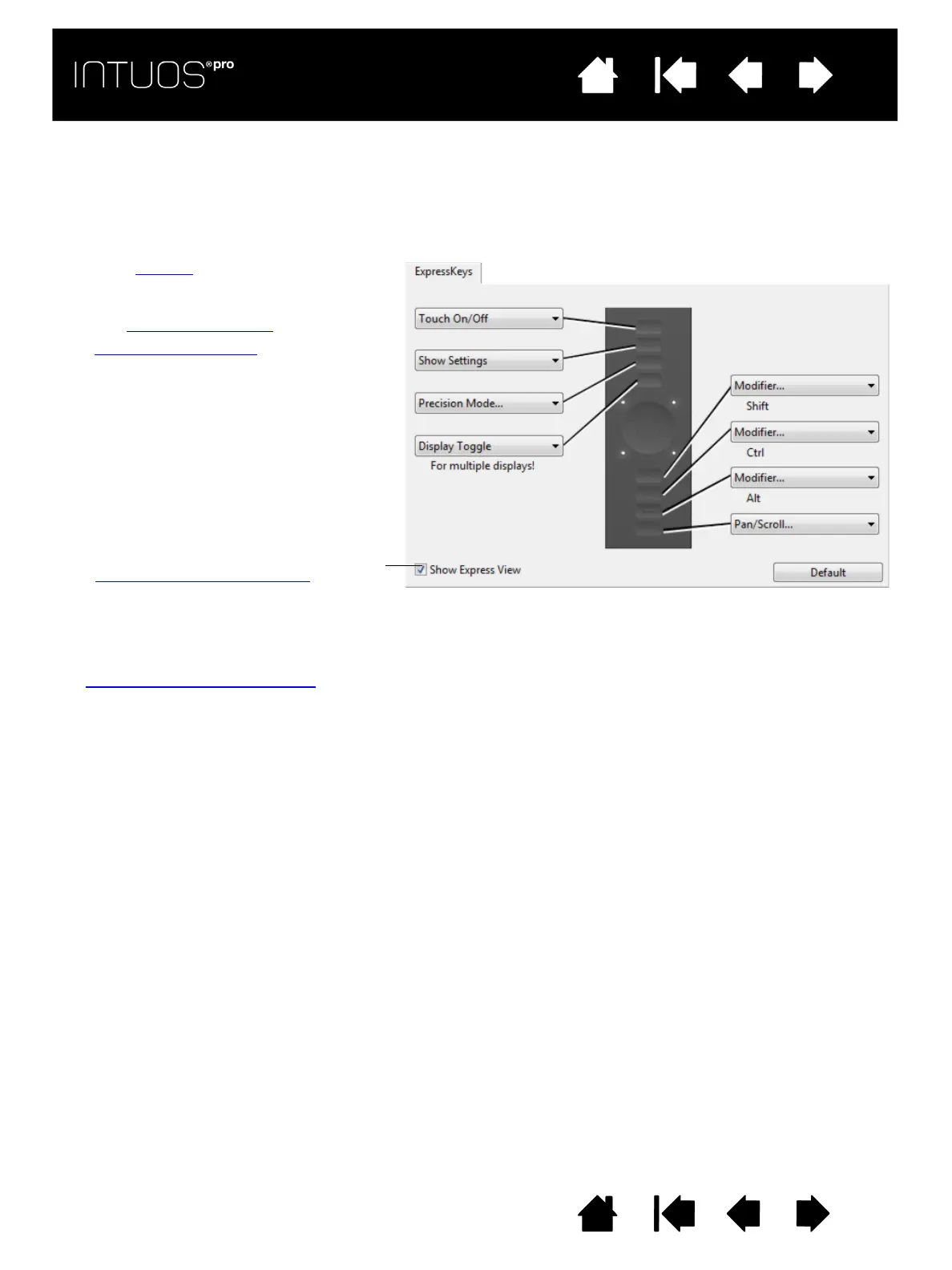
To customize the ExpressKeys, select the EXPRESSKEYS tab. Each key can be customized to perform a
Display Toggle, modifier, keystroke, or other function.
When you open the E
XPRESSKEYS tab, the current functions are shown in the corresponding pull-down
menus.
Important: Some applications can override and control the ExpressKey functions. For details, see
Using integrated applications
.
Choose a function to perform when the key
is pressed.
ExpressKey functions can be defined for
use with specific applications
.
See using the ExpressKeys
for more
information.
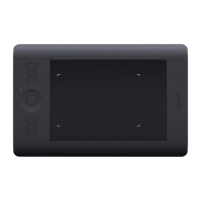
Note: Small-sized tablets are equipped
with six ExpressKeys.
Tab shown for right-handed use.
Enables or disables the Express View display.
When enabled, you can rest your finger on an
ExpressKey to show the ExpressKey settings.
See Using the Expresskey display.









 To Next Page