19
4 Press PLAY to return to normal remote control operation. The USB
and Phase LEDs will return to their normal functions.
Important: If current volume is greater than 50%, it will decrease to 50%
when configuring the headphone sensitivity. Setting the Headphone output
sensitivity to the incorrect output for your headphones could lead to damage
to the Headphones.
Optimizing the Output Level
Best performance is obtained when operating the Wadia 121Decoding Computer
Volume Control near the top of its range. If needed, the maximum output level
of your Wadia 121Decoding Computer can be adjusted to match the overall
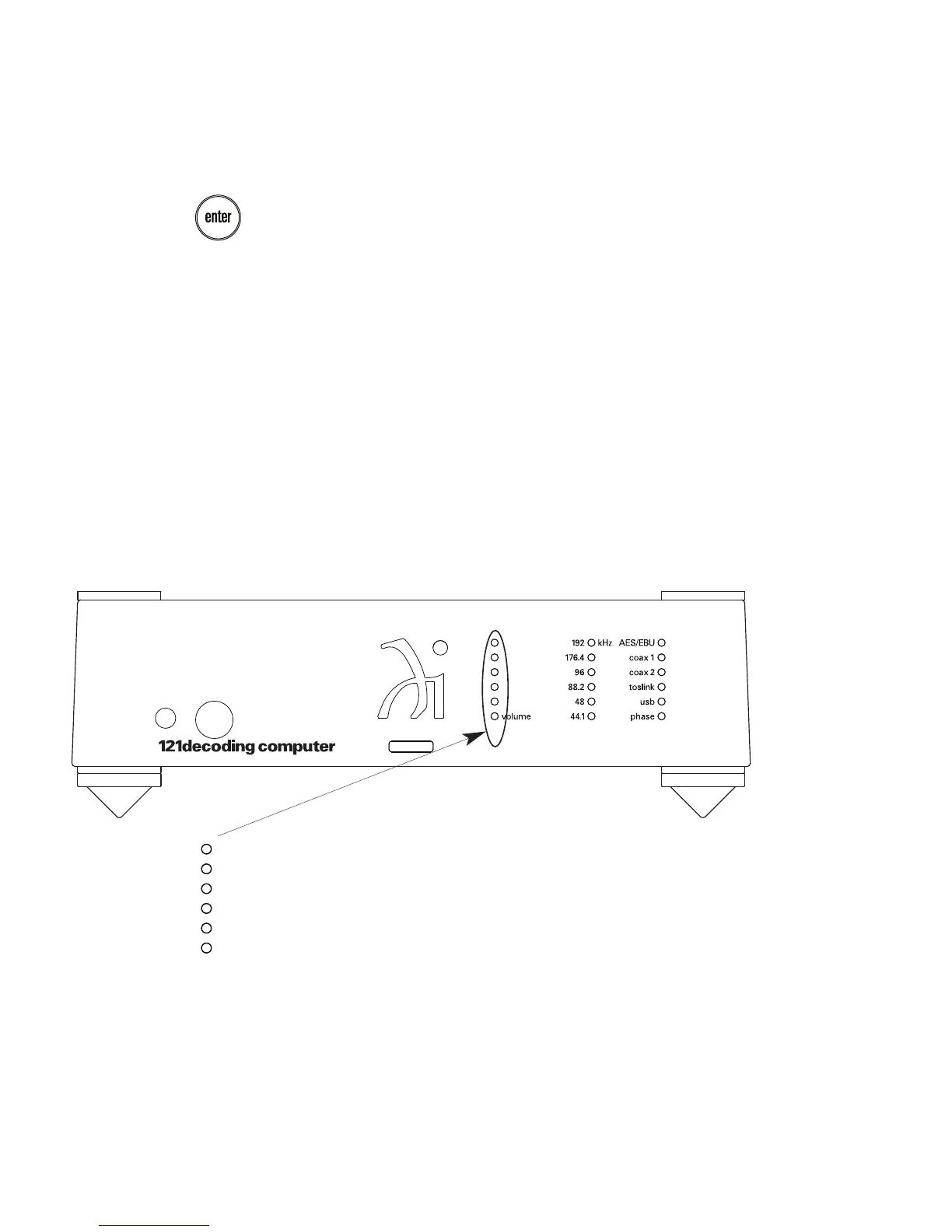
4v – Maximum output setting (approx. +12dBV)
2v – Factory default setting (approx. +6dBV)
1v – 0dBV output
The chart indicates the lamp that corresponds to each voltage level.


 To Next Page