Table of Contents
Installation
Connections
Questions
Appendices
Wadia Digital – a Brief History 3
◆Important Safety Instructions 5
Features 7
Unpacking 8
Accessories 8
Installing Battery in Remote Control 8
◆Connecting to AC Power 9
◆Using Surge Protectors 9
◆Output Connections 10
Back Panel 10
◆Input Connections 12
◆Connecting through USB 13
Using the Remote Control 15
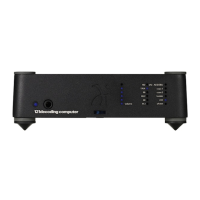
Front Panel 16
Headphone Output 18
Optimizing the Output Level 19
Frequently Asked Questions 21
Troubleshooting 23
Warranty 25
Specifications 26


 To Next Page