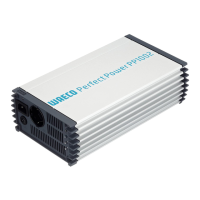
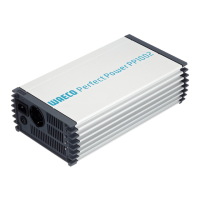
Fastening and connecting the inverter PerfectPower
32
8 Fastening and connecting the inverter
8.1 Fastening the inverter
You can fasten the inverter using the holders supplied.
Note the following safety instructions during installation:
a
z Ensure the device is standing firmly.
Set up the device securely and fasten it in such a way that
– it cannot tip over or fall down
– it cannot move while the vehicle is in motion
z Take precautions necessary to ensure that it is out of reach of
children. Dangerous situations may occur which cannot be
recognised by children!
When selecting the installation location, observe the following instructions:
z Do not operate the device
– in wet or damp environments
– in dusty environments
– in the vicinity of flammable materials
– in spaces where there is a danger of explosion
z Do not expose the device to a heat source (such as direct sunlight or
heating). Avoid additional heating of the device in this way.
z Make sure the cables are the correct length and choose the installation
location near the battery supply.
z Select a well-ventilated location for the device.
A ventilation system must be present for installations in small, enclosed
spaces.
z Make sure that the air intake on the front of the inverter remains clear.
z Select a mounting surface which is flat and sufficiently firm.
_PP1000_PP2000.book Seite 32 Dienstag, 6. April 2010 4:31 16



 To Next Page