10. Closing the Charger
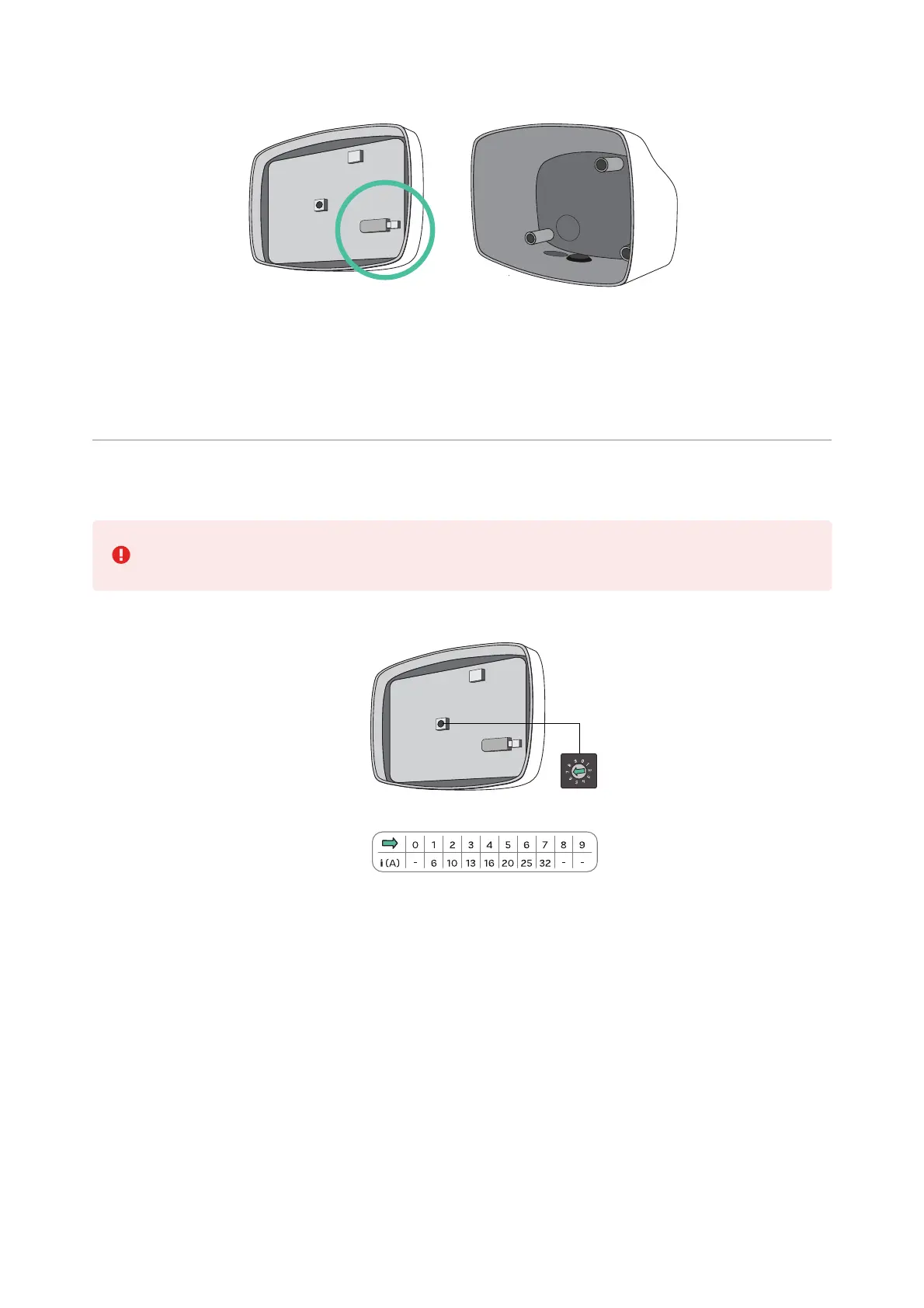
Attach the open end of the communications cable to the connector on the cover. Position
the current selector to the appropriate setting according to the electrical installation.
Positions 0, 8, and 9 are reserved for Power Sharing.
Position the top clip points of the cover on the charger body. Clip the lateral clips to the
charger body first and then the bottom clips.
Insert and tighten the Torx screw in the bottom of the charger to secure the front cover.



 To Next Page