Need help?
Do you have a question about the Walrus Audio MAKO M1 and is the answer not in the manual?
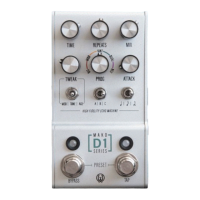
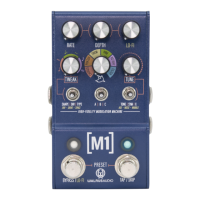
Sets the speed of the main LFO for modulation.
Determines the amplitude of the main LFO.
Offers creative control over modulation parameters and lo-fi effects.
Selects the desired M1 modulation program.
Offers creative control over additional parameters and lo-fi effects.
Turns the pedal on/off and accesses lo-fi parameters.
Adjusts the overall amount or 'mix' of the six lo-fi parameters.
Steps for selecting saved modulation sounds.
Steps for saving custom modulation sounds.
 General
| Type | Modulation |
|---|---|
| Current Draw | 300mA |
| True Bypass | Yes |
| Outputs | Left/Mono, Right |
| MIDI | MIDI IN, MIDI THRU |
| Power Supply | 9V DC (center negative) |
| Presets | 128 |

 To Next Page