EasyManua.ls Logo

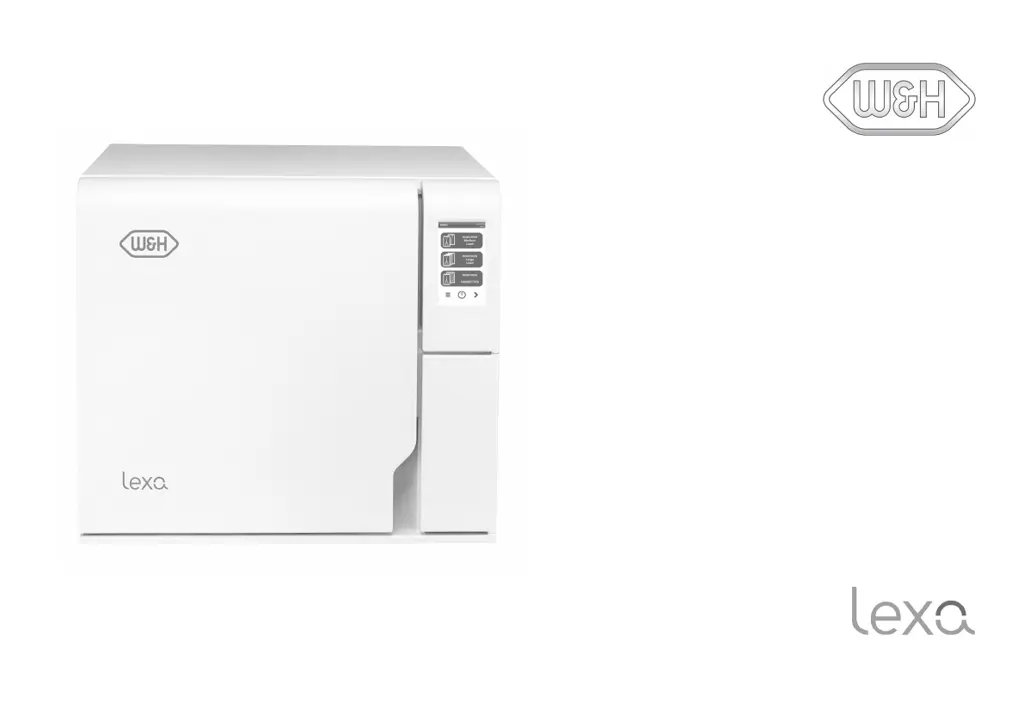
W&H Lexa MN-111 - User Manual

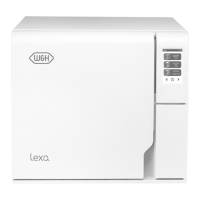
W&H Lexa MN-111
102 pages
Print Icon
To Next Page IconTo Next Page
Loading...
MN-111
Instructions for Use
MN-111 - ENG - Rev14

Questions and Answers

  • P
    preston91Aug 18, 2025
    Why is my W&H Lexa MN-111 sterilizer not turning on?
    • B
      Brooke AndradeAug 18, 2025
      Your W&H Laboratory Equipment sterilizer might not be turning on due to several reasons: * The main switch or network circuit breaker might be off. Solution: Activate the main switch or network circuit breaker (ON). * There might be no voltage at the socket. Solution: Check the electric circuit. * The power cord might not be connected properly. Solution: Check and connect the power cord properly.
  • B
    Brian DavidsonAug 23, 2025
    What to do if the W&H Lexa MN-111 Laboratory Equipment chamber door locks but re-opens immediately?
    • A
      Amanda DunlapAug 23, 2025
      If the chamber door of your W&H Laboratory Equipment locks but immediately re-opens with an "Open the door" message, consider these possibilities: * The door gasket might not be properly placed, with a seal sticking out. Solution: Ensure that the door gasket is evenly inserted on the entire circumference. * The door might be jammed by external objects or the load itself. Solution: Remove any objects interfering with the chamber door. Check the door does not force against the load or the chamber furniture.
  • D
    david25Aug 26, 2025
    What to do if water is leaking at the front of my W&H Laboratory Equipment sterilizer?
    • D
      Dr. Benjamin MarshallAug 26, 2025
      If you notice water leaking at the front of your W&H Laboratory Equipment sterilizer, it could be due to leaks through the chamber door gasket. Clean or replace the door gasket and clean the chamber face side. For an internal leak, contact technical service.
  • A
    Arthur FitzgeraldAug 28, 2025
    Why are my instruments turning brown or black in W&H Lexa MN-111 Laboratory Equipment?
    • M
      Melissa HaleAug 28, 2025
      Instruments turning brown or black in your W&H Laboratory Equipment sterilizer may be due to an incorrect temperature selected. Select a sterilization cycle featuring a lower sterilization temperature, following the instructions of the instrument manufacturer.
  • M
    myersdanielleAug 30, 2025
    What to do if there is residual water in the chamber of my W&H Lexa MN-111 Laboratory Equipment after the cycle?
    • D
      Debra MorseAug 30, 2025
      If you find residual water in the chamber of your W&H Laboratory Equipment after a cycle, it could be due to: * The sterilizer not being properly leveled. Solution: Properly level the surface the sterilizer is placed on. * An overloaded chamber. Solution: Comply with the maximum load weight limits for each type of load. Always use the chamber rack for trays and cassettes. * Clogged chamber filters. Solution: Remove and clean the chamber filters. * One or more chamber filter caps not well-positioned. Solution: Mount the chamber filter caps properly. * Load incorrectly placed. Solution: See "Load maintenance and preparation" on page 45.
  • K
    Kevin AvilaSep 2, 2025
    What to do if the cycle report printer does not work with W&H Lexa MN-111?
    • M
      melissa61Sep 2, 2025
      If the cycle report printer isn't working with your W&H Laboratory Equipment, check the data and the power connection to the printer.
  • M
    meghan89Sep 4, 2025
    What to do if the W&H Lexa MN-111 is connected to an automated water supply system but the tank is not filling?
    • S
      Scott WilsonSep 5, 2025
      If your W&H Laboratory Equipment is connected to an automated water supply system but the tank isn't filling, it could be due to: * The water fill system not connected. Solution: Connect the water fill system to the sterilizer. * Water was temporarily unavailable when the water fill system attempted to fill the tank. Solution: Switch the sterilizer OFF and then ON again. Check the external water supply system and check for water leaks from the sterilizer. * A faulty MIN water level sensor in the clean water tank. Solution: Call service.
  • C
    Charles LuceroSep 7, 2025
    What to do if the W&H Laboratory Equipment cycle commences but there is no pressure or temperature rise?
    • J
      jamesgardnerSep 7, 2025
      If your W&H Laboratory Equipment cycle starts but there is no pressure or temperature rise, it could be due to: * The safety thermostat switch being open. Solution: Reset the safety thermostat switch. * An electric or electronic fault. Solution: Contact technical service.
  • A
    Albert StephensSep 9, 2025
    What does it mean if W&H Laboratory Equipment sterilization cycle was longer than expected?
    • D
      Debbie HardySep 9, 2025
      If the sterilization process phase of a sterilization cycle on your W&H Laboratory Equipment was longer than expected, it means the chamber temperature dropped below the minimum threshold and the software performed a successful recovery. Wait for cycle completion, and if the problem occurs frequently, contact technical service.
  • M
    Meredith LunaSep 12, 2025
    What does the warning about programmed maintenance mean on W&H Lexa MN-111 Laboratory Equipment?
    • D
      Donald ByrdSep 12, 2025
      A warning about programmed maintenance on your W&H Laboratory Equipment means a component shall be replaced for the programmed maintenance of the sterilizer. Call service to order the requested component (door gasket, HEPA filter…).

Summary

Conformity

Regulatory Compliance

Details the regulations, standards, and directives the sterilizer complies with.

Symbols and Safety Messages

Safety Symbols

Explains warning and caution symbols used within the manual and on the product.

Introduction and Usage

Manual Overview and Use Restrictions

Provides information about the manual and specifies intended use and restrictions.

User Qualification

Outlines the required qualifications for operating the sterilizer.

Safety Information

General Safety Warnings

Details thermal hazards, electrical risks, and improper use warnings.

User and Manufacturer Responsibility

Defines user obligations and outlines manufacturer's responsibilities for product safety.

Getting Started

Unpacking and Handling

Instructions for unpacking, handling, and relocating the sterilizer.

Installation and Connections

Specifies location, electrical, and water connection requirements for installation.

Initial Setup and Operation

Instructions for powering on, basic operation, and interface overview.

Administrator Functions

User Management and PIN Control

Procedures for managing user accounts, including adding, deleting, and PIN control.

Traceability and Cycle Options

Details how administrators can set traceability options and hide/unhide cycles.

Managing Printers

Printer Setup and Label Printing

Instructions for selecting printers, setting up label printing, and managing options.

Sterilization Cycles

Load Preparation and Placement

Covers preparation steps for loads, cleaning, and correct placement in the chamber.

Running and Monitoring Cycles

Overview of how to initiate, run, monitor, and end sterilization cycles.

Cycle Reports and Unloading

Procedures for unloading, viewing cycle history, and managing reports.

Maintenance

Warnings and User Maintenance Schedule

Critical safety warnings and the schedule for user maintenance tasks.

Consumable Replacement Procedures

Step-by-step guides for cleaning components and replacing consumables like gaskets and filters.

Extraordinary Maintenance and Disposal

Procedures for draining tanks for long-term storage and responsible disposal.

Diagnostics and Troubleshooting

Error Codes, Messages, and Alerts

Lists error codes, system messages, alerts, and their troubleshooting actions.

Troubleshooting Common Problems

A table listing common problems, their causes, and solutions.

Emergency Procedures

Procedures for resetting the safety thermostat and emergency door opening.

Technical Data

Sterilization Programs and Phases

Details sterilization programs, options, phases, and pressure profiles.

Technical Specifications and Water Quality

Lists key technical specs, water/power requirements, and water quality standards.

Accessories, Spare Parts, and Kits

Lists available accessories, spare parts, consumables, optional kits, and service partners.

Documentation Forms

Installation Check-list and Submission

Installation check-list items and addresses for submitting the completed form.

W&H Lexa MN-111 Specifications

General IconGeneral
BrandW&H
ModelLexa MN-111
CategoryLaboratory Equipment
LanguageEnglish

Related product manuals