EasyManua.ls Logo

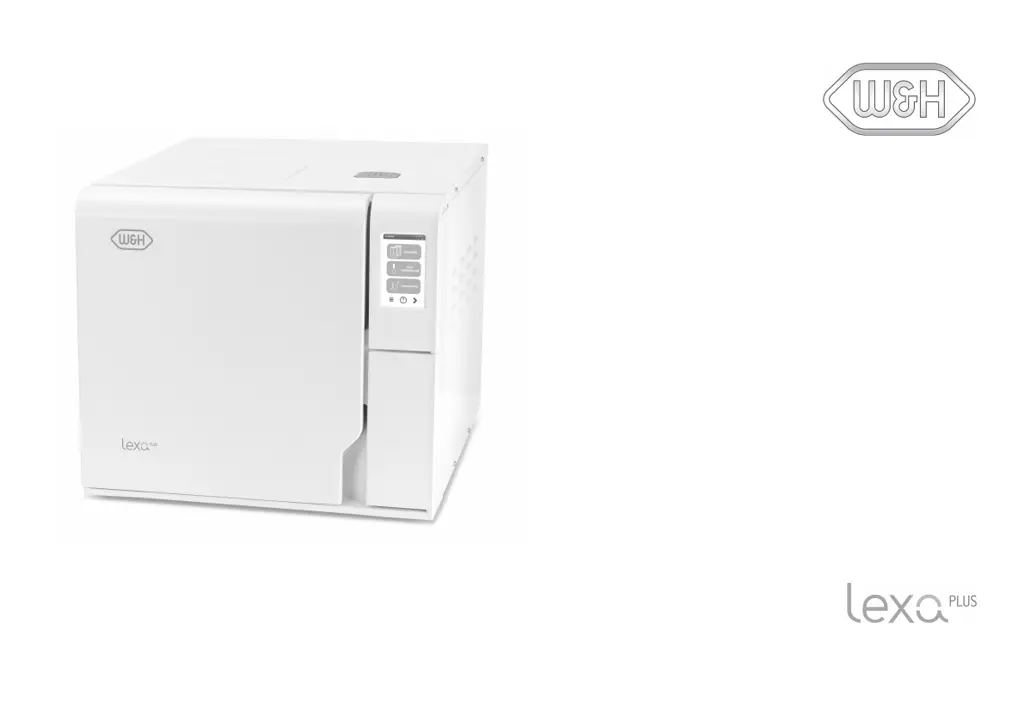
W&H Lexa PLUS - User Manual

W&H Lexa PLUS
108 pages
Print Icon
To Next Page IconTo Next Page
Loading...
RIS-311
Instructions for Use
RIS-311 - ENG - Rev03

Questions and Answers

  • K
    Kevin WigginsAug 17, 2025
    Why is there corrosion or spots on instruments after using the W&H Laboratory Equipment?
    • T
      Todd FischerAug 18, 2025
      Corrosion or spots on instruments can occur due to several reasons: * Instruments were not dried before being placed in the sterilizer. * Poor water quality or water containing chemical substances was used. * Organic or chemical residues were present on the instruments. * The chamber, trays, or chamber rack are dirty. * Instruments of different materials came into contact. * Scale deposits are present in the chamber. To resolve this, ensure instruments are dry, use good quality water, clean instruments and the sterilizer regularly, and prevent contact between different materials.
  • C
    Chris MckeeAug 20, 2025
    What to do if W&H Laboratory Equipment sterilizer remains switched OFF?
    • L
      Lisa HenryAug 20, 2025
      If the sterilizer remains switched off, check the following: * Ensure the mains switch or network circuit breaker is turned ON. * Verify there is voltage at the socket. * Check that the power cord is properly connected.
  • B
    Benjamin ShannonAug 22, 2025
    What to do if my W&H Laboratory Equipment chamber door locks but re-opens immediately?
    • A
      Angela JonesAug 23, 2025
      If the chamber door locks but re-opens immediately with an “Open the door” message, it could be due to: * The door gasket not being properly placed. * External objects or the load itself jamming the door. Ensure the door gasket is evenly inserted and remove any obstructions.
  • L
    Lisa AndradeAug 26, 2025
    What to do if there is residual water in the chamber of my W&H Laboratory Equipment after the cycle?
    • A
      Allison HollowayAug 26, 2025
      If there is residual water in the chamber after the cycle, the causes and solutions are: * The sterilizer is not properly leveled: Level the surface the sterilizer is placed on. * The chamber is overloaded: Comply with the maximum load weight limits and always use the chamber rack. * The chamber filters are clogged: Remove and clean the chamber filters. * Chamber filter caps are not well-positioned: Mount the chamber filter caps properly. * The load is incorrectly placed.
  • C
    Christopher BoyerAug 27, 2025
    Why is water leaking at the front of my W&H Laboratory Equipment sterilizer?
    • R
      Rachel RoweAug 27, 2025
      Water leaking at the front of the sterilizer can be caused by: * Leaks through the chamber door gasket: Clean or replace the door gasket and clean the chamber face side. * Internal leak: Call technical service.
  • D
    Darlene AguilarAug 30, 2025
    What to do if instruments are turning brown or black in my W&H Laboratory Equipment?
    • T
      Tina McmillanAug 30, 2025
      If instruments are turning brown or black, it may be due to an incorrect temperature selection. Select a sterilization cycle featuring a lower sterilization temperature, following the instrument manufacturer's instructions.
  • S
    Sydney MillerSep 2, 2025
    What to do if the sterilization process phase of a sterilization cycle was longer than expected in W&H Laboratory Equipment?
    • A
      Aaron HernandezSep 2, 2025
      If the sterilization process phase was longer than expected because the chamber temperature dropped below the minimum threshold, wait for cycle completion. If the problem occurs frequently, call technical service.
  • M
    Michael WilsonSep 4, 2025
    What to do if the W&H Laboratory Equipment cycle report printer does not work?
    • D
      Daniel HillSep 4, 2025
      If the cycle report printer isn't working, check the data and power connections to the printer.
  • L
    Lisa GarrettSep 6, 2025
    What to do if I get a warning about USB saving on my W&H Laboratory Equipment?
    • L
      Levi DawsonSep 7, 2025
      If you receive a warning about USB saving (HTML and SCL files), check the presence and connection of the USB pen drive. If the problem persists, call service.
  • C
    Carolyn RichmondSep 9, 2025
    What to do if the W&H Laboratory Equipment cycle commences but there is no pressure or temperature rise?
    • J
      Jessica StewartSep 9, 2025
      If the cycle commences but there is no pressure/temperature rise: * The safety thermostat switch is open: Reset the safety thermostat switch. * Electric - electronic fault: Call technical service.

Summary

Conformity

Symbols and Messages

Safety Symbols Used in this Manual

Explains warning and caution symbols used in the manual to denote hazards.

Symbols Displayed on the Product

Describes symbols physically present on the sterilizer for user guidance.

Introduction

About this manual

Explains the manual's purpose, safety information, and content overview.

Use restrictions

Safety Information

Safety Warnings

Details thermal, electrical, and improper use hazards and precautions.

Responsibility

Outlines user and manufacturer responsibilities for safe operation.

Getting Started

Unpacking

Instructions for safely unpacking the sterilizer and its components.

Product Description

Identifies key components of the sterilizer's front, rear, and service door.

Installing the Sterilizer

Requirements for placement and electrical connection of the sterilizer.

Operating the Sterilizer

How to turn the sterilizer on and off and navigate the homepage.

User Interface Menu

Overview of main and settings menu functions and their icons.

Sterilizer Setup

Initial configuration steps like language, date, time, and sterilizer name.

User Authentication (Optional)

Access control and PIN management for user functions.

USB Pen Drive

Details the purpose and use of the USB pen drive for data storage.

Standby Mode

Managing the sterilizer's standby state and delay time.

Administrator

User Management (Optional)

Manages user accounts, including adding, deleting, and resetting PINs.

Traceability Options (Optional)

Configuration of traceability settings for cycle data and user input.

Hide;Unhide a Cycle

Allows administrators to manage cycle visibility on the homepage.

Managing Printers

Printer Selection (Optional)

Steps to select and configure the appropriate printer for the sterilizer.

Label Printer Usage (Optional)

Instructions on how to use the label printer for sterilization cycles.

Label Content Description

Details on what information is printed on the sterilization labels.

Sterilizer Tests

Sterilizer Performance Tests

Overview of performance tests like Bowie and Dick and Vacuum tests.

Bowie and Dick Test

Procedure for conducting the Bowie and Dick test for textile loads.

Vacuum Test

Procedure for conducting a vacuum test to check pneumatic circuit integrity.

Sterilization Cycles

Load Maintenance and Preparation

Guidelines for preparing and maintaining instruments and loads for sterilization.

Correct Load Placement

Instructions for correctly placing loads within the sterilizer chamber.

Prepare the Sterilizer

Steps to prepare the sterilizer before starting a sterilization cycle.

Sterilization Cycle Management

Steps to start, run, monitor, and manage sterilization cycles.

Unloading

Steps for safely removing loads after the sterilization cycle is complete.

Sterilization Cycle Report

How to view, print, or save sterilization cycle reports.

Maintenance

Warnings for Maintenance Operations

Critical safety warnings and precautions before performing maintenance.

User Maintenance

Routine maintenance tasks to be performed by the user.

Monthly or 50-Cycle Maintenance

Specific cleaning tasks for the door gasket and chamber face.

400-Cycle Maintenance

Procedure for replacing the HEPA filter every 400 cycles or annually.

1200-Cycle or Yearly Maintenance

Procedure for replacing the door gasket every 1200 cycles or annually.

Extraordinary Maintenance

Draining water tanks for extended periods or specific situations.

Disposal

Guidelines for the proper disposal of the sterilizer and consumables.

Diagnostics

Errors

Lists error codes and initial troubleshooting actions for common issues.

Troubleshooting

General problem-solving guide for issues encountered during operation.

Emergency Door Opening

Procedure for manually opening the sterilizer door in emergency situations.

Technical Data

Sterilization Programs

Details standard and custom sterilization programs, temperatures, and times.

Sterilization Cycle Phases

Description of the different phases of a sterilization cycle.

Technical Data

Specifications for water supply, power supply, installation, and components.

Water Quality

Specifies feed water quality requirements for steam sterilization.

Accessories, Spare Parts, Consumables

Lists available accessories, spare parts, and consumables with part numbers.

Documentation Forms

W&H Installation Check-list

Checklist for verifying correct installation and user training.

W&H Lexa PLUS Specifications

General IconGeneral
BrandW&H
ModelLexa PLUS
CategoryLaboratory Equipment
LanguageEnglish

Related product manuals