EasyManua.ls Logo

Wang 300 Series - Itemcounteroperation 5_1; General; Operating Instructions

Wang 300 Series
72 pages
Print Icon
To Next Page IconTo Next Page
To Previous Page IconTo Previous Page
Loading...
Section 5
Item
Counter
Oqeration
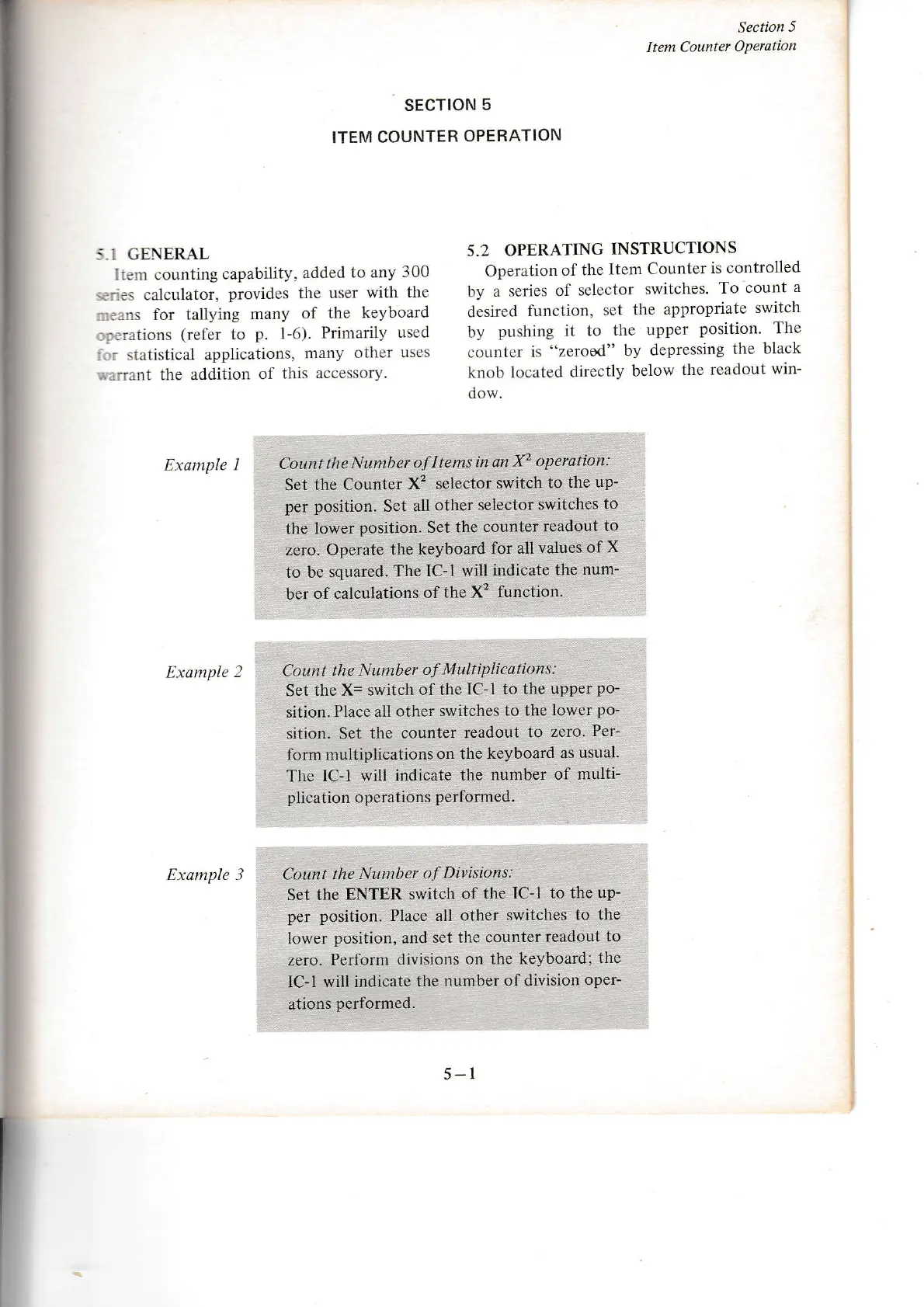
:,1 GENERAL
lrer.n counting
capability,
added
to any
300
,.:::es
calclrlator,
provides the user
with
the
':':,ns
fór
tallying
many
of
the keyboard
::rltions
(refer
to
p.
1-6).
Primarily
used
: : statistical
applications.
many other
uses
...irirnt
the addition
of this
accessory.
Example
I
Example
2
Example 3
sEcrloN
5
ITEM COUNTER
OPERATION
5.2
OPERATING
INSTRUCTIONS
Operation
of the
Item
Counter
is controlled
by a
series
of selector
switches.
To
count
a
desired
function,
set
the appropriate
switch
by
pushing it
to
the
upper
position.
The
colrnter
is
"zerosd" by depressing
the
black
knob locateti
directly
below
the readout
win-
dow.
5-l
Cottnt lhe
Number
of
I tems in
an X2
operation:
Set the
Counter
X'? selector
switch
to
the up-
per
position.
Set all
other selector
switches
to
the lower
position.
Set the
counter
readout
to
zero- Operate
the keyboard
for
all
values of
X
to be
squared.
The IC-l
will
indicate tlle
num-
ber
of calculations
of
the X2
function.
Count the
Number
MLtltiplicdÍions:
Set
the X= switch
of the
IC-l to the
upper
po-
sition.
Place all other
switches
to the
lower
po-
sition. Set the
counter readout
to
zero.
Per-
form multiplications
on the
keyboard
as
usua1.
The lC-l
will indicate
the
number
of multi-
plication
operations
performed.
Cotmt the
Nuntber
o.f Dittisions:
Set the
ENTER switch
of
the IC-l to
the up-
per position.
Place all other
switches
to the
lower
position,
and
set the counter
readout to
zero.
Perform
dlvisions
on the keyboard;
the
lC-l will indicate
the
number of division
oper-
ations
performed.
I

Other manuals for Wang 300 Series

Related product manuals