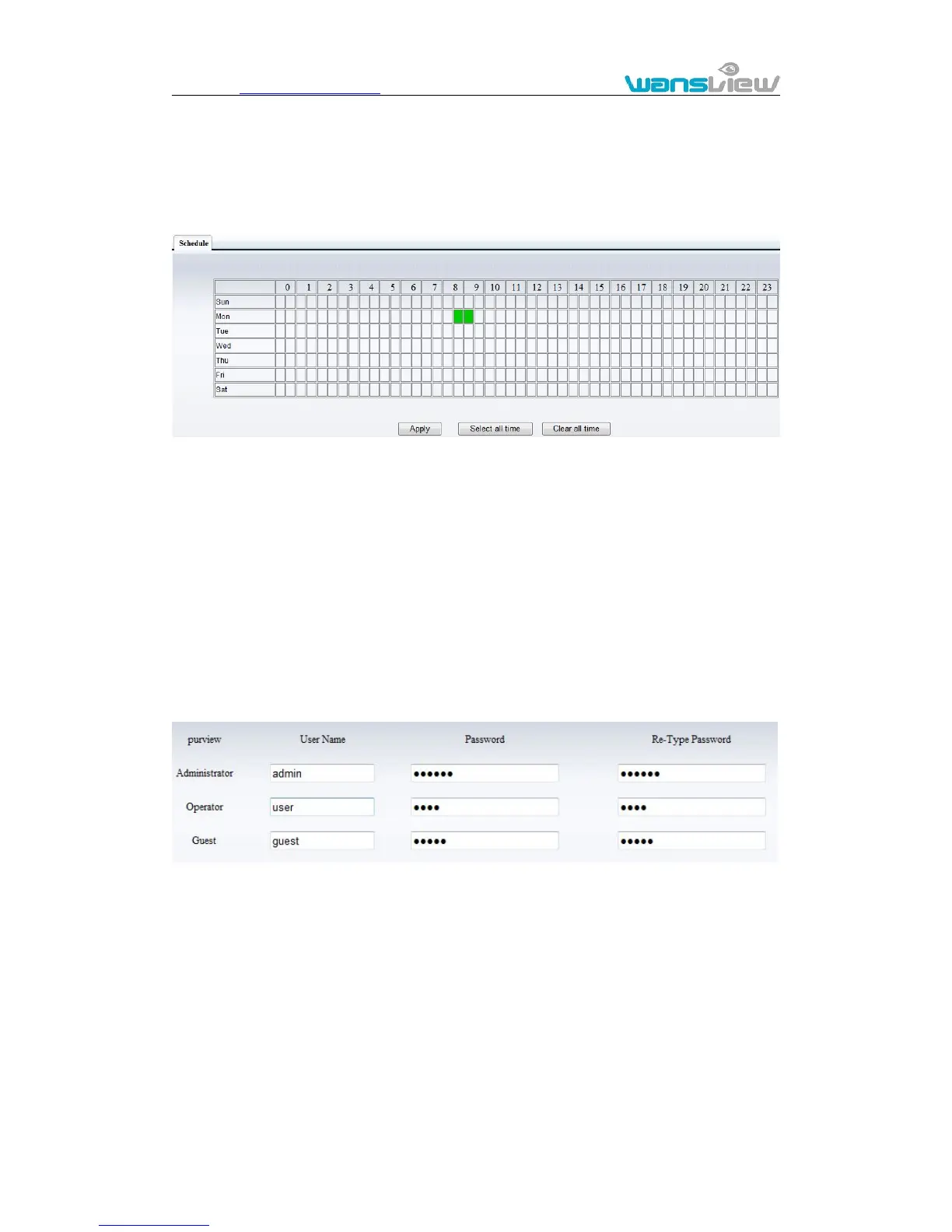
Click SYSTEM SET->> ALARM->>Schedule to access it.
Figure 20
The device will trigger the alarm only during the scheduled time period, you can select
the scheduled time according to your request. Example of figure 20, set armed time from
Mon 8:30 to 9:30, you only need to click the corresponding time block to set them, the
time block will become green when you selected.
Note: Please make sure your system time is correct before you set the alarm time period.
Please refer to chapter 3.5.2 to set system time.



 To Next Page