©2015 Warn Industries, Inc.WARN® and the WARN logo are trademarks of Warn Industries Inc. 5 95739A1
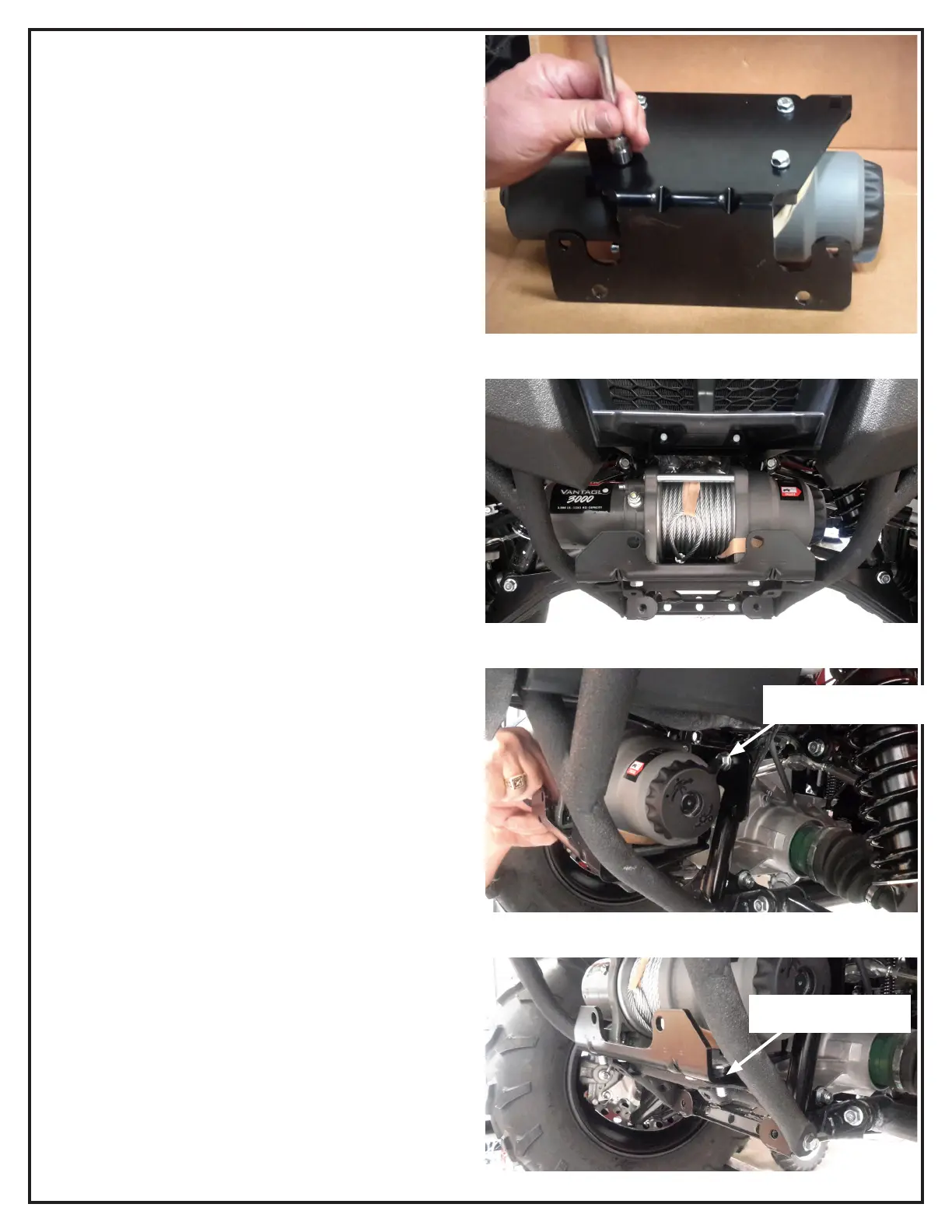
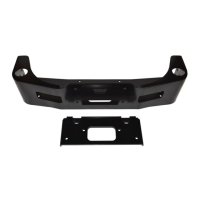
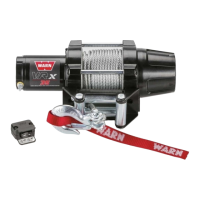
3. Using hardware found in winch kit, mount winch to winch
mount plate.
4. Slide winch and mount combo in place.
5. Secure winch mount/winch combo to vehicle frame.
a. Install capscrews, washers and spring washers (two
places). Refer to exploded view on page 3.
b. Install carriage bolts and lock nuts (two places). Refer to
exploded view on page 3.
6. Tighten all hardware at this time to torque specications on
page 2.
7. Winch mount installation is complete. See your winch
installation instructions for complete winch install
instructions.
Capscrews, washer and
spring washer
Carriage bolts and lock-
nuts
Figure 5
Figure 6
Figure 7
Figure 8


 To Next Page