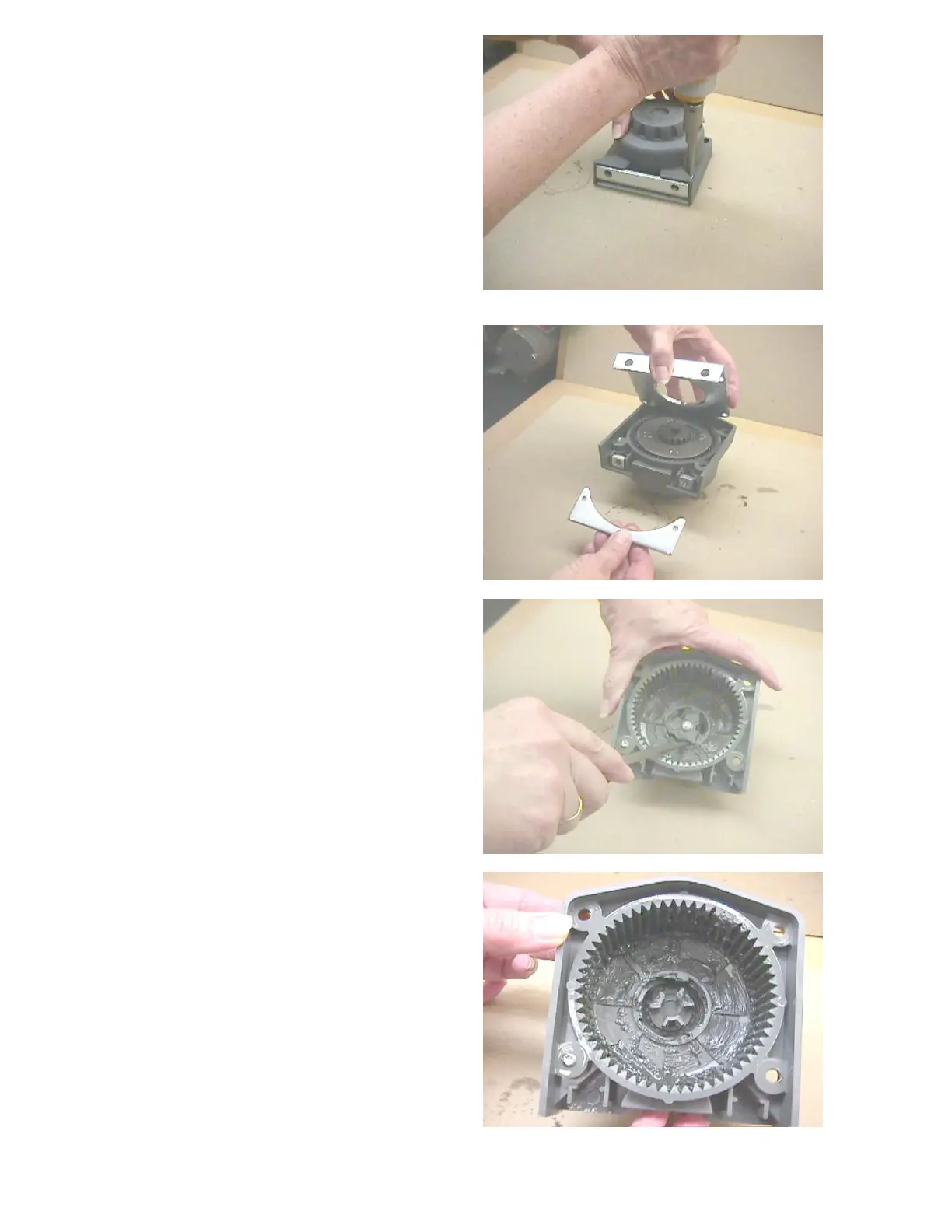
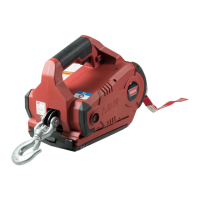
Remove clutch end and cable protector
screws .
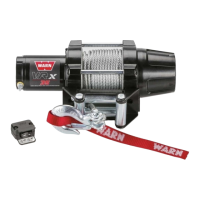
Remove drum support plate. Check the
drum bushings on each end for wear or
damage. Remove gears.
Check that Drive shaft must fit easily
through the single sun gear on clutch end.
This sun gear must have chamfered edges
to match drive shaft. If edges are round
and shiny, this is wear or damage, and gear
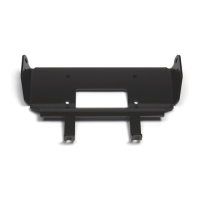
must be replaced. Check the teeth of the
housing for mud, sand or broken/worn
teeth.
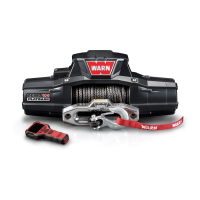
Cam follower must be removed by prying
out with screwdriver.
Cam follower must be removed to check
all 3 star shaped ends and that the cam
fingers are not damaged.
Check that the clutch-retaining ring is
snug, not pulling away from the housing.
Tapping it with a flat screwdriver and
hammer may help snug it up.
Check both planetary gears for silt or rust
damage.
Clean and re-grease housing if not
damaged. If damaged, it must be replaced


 To Next Page