Operation
Operation Introduction
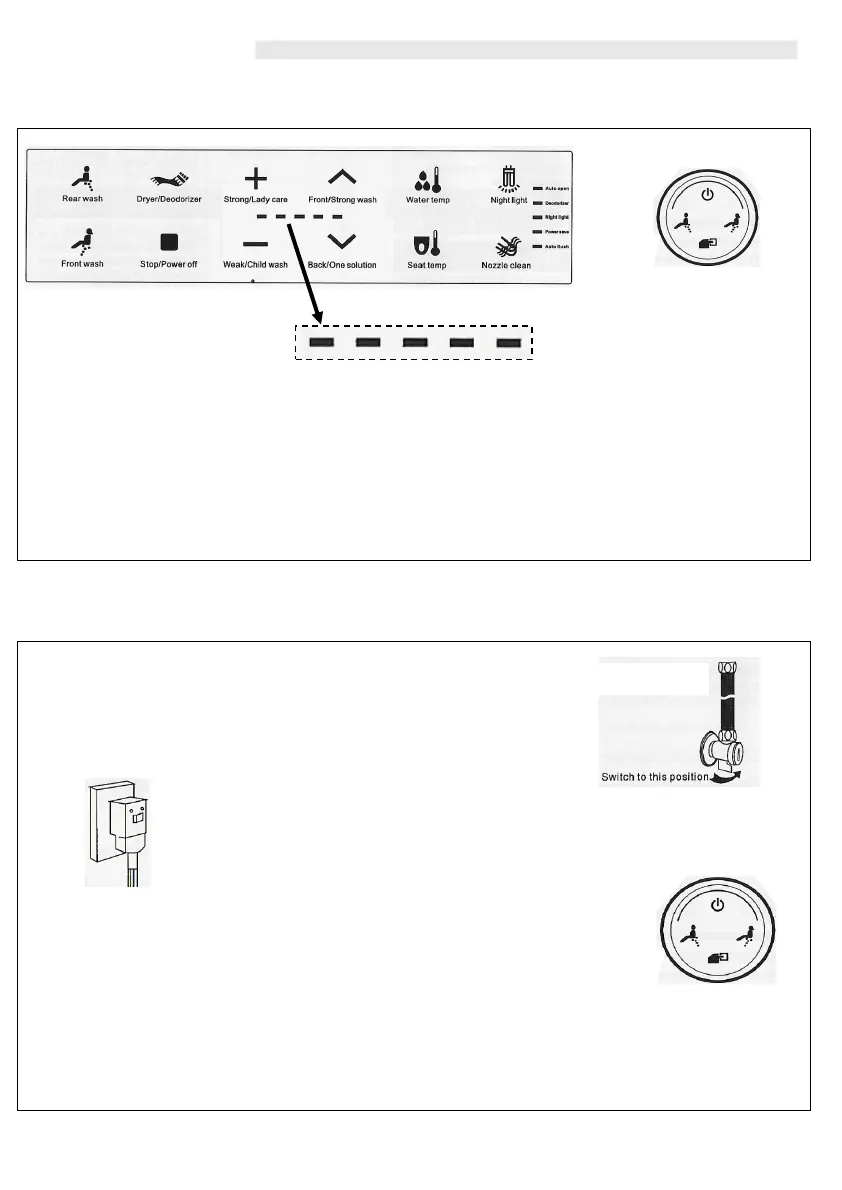
Remote Control Side Knob
Note- Indicator panel and LED display may differ depending on specific model configuration.
The Washloo Supreme is designed to be controlled through the use of the Side Knob and the
displayed Remote Control.
‘First Time’ Use
1. Open the angle valve and supply the Washloo with water
(ensuring no leaks).
2. Connect the mains power supply to the Washloo and ensure the
indicator light on the RCD is powered on.
4. Now that the Washloo Supreme has power and water, the
default temperature settings for both seat and water temperature,
deodorization and auto flushing will be set. These settings can all
be adjusted using the remote control.
3. If the Supreme does not automatically power on, use the ‘Side
Knob button by pressing it in once. This will turn the Washloo on.
The indicator light panel on the remote control displays
the position and pressure levels selected by the user
6



 To Next Page