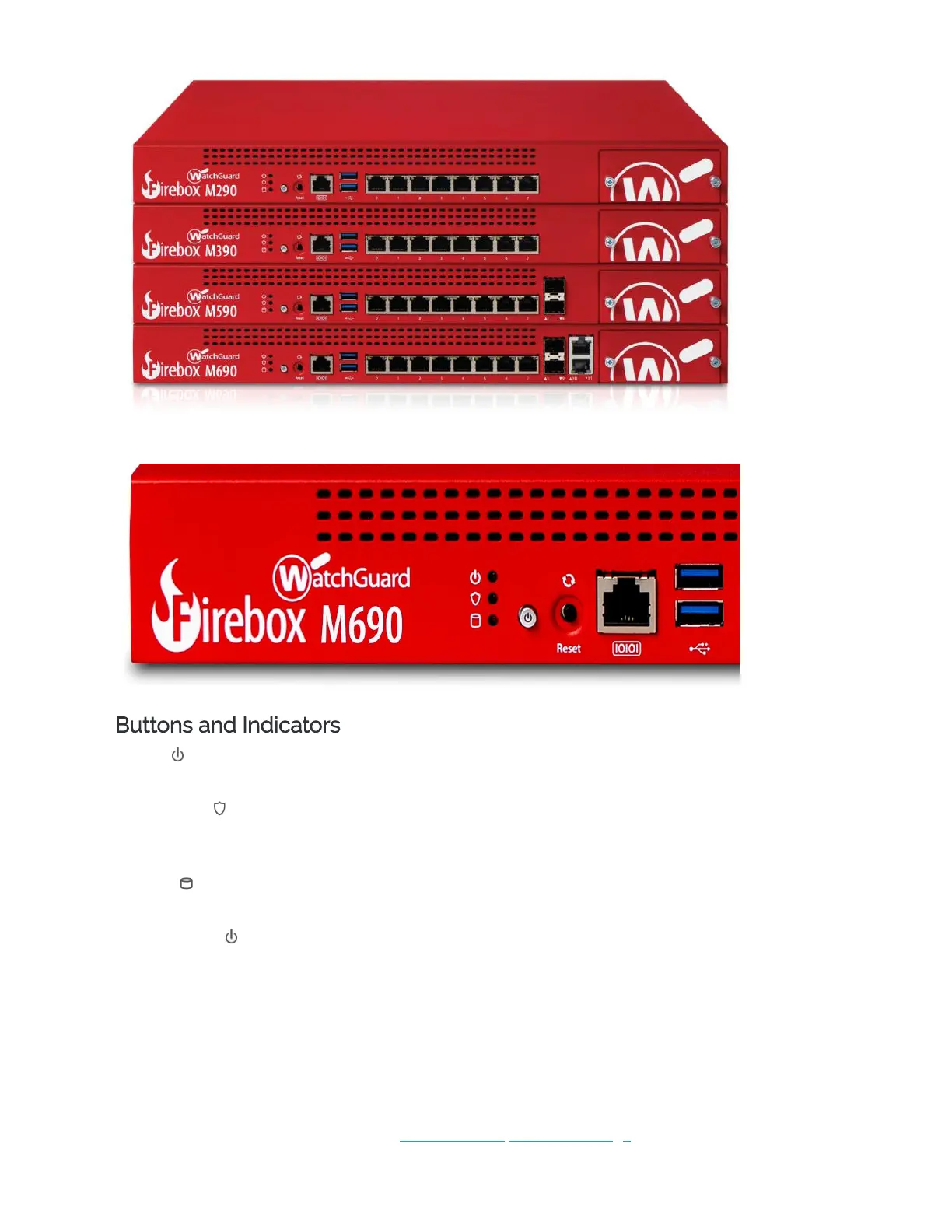
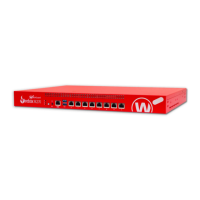
Front view of the Firebox M290, M390, M590, and M690:
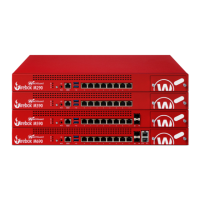
View of the indicators and ports on the front left panel of the Firebox M690:
Buttons and Indicators
Power ( )
The power indicator is green when the device is powered on.
Arm/Disarm ( )
When the device is armed and ready to pass traffic, this indicator is green. When the device is
powered on, but not ready to pass traffic, this indicator is red.
Storage ( )
When there is activity on the mSATA card or hard disk, this indicator is yellow.
Power Button ( )
The Power button is lit to indicate power status. It is green when the Firebox is powered on, and
red when power is available, but the Firebox is powered off.
When the Power button is red, press it to power on the Firebox.
When the Power button is green, press and hold it for five seconds to power off the Firebox. The
Firebox does note power off if you briefly press the Power button.
Reset Button
The Reset button, located to the right of the Power button, resets the device to factory-default
settings. To reset the device, see Restore Factory Default Settings


 To Next Page