Built-in Interfaces
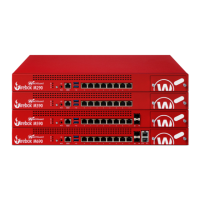
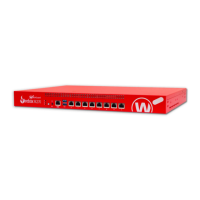
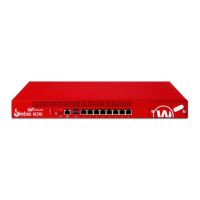
The Firebox M290/390/590/690 models have eight built-in network interfaces, two USB interfaces, and
one serial console port. The Firebox M590 and M690 have additional 10G interfaces.
Dual USB interfaces
Connect a USB storage device to use for USB backup and restore, or to store a support snapshot.
For more information about USB functions, see Fireware Help.
Console port
An RJ45 connector for the serial (console) interface is the bottom interface located to the left of the
USB interfaces. You can connect to this serial interface to log in to the Fireware command line
interface.
For more information about the command line interface, see the current
Fireware Command Line
Interface Reference
.
1GB RJ45 Ethernet interfaces
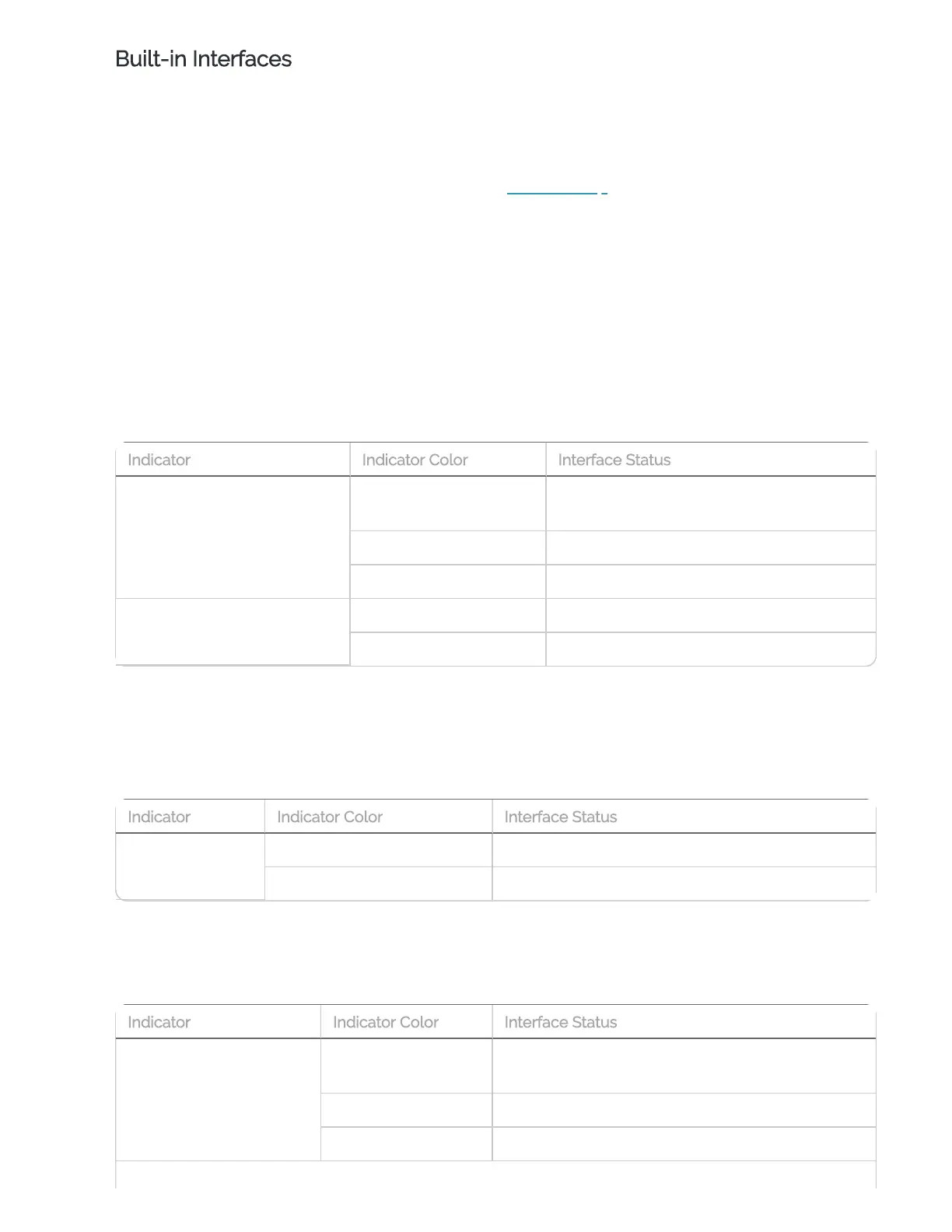
Interfaces 0-7 are RJ45 Ethernet interfaces that support link speeds of 10, 100, or 1000 Mbps. Each
RJ45 interface has two indicators. The right indicator shows the interface connection status. The
left indicator shows interface activity.
Connection (right)
Yellow
Link at 1000 Mbps
Green Link at 100 Mbps
Not Lit Link at 10 Mbps or no link
Activity (left)
Yellow, blinks Power on, network activity
Not Lit Power off, no connections
10Gb SFP+ interfaces (M590 and M690)
The Firebox M590 and M690 interfaces 8 and 9 are SFP+ interfaces that support link speeds of
10000 Mbps. These SFP+ ports only support 10000 Mbps full duplex operations, and cannot be set
to auto negotiate.
Each SFP+ interface has one indicator for activity.
Activity
Orange, blinks Power on, network activity
Not Lit Power off, no connections
10Gb RJ45 Ethernet interfaces
Interfaces 10 and 11 are RJ45 Ethernet interfaces that support link speeds of 1000, 2500, or 10000
Mbps. Each RJ45 interface has two indicators. The right indicator shows the interface connection
status. The left indicator shows interface activity.
Connection (right)
Yellow
Link at 10 Gbps
Green Link at 2.5 Gbps
Not Lit Link at 1 Gbps, 100 Mbps, or no link
Indicator Indicator Color Interface Status
Indicator Indicator Color Interface Status
Indicator Indicator Color Interface Status


 To Next Page