Activity (left)
Yellow, blinks Power on, network activity
Not Lit Power off, no connections
Interface Modules
To add more interfaces to your Firebox, you can install an interface module in the interface module slot.
You must install the interface module before you can configure the interfaces. For instructions to install
or remove interface modules, see Interface Module Installation.
Interface modules are not hot-swappable. To avoid damage to the system, power
off the Firebox before you install or remove interface modules.
You can purchase compatible interface modules from an authorized WatchGuard reseller:
WatchGuard Firebox M 4 x 1Gb Copper Module (WG9018)
WatchGuard Firebox M 4 x 1Gb SFP Fiber Module (WG9019)
WatchGuard Firebox M 2 x10 Gb SFP+ Fiber Module (WG9020)
WatchGuard Firebox M 4 x Multispeed (1/2.5/5G) Copper Module with PoE (WG9021)
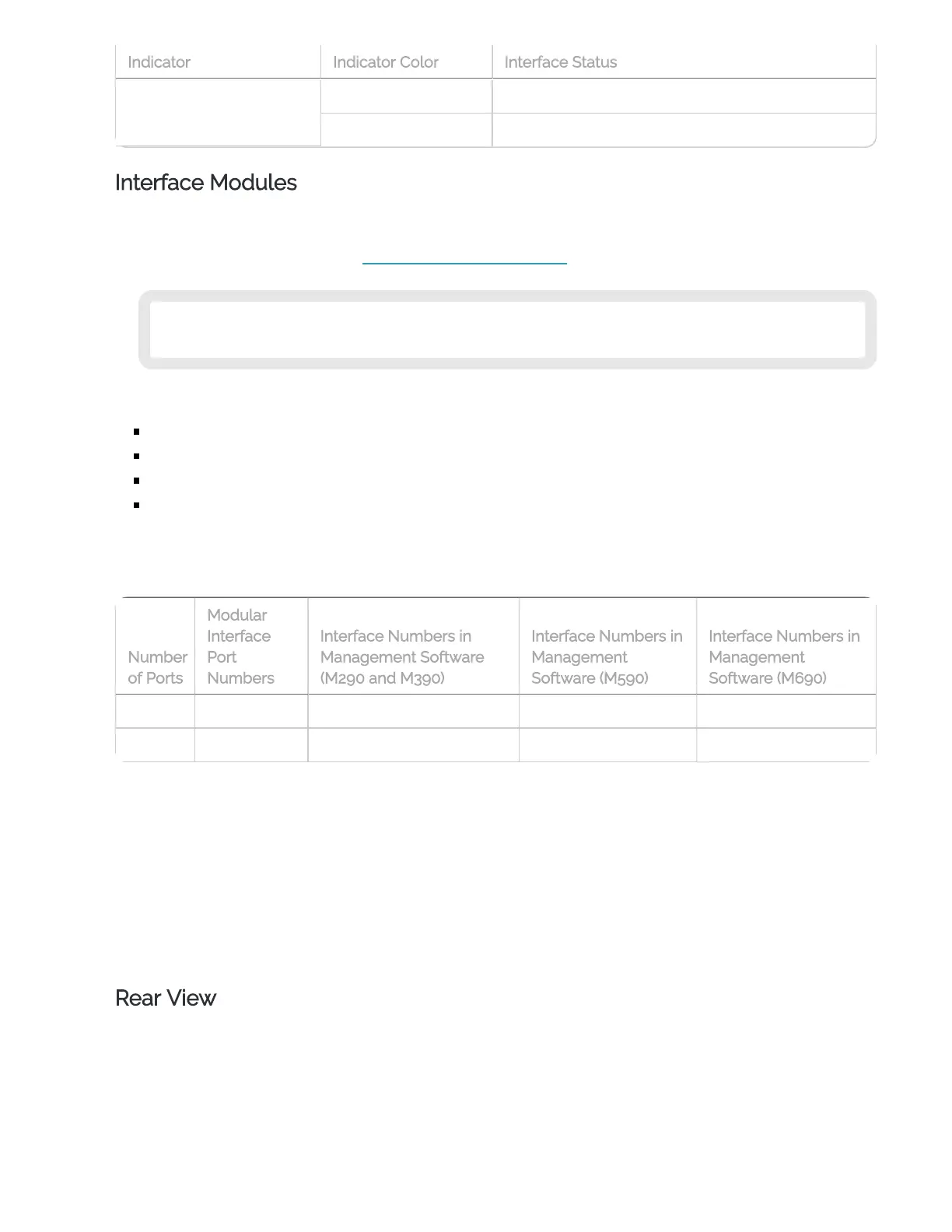
For each interface module, ports are numbered from 0-3 or 0-1. The interface numbers that appear in
the Firebox configuration depend on the number of ports on the interface module. In the management
software, the interfaces numbers start after the number of interfaces built into the base model.
4 0-3 8-11 10-13 12-15
2 0-1 8-9 10-11 12-13
Indicators for the modular interfaces are described in the subsequent sections.
4 Port 1G RJ45 Interface Module
4 Port 1G SFP Interface Module
2 Port 10G SFP+ Interface Module
4 Port Multispeed RJ45 Interface Module with PoE
Rear View
Rear view of the Firebox M690:
Indicator Indicator Color Interface Status
Number
of Ports
Modular
Interface
Port
Numbers
Interface Numbers in
Management Software
(M290 and M390)
Interface Numbers in
Management
Software (M590)
Interface Numbers in
Management
Software (M690)


 To Next Page