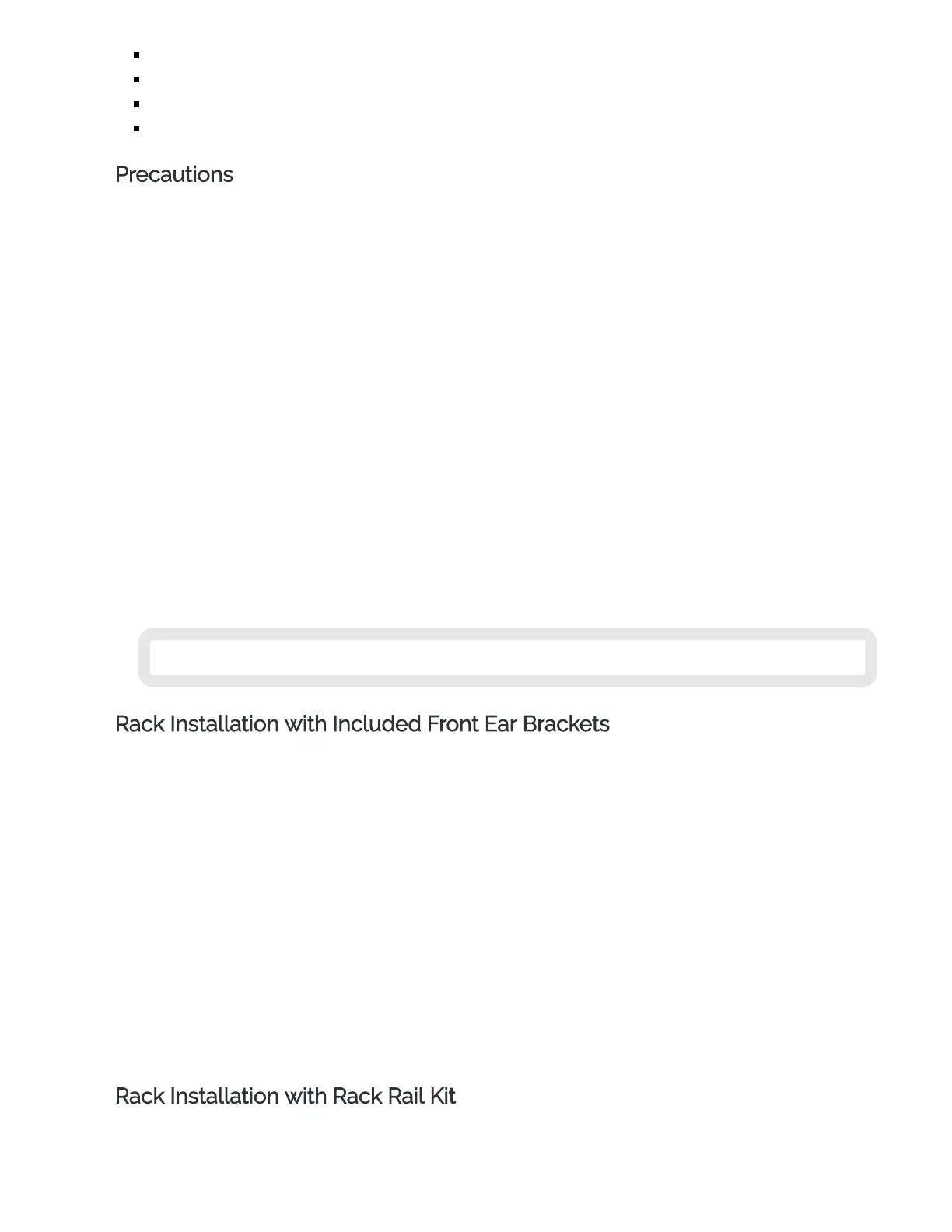
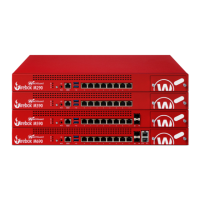
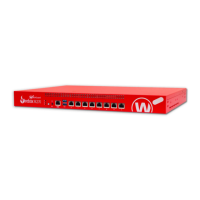
Front ear bracket kit
2 short front ear brackets
4 small screws
2 large screws
Precautions
When you install the device in a rack, make sure you consider these factors:
Elevated Operating Ambient Temperature
If you install the device in a closed or multi-unit rack assembly, the operating ambient temperature
of the rack environment may be greater than room ambient. Make sure the ambient temperature
of the rack environment is within the certified operating range specified in this Hardware Guide.
Reduced Air Flow
When you install the device in a rack, make sure that the amount of air flow required for safe
operation of the equipment is not compromised.
Mechanical Loading
When you mount the device in the rack, avoid hazardous conditions caused by uneven mechanical
loading.
Circuit Overloading
Make sure you connect the device to the power supply circuit in such a way that there is no
overloading of the circuits, and no impact on overcurrent protection and supply wiring.
Reliable Grounding
Make sure all rack-mounted equipment is correctly grounded. For example, make sure you use
power strips instead of direct connections to the branch circuit.
Do not use your slide/rail mounted device as a shelf or work space.
Rack Installation with Included Front Ear Brackets
You can use the front ear bracket kit to install your Firebox in a network rack. The included front ear
brackets attach to the side of the Firebox and can support it without the optional rack kit. You cannot use
the included front ear brackets and the rail kit together.
Use these steps to attach the front ear brackets and install the Firebox in a network rack. It could require
two people to safely complete these steps.
1. Locate the front ear brackets and screws.
2. Locate six rack screws (not included).
3. Use four of the screws provided with the front ear brackets to attach a bracket to the front of the
Firebox on one side.
4. Use the other four screws to attach the other front ear bracket to the other side of the Firebox.
5. Position the Firebox in the network rack so that the holes in the brackets align with the holes in
the front of the rack.
6. Use three rack screws to securely attach the brackets to the rack.
Rack Installation with Rack Rail Kit
You can use the optional rack rail kit to install your Firebox in a network rack.


 To Next Page