Getting Started
First Steps
For best results, before using your WatchGuard® V300 for the first time:
1. Fully charge the camera and removable battery.
2. Ensure the camera software is current using Evidence Library (EL).
To charge the camera:
n Dock the camera in a Transfer Station II.
Note: The camera battery charges any time it is docked.
A blinking LED means the camera is charging. A solid
green LED on any of the bases means the battery is fully
charged.
To configure the camera:
1. Dock the camera in a Transfer Station II.
2. Using EL, create and/or assign a configuration and an officer to the
docked V300.
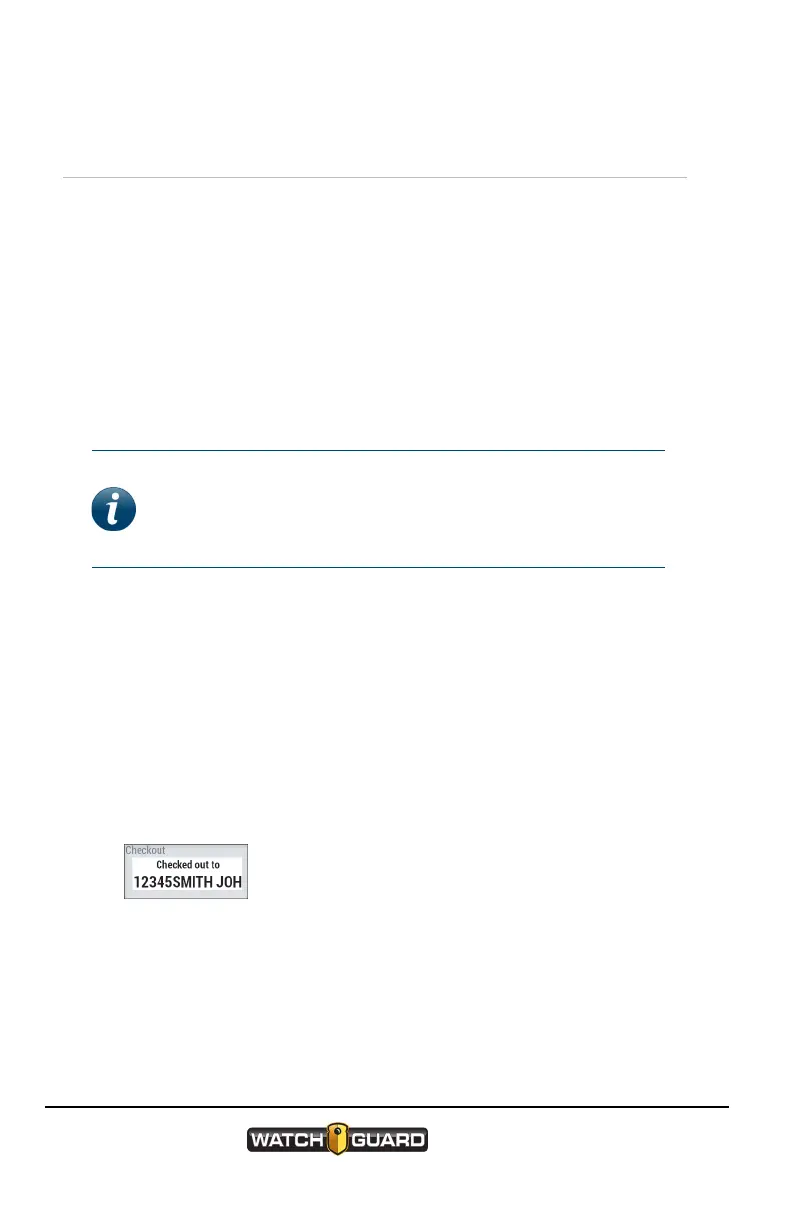
When the configuration is applied, the screen displays Checked out to
on the first line and the officers name on the second line. The camera
then reboots to apply the configuration and displays the same
information then transitions to an idle screen.
4
WatchGuard V300 Camera
Quick Start Guide
WGD00170 Revision: B


 To Next Page