www.watersnake.com.au
5
SLIDER PRO
1
2
3
4
5
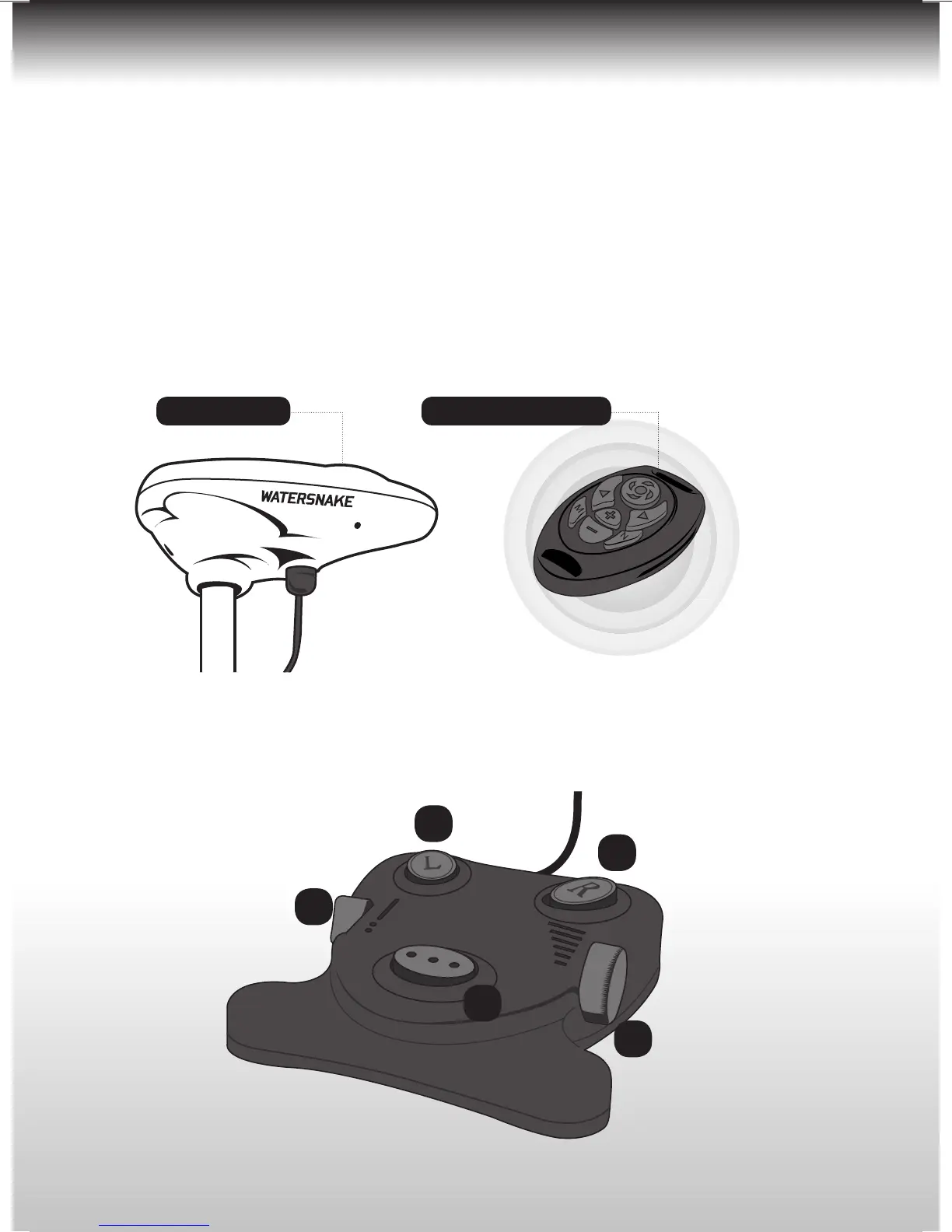
Motor head cover
SYNCING THE REMOTE TO YOUR MOTOR
(Before proceeding remove propeller for safety)
1) Remove top cover only of the motor head cover. (4 x phillips head screws)
2) Press and hold down the RC chip button on the remote control receiver board.
3) Press any button on the remote control hand unit, except the power button.
4) Release the RC chip button after the indicator light fl ashes.
5) If the indicator light fails to fl ash repeat steps 2-4.
6) Replace the top cover of motor head. (4 x phillips head screws)
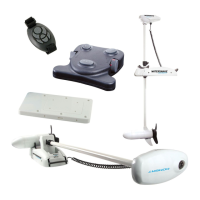
FOOT PEDAL CONTROL SYSTEM
Remote Control hand unit





 To Next Page