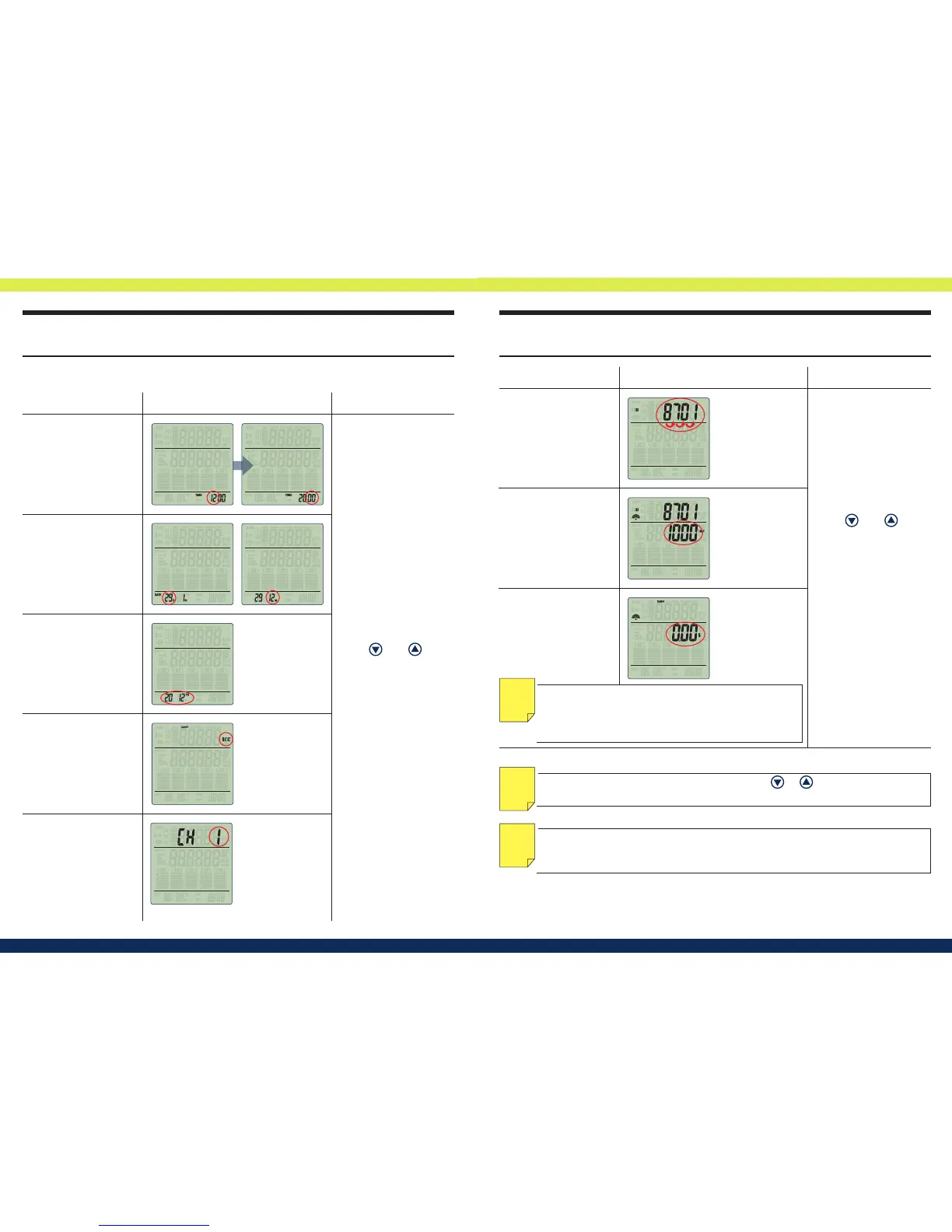
Step 2.)Procedure of Menu set up as below:
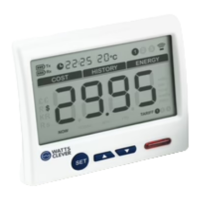
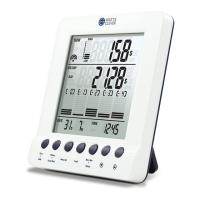
How do I install and set up the wireless energy
monitor correctly?
How do I install and set up the wireless energy
monitor correctly?
NOTE: If the setup is already in tiered-rate, press
or in menu set up mode
while setting up electricity price to change the value to at-rate.
NOTE
NOTE: The last hour and minute (TIME STAMP) will be stored in the memory after
installing new batteries. The date and time can only be moved forward unless the
memory is cleared and time can be set.
NOTE
Display Blinks Setting procedure
Using and to ad-
just the value, and press
[ Select
E
]
to conrm.
Image
3. Year of date
4. Currency
2.
Day / Month of date
1. Hour (24 hours mode)
/Minutes
5. Transmitter Channel
The channel you selected on the transmit-
ter (Default: CH 1)
NOTE: If you are using Tiered-rate, skip this by press
[Select
E
] and enter tiered-rate mode with the pro-
cedures shown under “How do I set the tiered-rate?”
section.
NOTE
Using and to ad-
just the value, and press
[ Select
E
]
to conrm.
Display Blinks Image Setting procedure
6. Transmitter ID
The ID shown on the transmitter display
8 . Electricity price per kWh
You may take a look at your electricity
bill to see what you pay kWh inclusive
of taxes. Or call your electricity supplier
and ask them.
(Default as Flat-rate tari)
7. Meter Impulse
This is shown on the front of the Smart
Meter on imp/kWh
(e.g. I - Credit 500: 3200,
I - Credit 400: 1600)


 To Next Page