2 INSTALLATION/START-UP
2.1 Mounting the modem
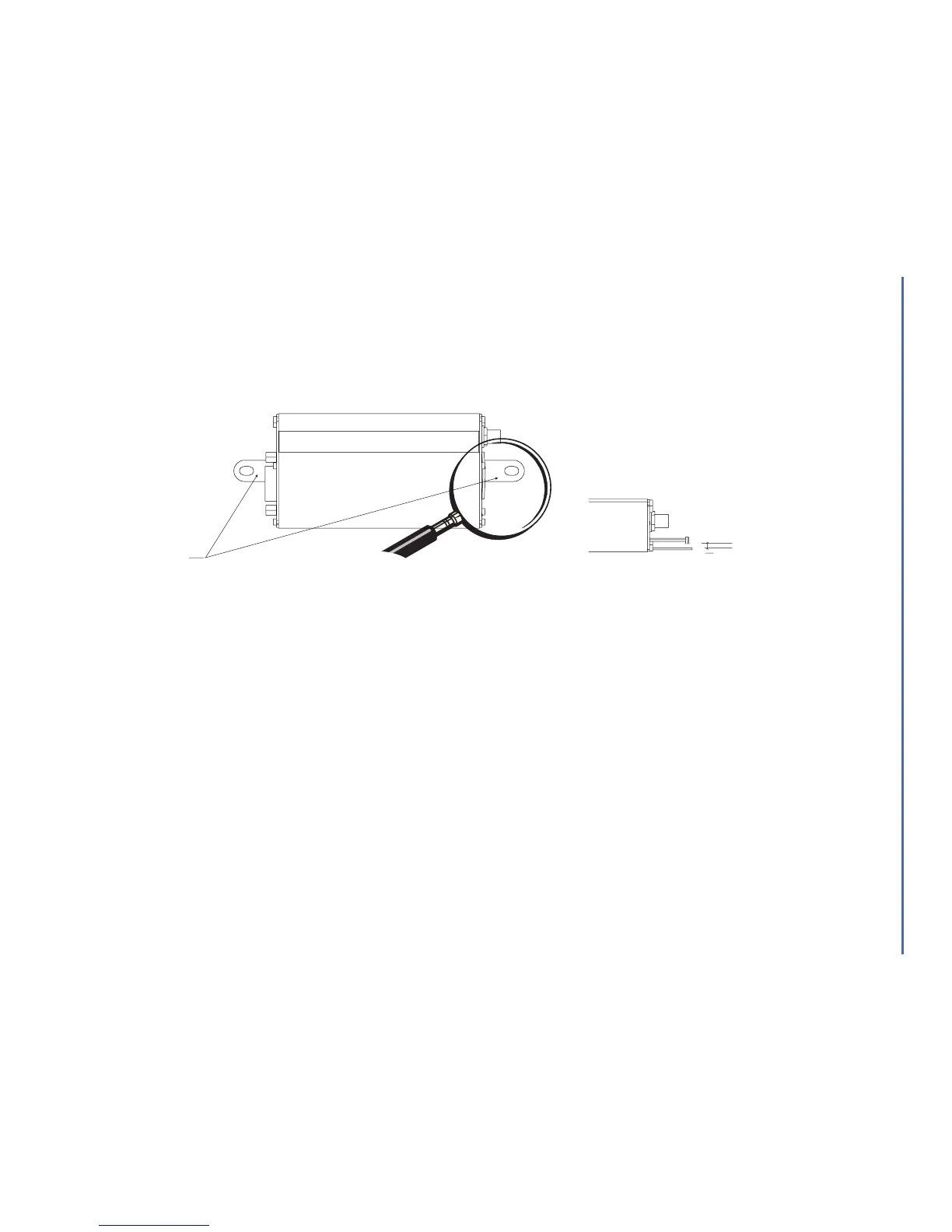
For mounting the modem, bind to the body the holding bridles according to the schema below:
Figure 2
Modem mounting
2.2 Installing the modem
To install the modem, plug the device on a DC power supply (for automotive applications, connect the device on the
permanent « + » and insert the SIM card in the holder).
Make sure that an antenna is connected.
In order to extract or to insert the Micro SIM card, it is necessary to press the SIM holder ejector
with a sharp element (a pen for example).
If this sequence is not respected, the SIM holder could be damaged.
INSTALLATION/START-UP
Wavecom WMOD2B Modem 3
Note:
- To be attached to a plain surface
- Screw head max. height: 2mm
2 mm
Holding bridles
2
mm


 To Next Page