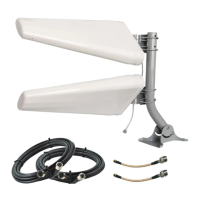
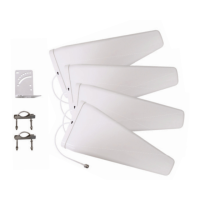
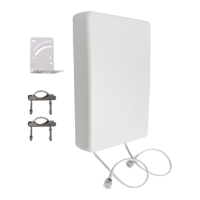
Finding the right antenna position for your 2x2 MIMO antenna(s) is the most important part
of the install. In this section, we explain the best and simplest method for positioning and
aiming. Section 7 covers some more advanced tips that we don’t recommend for most users.
The Goal
Your goal is to nd the best location and direction for your antenna(s). This location should
maximize the data rates from your cellular router. It can take a little patience, but spending
some extra time here can have a huge impact on performance - it’s worth the extra effort.
Set up Your MIMO Antenna in “Test Mode”
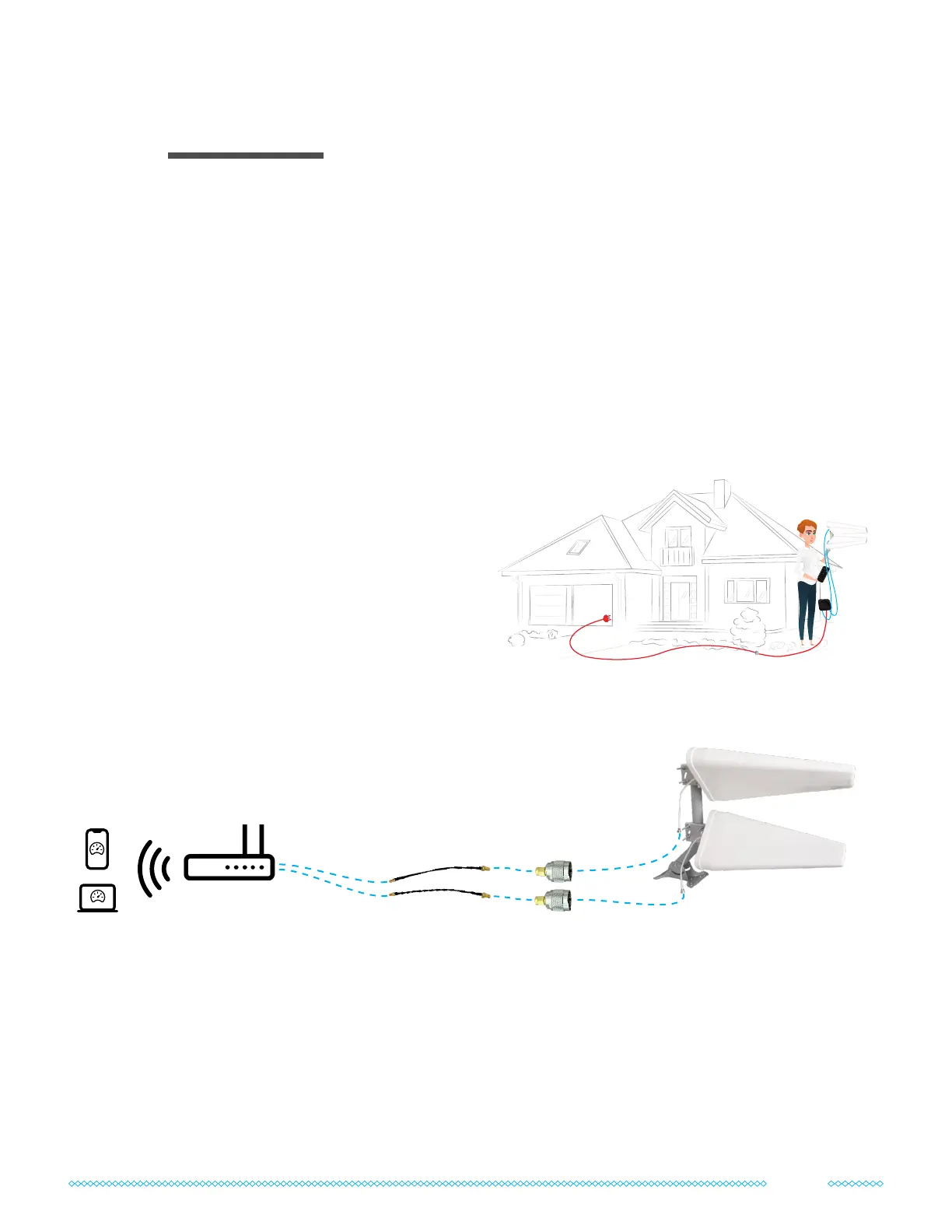
Is your cellular router battery-powered, or do
you have a power extension cord?
If so, connect your MIMO antenna(s) directly to
your router and take them both outside to start
testing different locations and directions.
Here’s how to set up your router and antenna(s) in Test Mode if you’re using the adapters
included in the kit:
Can’t take your router with you outdoors? No problem. Just keep your router powered on
indoors and use the included coax cables instead of the N-type to SMA adapters to take your
MIMO antenna(s) outside.
If you’re leaving your router indoors, your speed tests may be limited by the router’s Wi-Fi
range rather than its cellular connection. We recommend asking someone to stay near the
router so they can run speed tests as you try different positions with the antenna(s) outside.
POWER EXTENSION
Positioning and Aiming the Antenna(s)
03
MIMO Panel or Cross-Polarized
Log Periodic Antennas
N-type to SMA
Adapters
Optional TS9 or
U.FL pigtails
Speedtests on
hotspot/router Wi-Fi
Connect Adapters/Pigtails
to the cellular antenna
ports on your router
7


 To Next Page