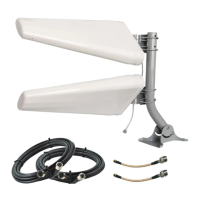
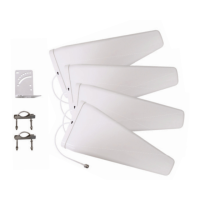
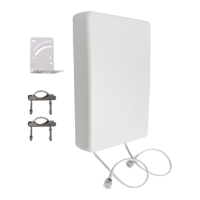
Now that you have all the components in your system connected and you’ve veried that you
are happy with your data rates, it’s time to permanently mount your QuadPro!
Your QuadPro, equipped with the FlexMount, can be installed against a pole or directly onto
the exterior of your building.
Mounting your QuadPro with the FlexMount
For the full instructions, follow the FlexMount’s included manual, or nd it online at
waveform.com/exmount-manual, then resume this manual to complete your installation.
If your kit includes the UltraPole, refer to its included manual, or nd it online at
waveform.com/ultrapole-manual for additional instructions on its assembly for your system.
We’re Here to Help!
We know that every use case is different and the steps for mounting your antenna may differ
for your unique location. Don’t worry! If you’re running into issues, or have any questions, just
reach out.
Mounting Your QuadPro
04
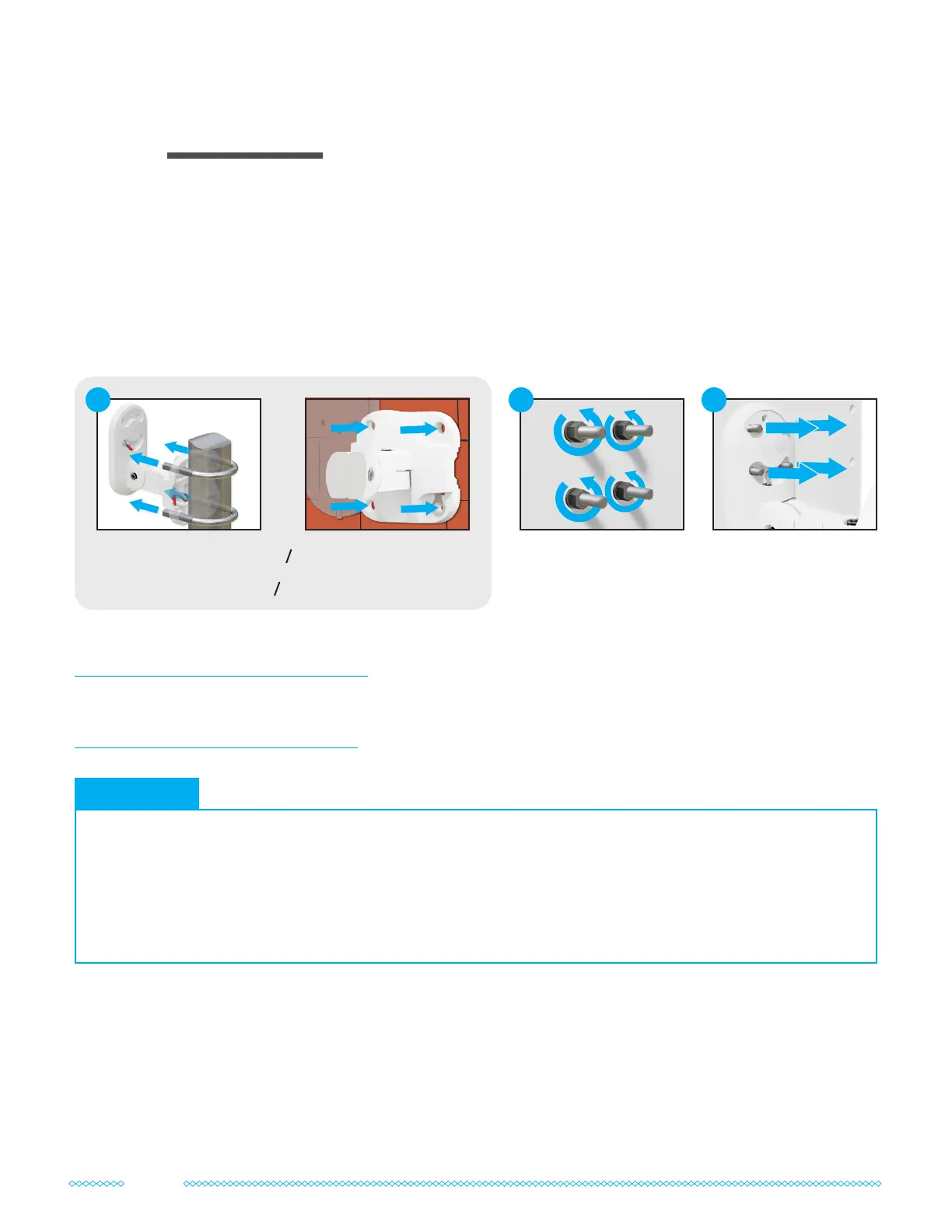
Secure the FlexMount to
your wall using its wall
screws and anchors.
or
Secure the FlexMount
to your pole using its
U-bolts.
1
Use the provided socket
wrench to remove the
installed washers and
nuts from your QuadPro.
2
Place the bolts of your
QuadPro through your
FlexMount and reinstall
the washers and nuts.
3
• Mount the QuadPro with its cables facing downward to ensure proper weatherproong.
• Create a small “drip-loop” in your cables before they enter your building to help prevent water from
entering your building.
• When wall mounting, position your FlexMount against the wall and mark the locations of its holes with a
pencil or marker before drilling any holes.
Install Tips
10



 To Next Page