NRF52840 Eval Kit User Manual
Vision: V1.0.1 Date: 2019.01.19 10 / 72
PERIPHERALS DEMO
Finish the developing environment setup, you now can try with some demo. Herein
using the newest SDK(SDK 15.2), which support Bluetooth 5.0
There are examples in SDK, which can be divided to two kinds, one of them can
run without Softdevice and another are based on Softdevice. The demo which does
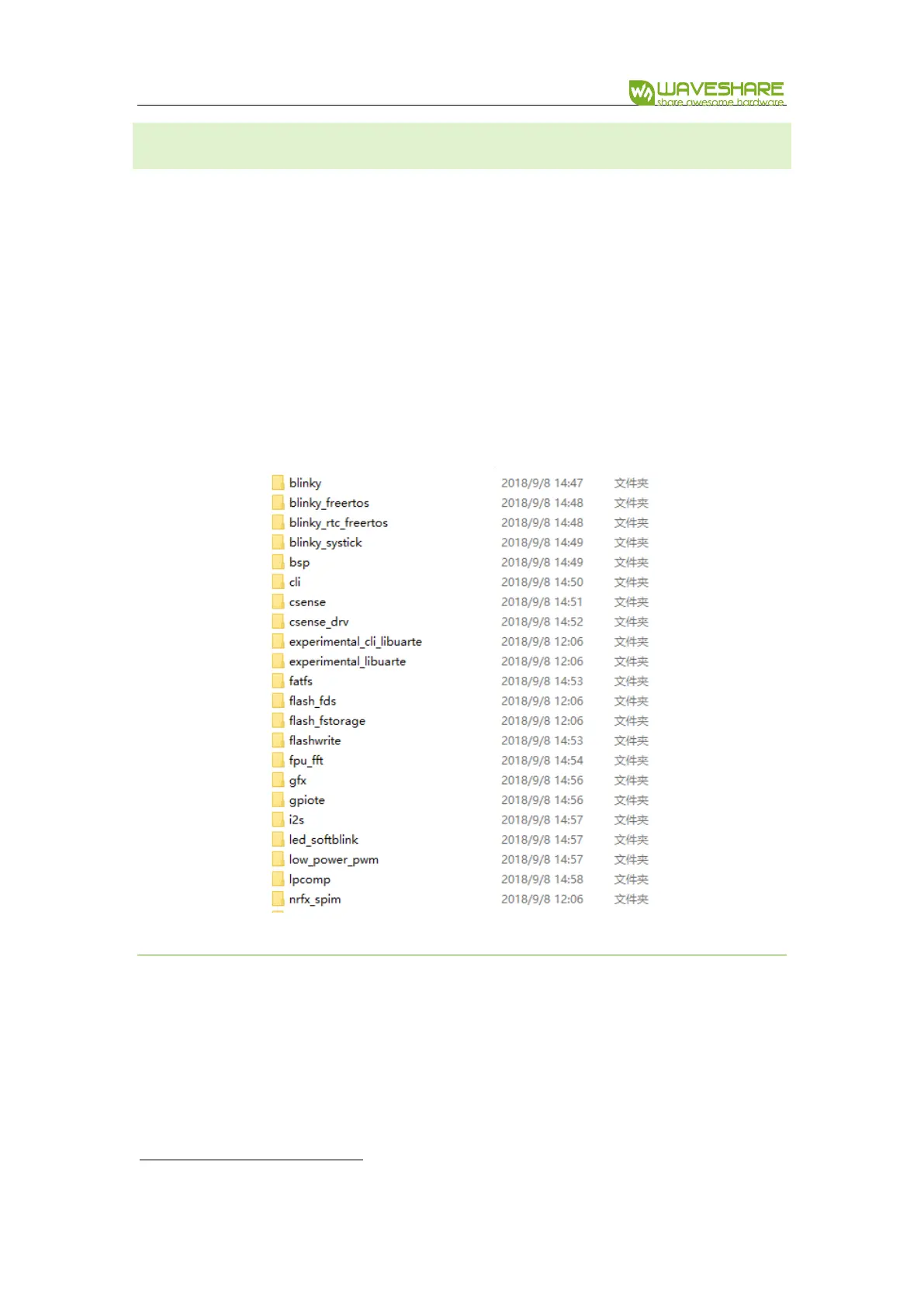
not need Softdevice generally located in
nRF5_SDK_15.2.0_9412b96\examples\peripheral\
HARDWARE CONNECTION
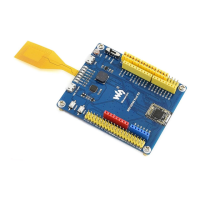
⚫ Connect J-Link programmer to NRF52840 Eval kit and PC
⚫ Connect NRF52840 Eval Kit to PC or other external power adapter
⚫ Pull the jumper of LED3, and wire L3 to P1.05


 To Next Page