NRF52840 Eval Kit User Manual
Vision: V1.0.1 Date: 2019.01.19 8 / 72
⚫ Double-click installer “CPCP210xVCPInstaller_xxx” to run it
⚫ Clock next to finish installing
After installing, you can find that a new serial device is recognized under
Computer->Manager->Devices Manager-> COM and LPT after you connect the
evaluation board to PC.
INSTALL JLINK DRIVER
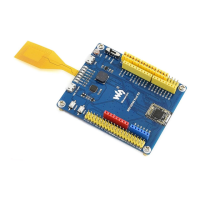
JLink programmer is used to programming NRF52840. It can also be used to erase
NRF52840Flash and upload Bluetooth Softdevices
with nRF5x-Command-Line-Tools.
We recommend you use V6.22 version or above, otherwise, the driver may cannot be
recognized. The JLink driver is included in resources, you can search and download it.
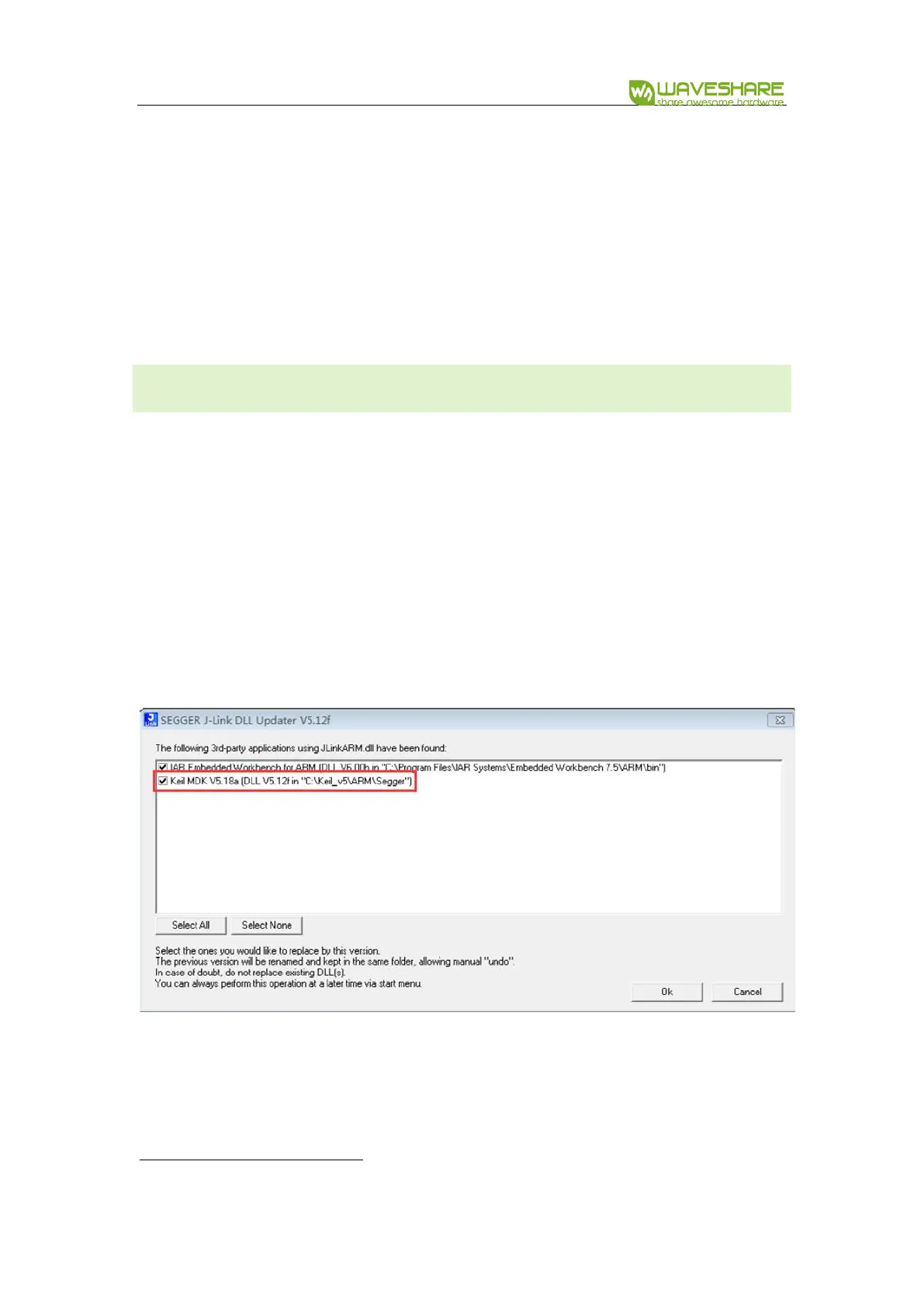
If you have installed Keil before JLink driver, don’t forget to check the option to
cover it as below:


 To Next Page