NRF52840 Eval Kit User Manual
Vision: V1.0.1 Date: 2019.01.19 54 / 72
Download:
⚫ Open the project SlaveDevice_bluetooth-HIDS_KEYBOARD(APP),
⚫ Compile and download to Eval Kit board.
Expected result:
⚫ Eval Kit board broadcast and LED1 is blinking.
⚫ Open Bluetooth of your Phone, search and connect Nordic_keyboard device. After
connecting, LED1 is on
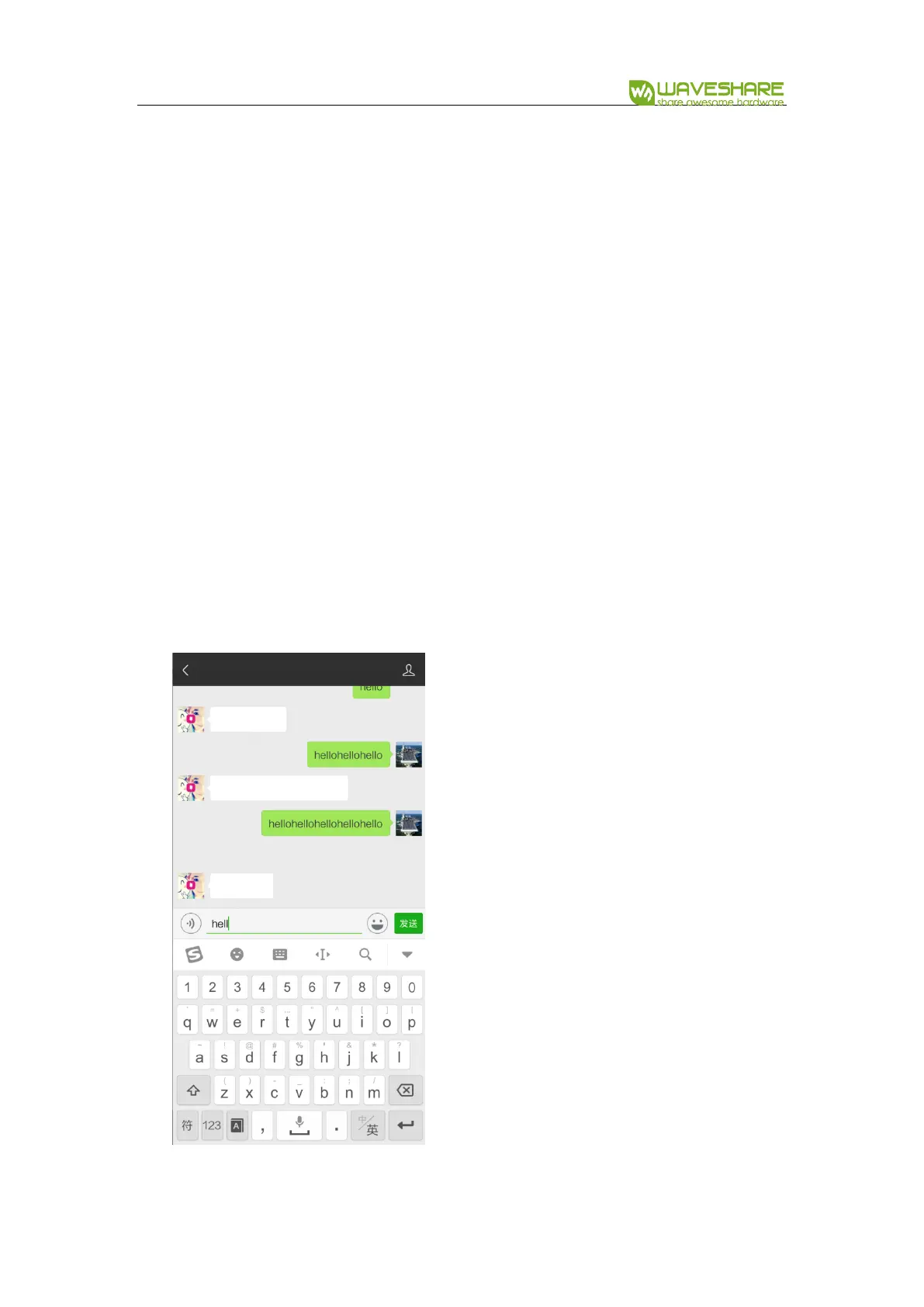
⚫ Then you can try to input text
Press KEY1 on board to input string “hello”. Connect P0.15 to LED, and you can
find that LED is turned off if Caps Lock is enabled, and the LED is turned on when
Caps Lock is disabled.


 To Next Page