Waydoo Flyer EVO USER GUIDES
© 2024 All rights reserved by Waydoo
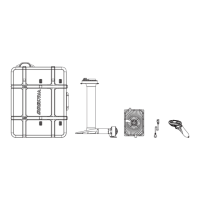
Board Bag
We also designed a special standard board bag for the Master Plus board.
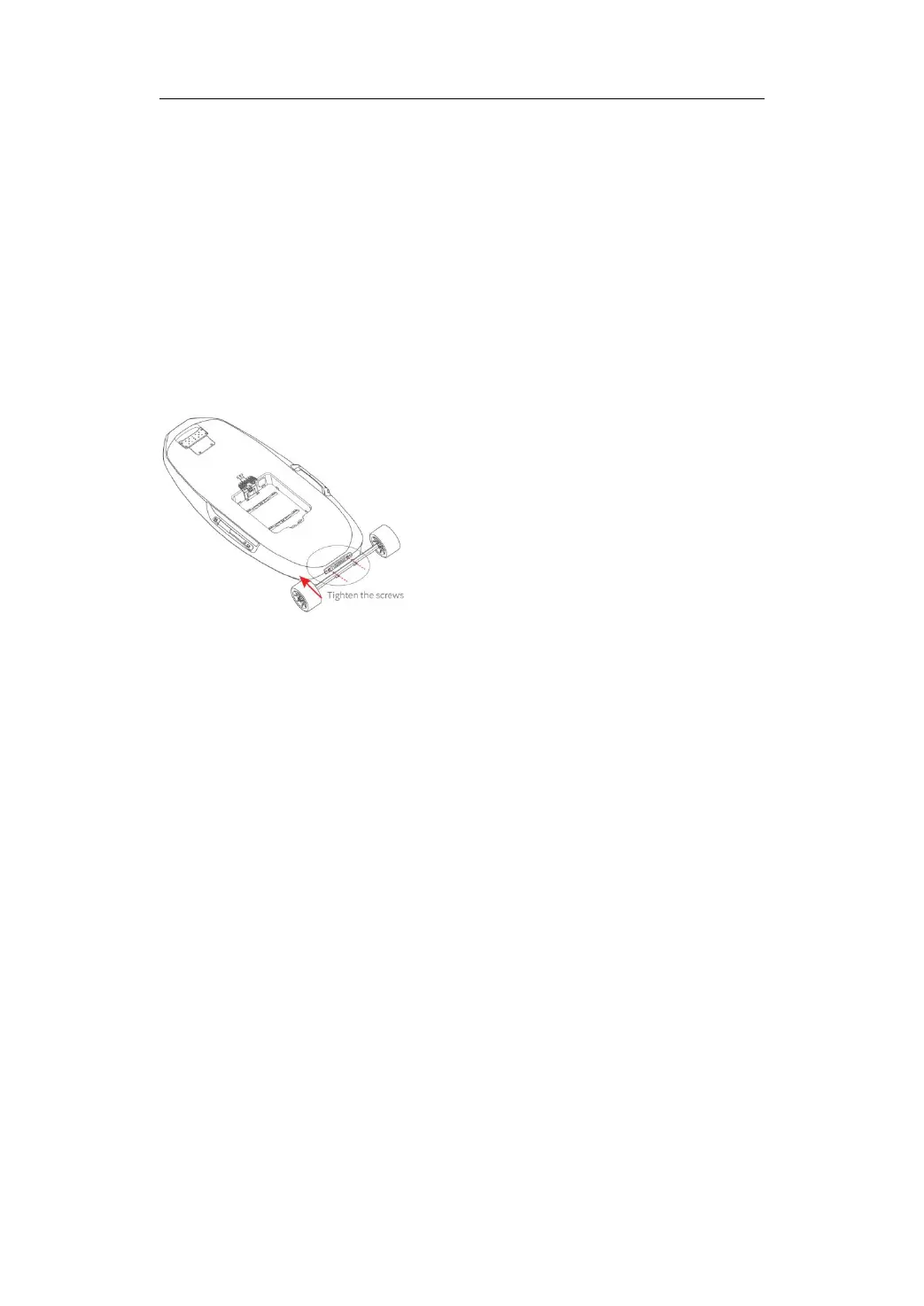
Mover
Install the Mover-S on the Pro/Pro Plus board and install the Mover-L on the
Max Plus board to facilitate the transportation of the product.
Remove the two screws pre-installed on the board, and then tighten the two
L-shaped screws. Note: When using the board mover to transport the board,
if the road is bumpy or there are steps, do not install or place the battery on
the board, otherwise the mover rod may be damaged.
Scooter Kit
Transform your eFoiling experience with the EVO Scooter Kit, which
introduces a scooter form to your Max Plus board. This kit comes with a
handlebar that easily attaches to the board’s nose, providing exceptional
stability and control.
EVO remote
The EVO remote is ergonomically designed and equipped with an LCD
display interface. The display shows the power level of the Powerflight
battery and the EVO remote, flight speed, gear, GPS signal, Bluetooth
connection status,etc. The remote provides 24 gears for adjustment. Use the
gear "+"/"-" buttons on the remote to adjust the gears.


 To Next Page