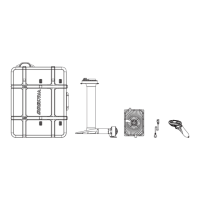
Waydoo Flyer EVO USER GUIDES
© 2024 All rights reserved by Waydoo
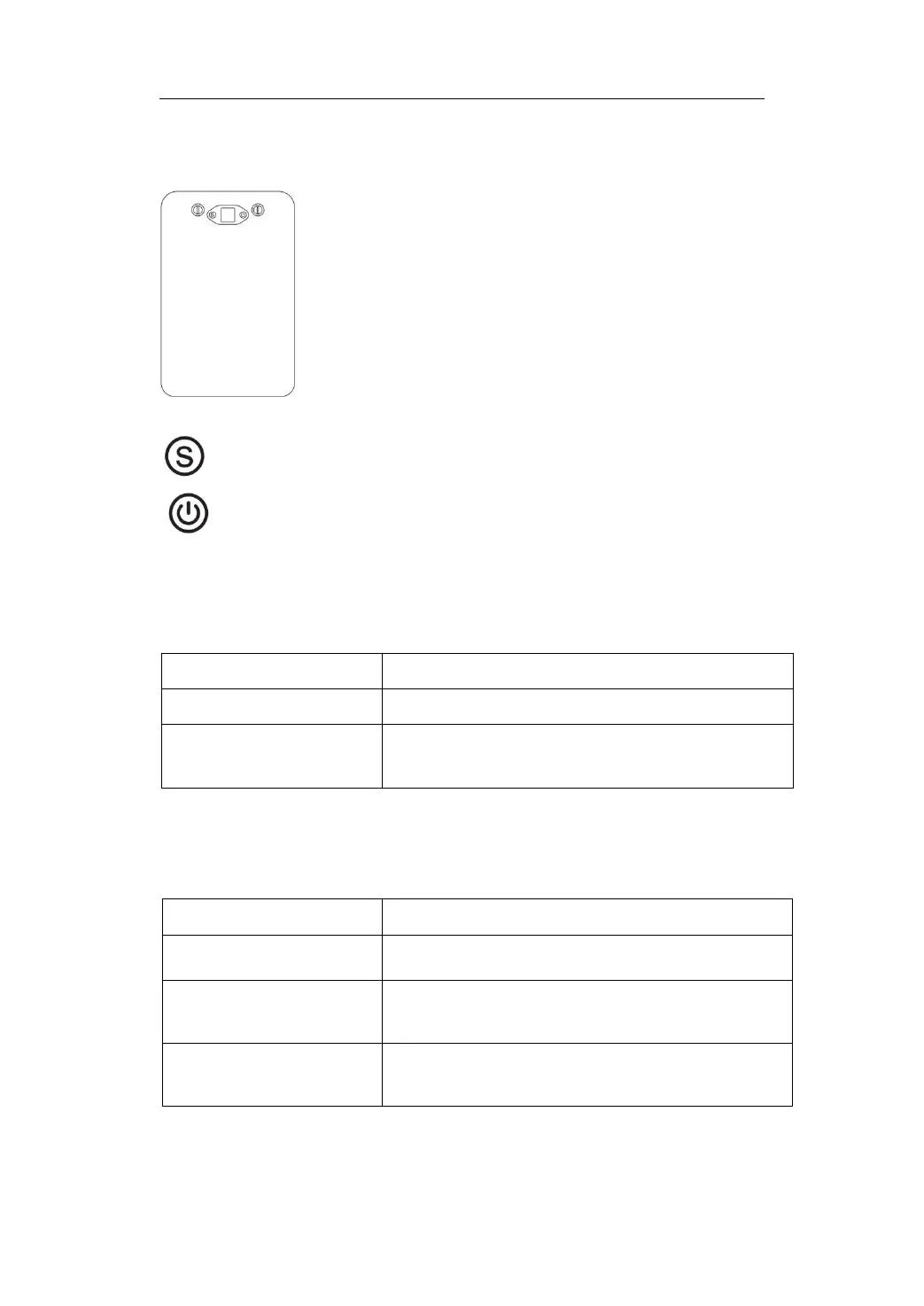
1. Powerflight Battery Button
Switch button (Long press in some interfaces to function as the
return button)
Power button (Can function as the confirmation button in some
interfaces)
2. Interface Introduction
1) Status bar
Status bar display content
Current time, button operation sensor prompts
Button operation sensor prompts, operation
prompts
2) Main interface
Other interfaces will automatically return to the main interface if there is no
operation for about 15 seconds.
Main interface display content
Power, voltage, current, discharge/standby status
Battery power, battery temperature, charging
current, charging status
Inverter discharge status
Battery power, discharge power, AC power
parameters, AC power output switch


 To Next Page